
Time, Attendance & Employee Requests

Leave, overtime and timesheets with approvals

Time, Attendance & Employee Requests manages leave, overtime, permissions, timesheets and absence balances. Each request goes through approval, so payroll receives reviewed time records instead of month-end spreadsheets.

Business colleagues walking and talking in office building

Time and attendance software capabilities

Annual leave, unplanned absence, overtime and changed working hours all affect who is available and what they are paid. With rotating shifts or several locations, each supervisor's spreadsheet tells a different story, and the gaps appear when payroll runs.

Leave, permission and general requests

Employees request annual leave, hourly permissions and other general requests. Leave requests are linked to the employee's entitlement and routed for approval.

HYP ERP
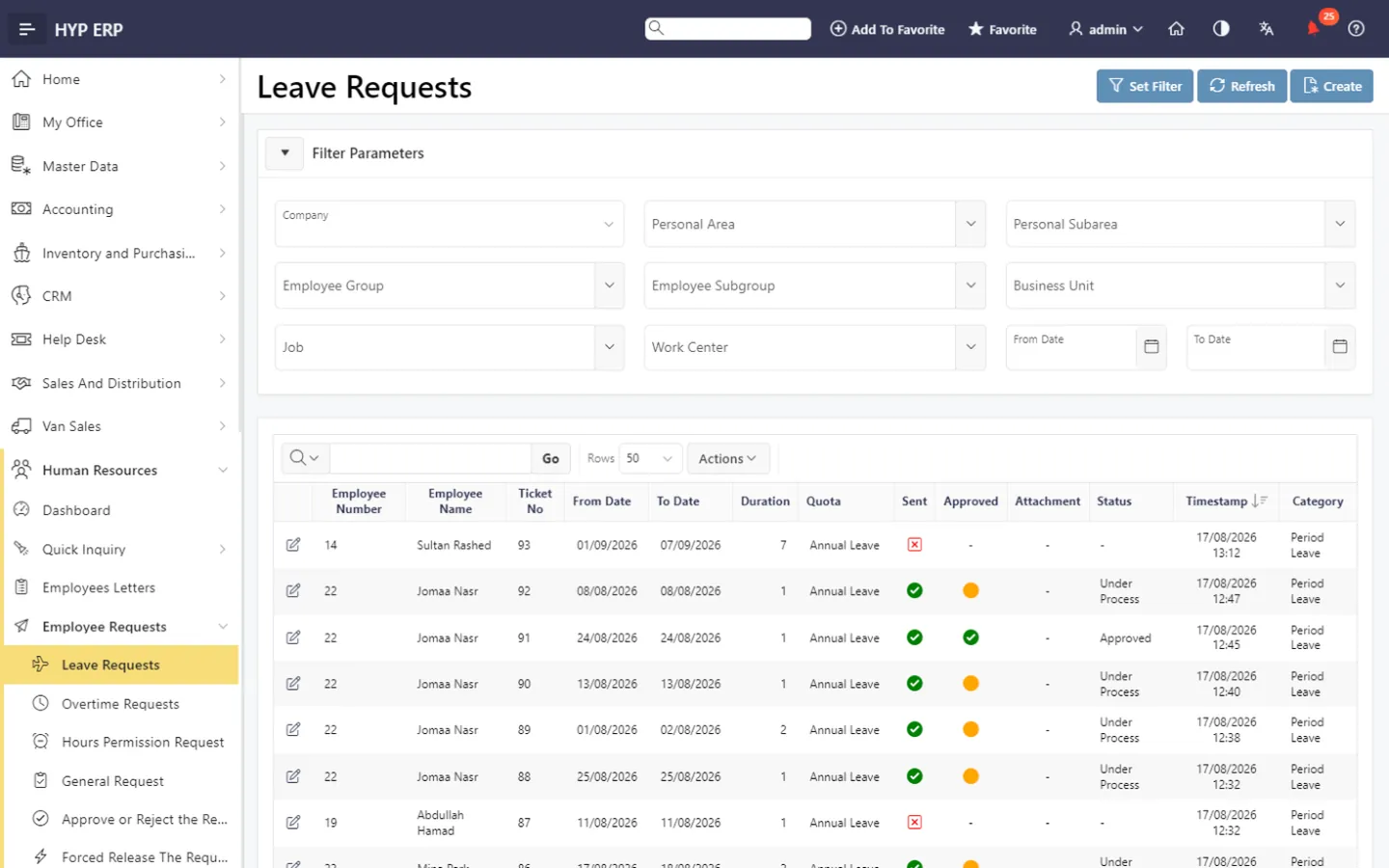
Leave, permission and general requests screen in HYP ERP

Overtime requests and monthly records

Record overtime requests and monthly overtime and review them before they are paid, giving HR an accountable basis for extra hours instead of informal messages.

HYP ERP
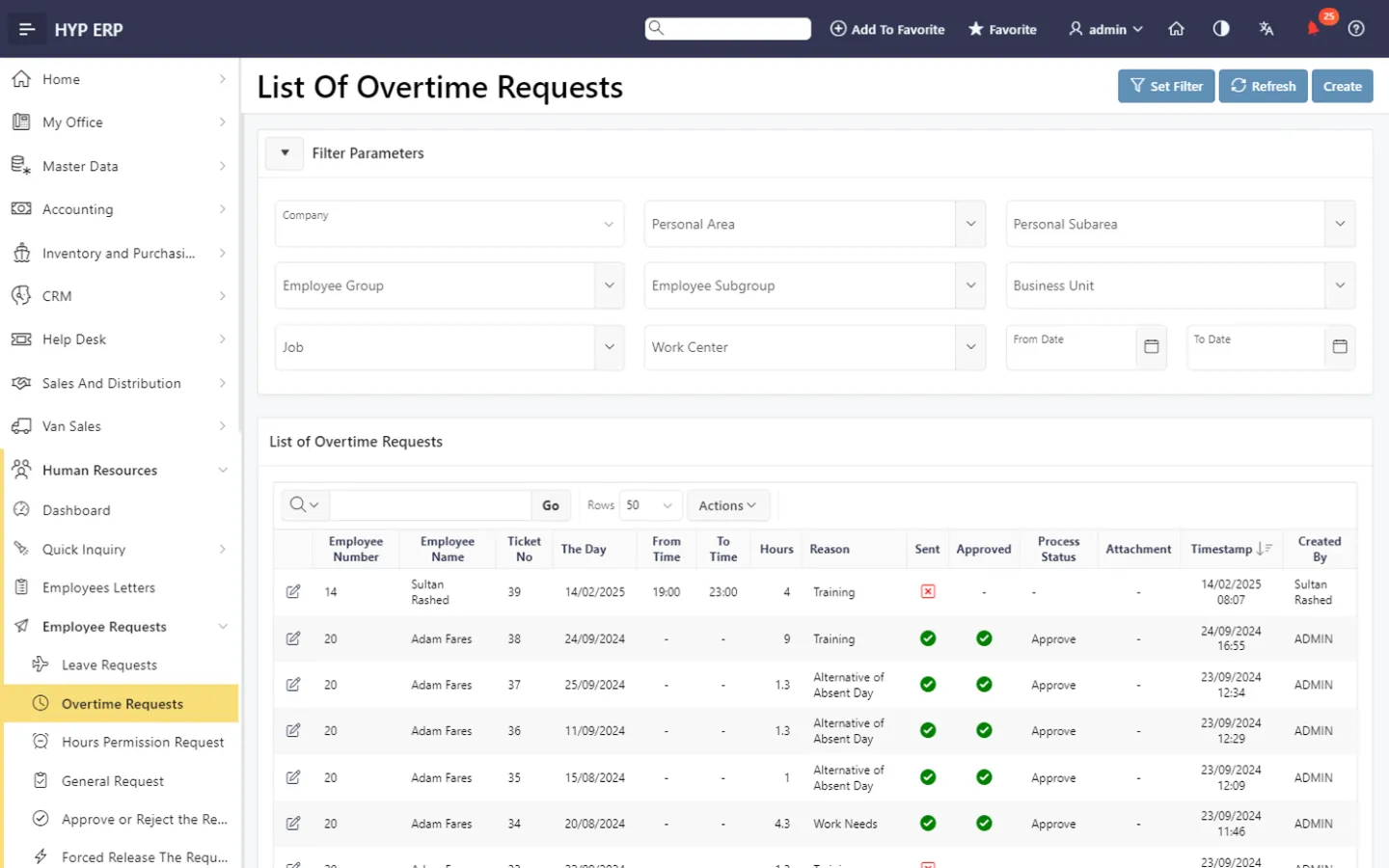
Overtime requests and monthly records screen in HYP ERP

Timesheets and attendance data

Maintain employee timesheets, including auto-generated ones, and work with uploaded or synchronized attendance files to compare planned time with recorded time. Time data analysis points to records that need follow-up.

HYP ERP
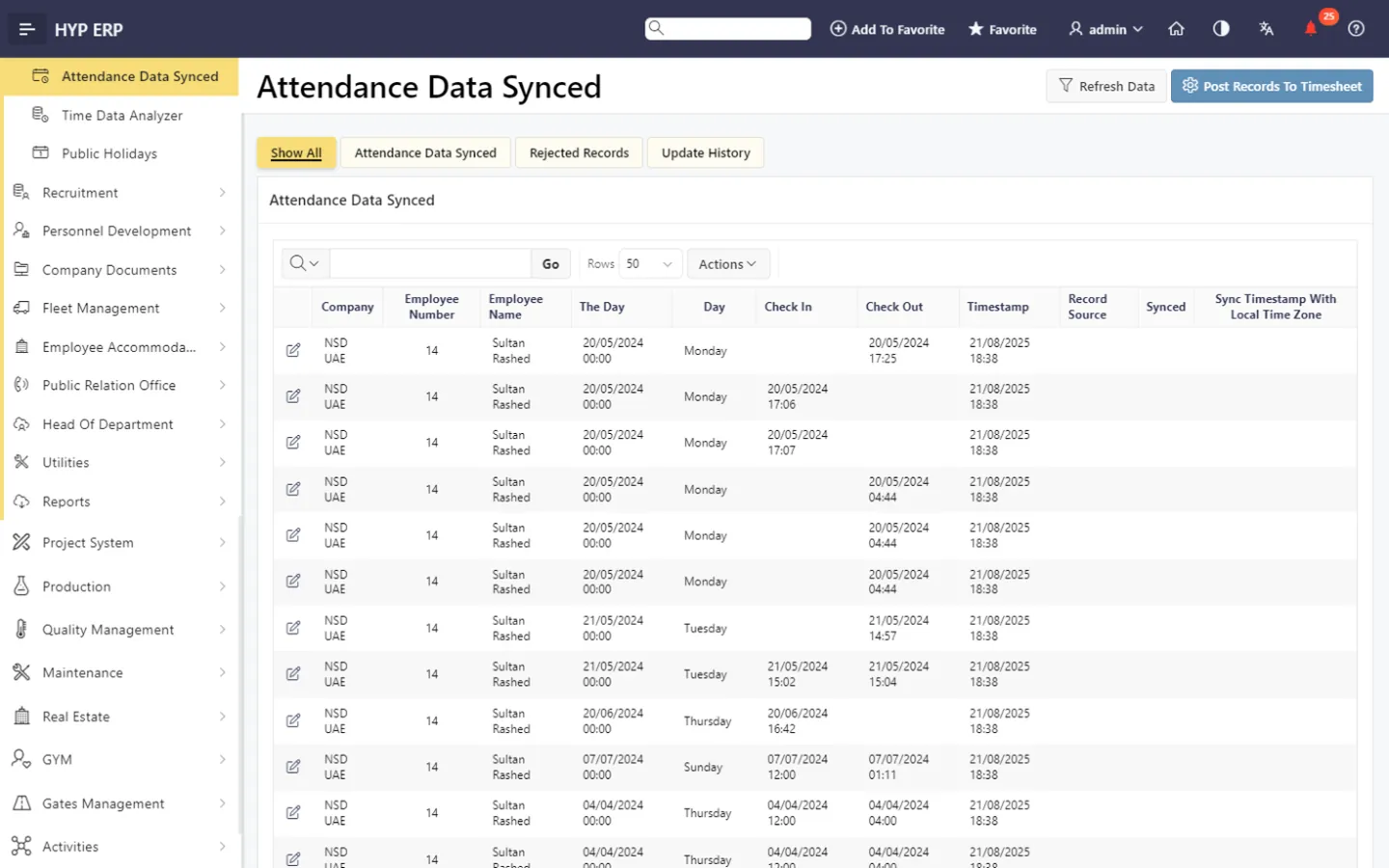
Timesheets and attendance data screen in HYP ERP

Absence and quota administration

Register absences, adjust leave balances and process carry-forward, so entitlements stay accurate across periods.

HYP ERP
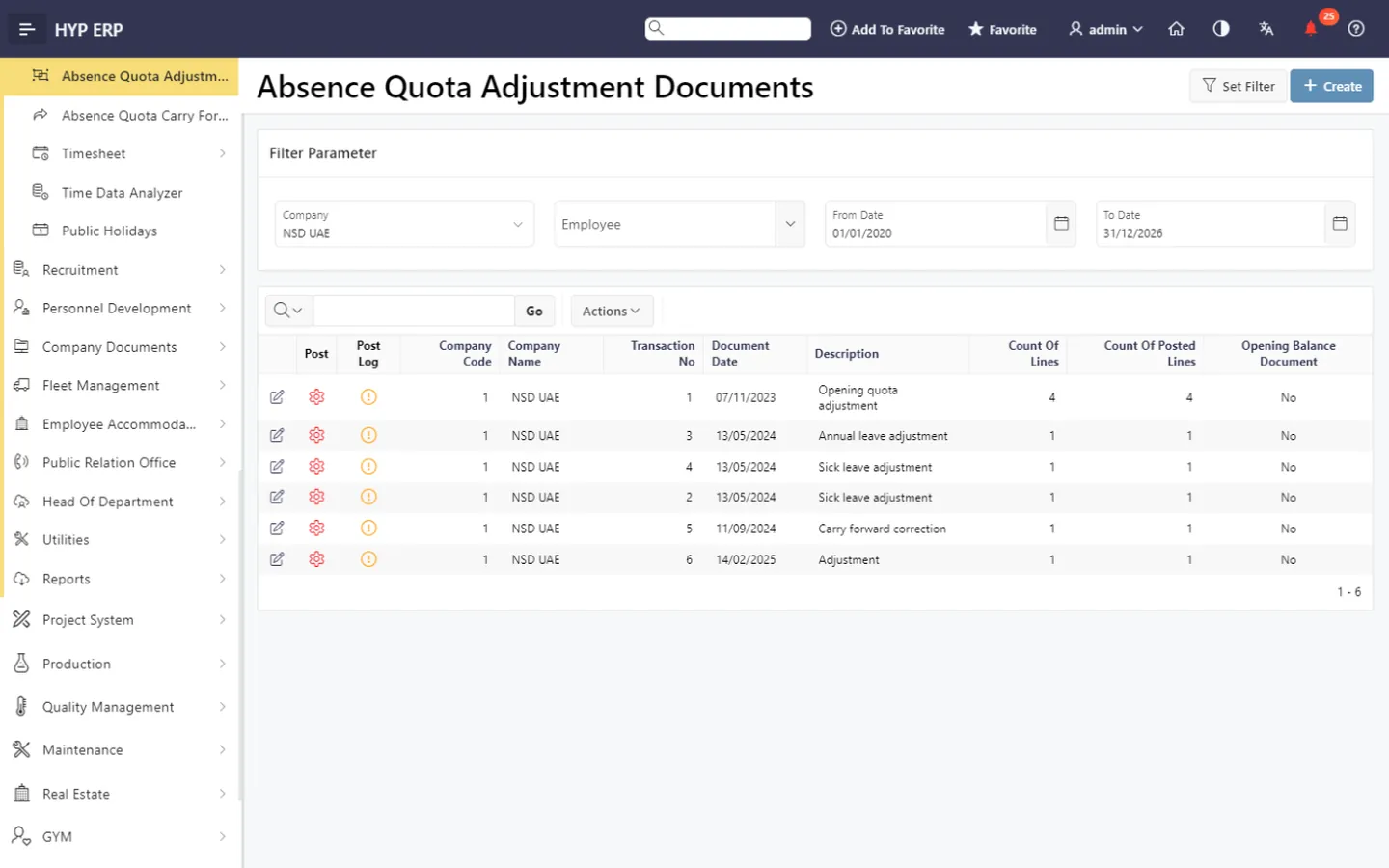
Absence and quota administration screen in HYP ERP

Public holidays and absence calendars

Maintain public holidays and view workforce absence calendars to plan coverage before approving time off.

HYP ERP
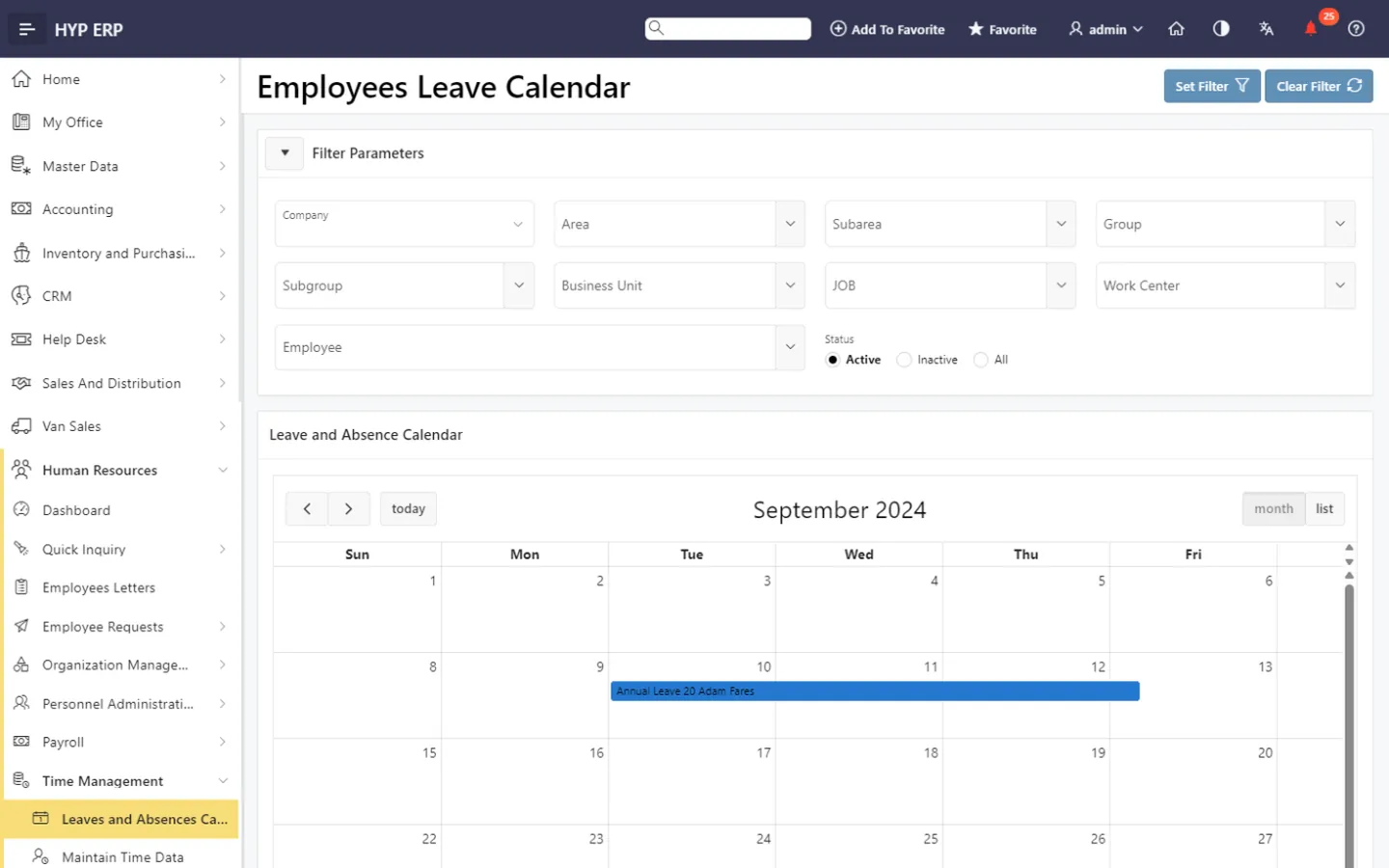
Public holidays and absence calendars screen in HYP ERP

What's included

What's included in Time, Attendance & Employee Requests

The request, time data and report screens in the Human Resources module.

Employee requests

  • Leave requests
  • Overtime requests
  • Hours permission
  • General requests
  • Approve or reject requests
  • Forced release

Time data

  • Employee timesheets and auto-generation
  • Attendance file upload and synced attendance data
  • Monthly overtime
  • Register absence and mass absence hours
  • Quota adjustment and carry forward
  • Public holidays
  • Time data analyzer
  • Leaves and absences calendar

Reports

  • Registered absences
  • Quota
  • Timesheet summary
  • Exceptional synced attendance
  • Time rules

How time records reach payroll

  1. Capture

    Attendance, timesheets, leave and overtime are recorded through the applicable input method.

  2. Review

    Exceptions, quotas and supporting details are checked.

  3. Approve

    The responsible manager decides on each request.

  4. Use

    Validated time records become available to HR administration and payroll.

From the blog

Guides on this topic

Time, attendance and leave FAQs

Does HYP ERP manage leave and overtime requests?

Yes. HYP ERP Time, Attendance & Employee Requests handles leave, overtime, hourly permission and general employee requests, each routed to the responsible manager for approval before it affects time records.

Can attendance files be uploaded into HYP ERP?

Yes. HYP ERP accepts uploaded attendance files and also supports synchronized attendance data, which is analyzed and reviewed alongside timesheets, leave and overtime. Device connections are covered by the Attendance Management System.

Does HYP ERP track leave balances and carry-forward?

Yes. HYP ERP manages absence quotas, including balance adjustments and carry-forward, so HR and payroll work from accurate leave entitlements rather than balances kept in separate files.

How does attendance data feed payroll in HYP ERP?

Through approval. Approved and processed time records in HYP ERP, including absences and overtime, become inputs to the payroll period, so exceptions are resolved before the payroll run rather than corrected afterward.

Settle leave and overtime before payroll runs

See how HYP ERP takes a leave or overtime request from submission to an approved, payroll-ready record.

Chat now
Chat now Request a demo