
Payments & Split Bills

Split the bill, keep one order

HYPOS Payments & Split Bills is the restaurant billing part of HYPOS: dine-in, takeaway and delivery billing, invoice splitting for shared tables, payments by method or through Qlub and Stripe, and every POS transaction linked to HYP ERP accounting. Each split and each payment stays on the original order.

Young adults in cafe paying with contactless payment

Split bill POS and payment capabilities in HYPOS

How HYPOS handles shared tables and payments, from the till to the books.

Invoice splitting for shared tables

Divide a table or group bill into separate invoices, so cashier and guest can see each part while the original transaction stays intact.

HYP ERP
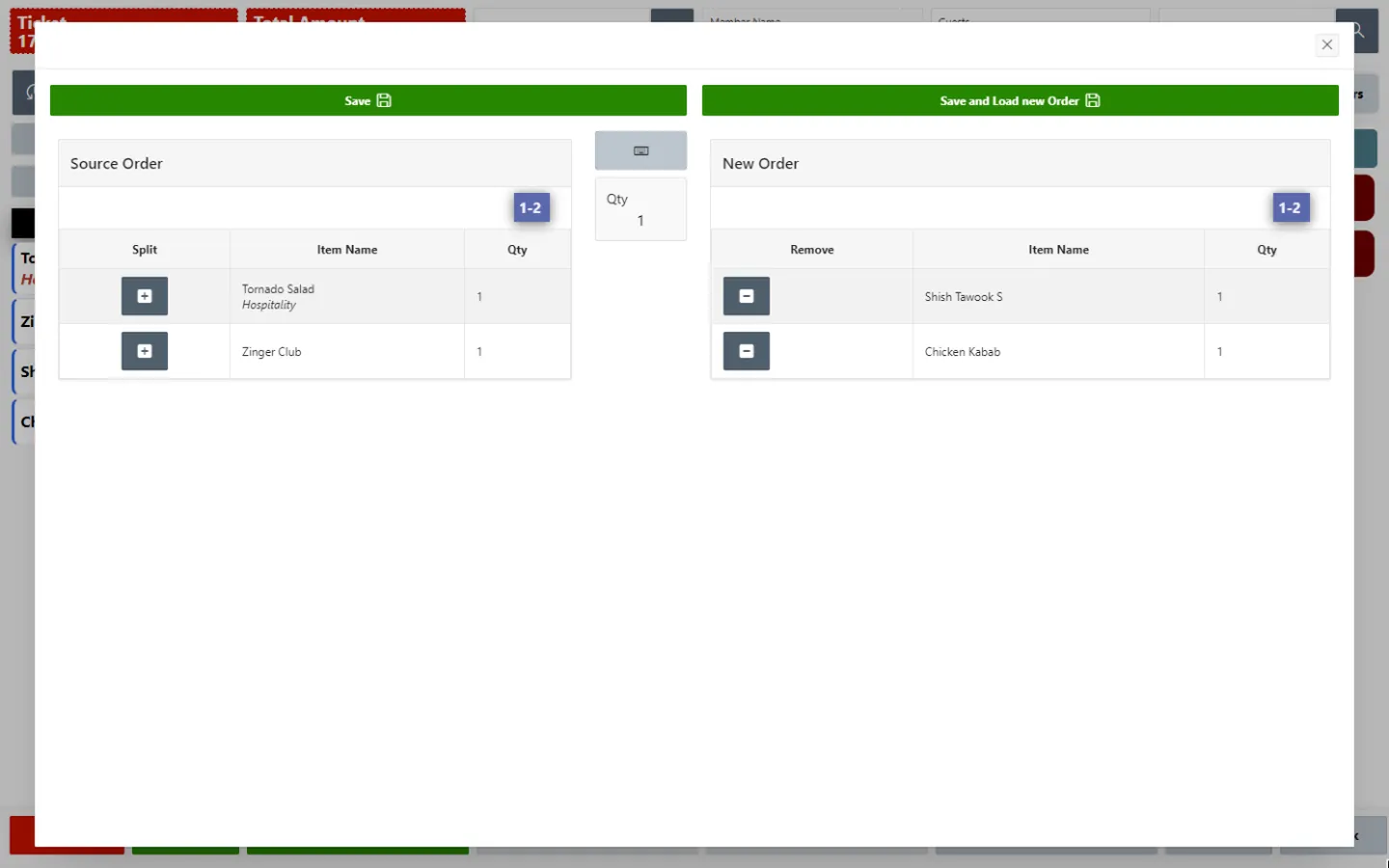
Invoice splitting for shared tables screen in HYP ERP

Dine-in, takeaway and delivery billing

Bill every service type from the same HYPOS POS, with the payment type recorded on each transaction.

HYP ERP
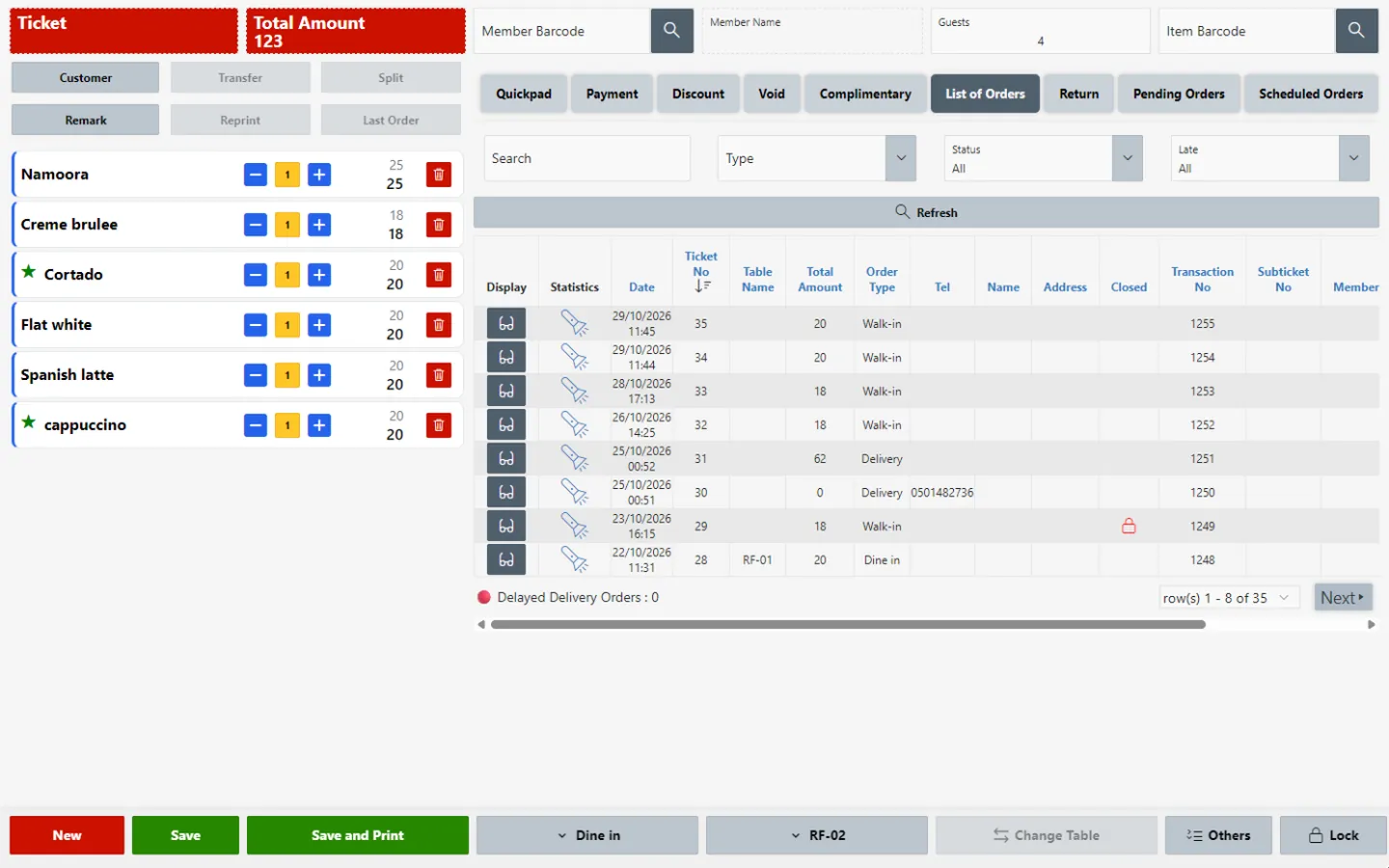
Dine-in, takeaway and delivery billing screen in HYP ERP

Qlub and Stripe payments

Take pay-at-table payments and split bills through Qlub and online card payments through Stripe, with each payment recorded against the HYPOS bill so it can be matched with POS totals.

HYP ERP
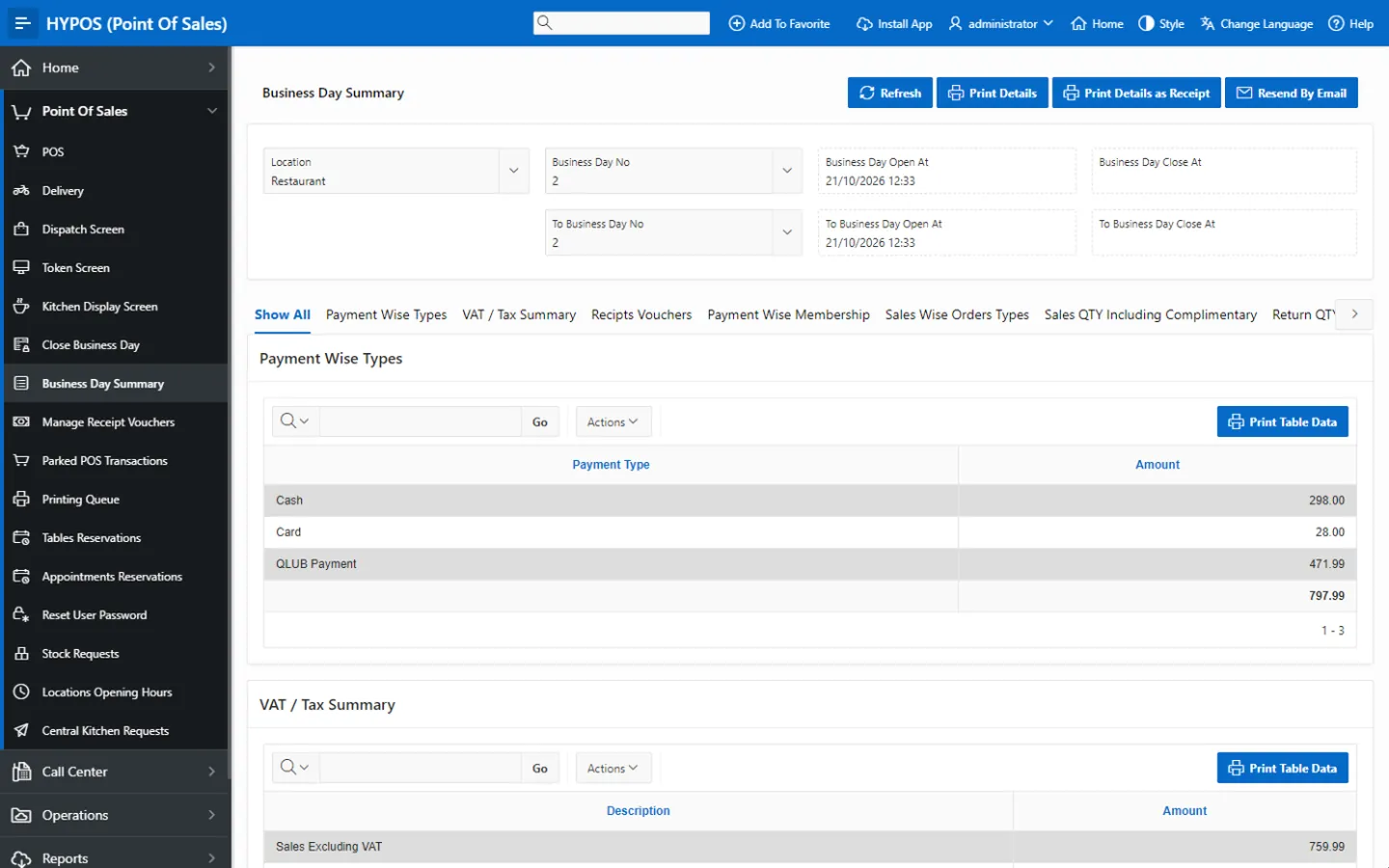
Qlub and Stripe payments screen in HYP ERP

Payment and session reporting

Review POS sales by payment type, along with refunds, billing exceptions and POS sessions, for daily cashier review.

HYP ERP
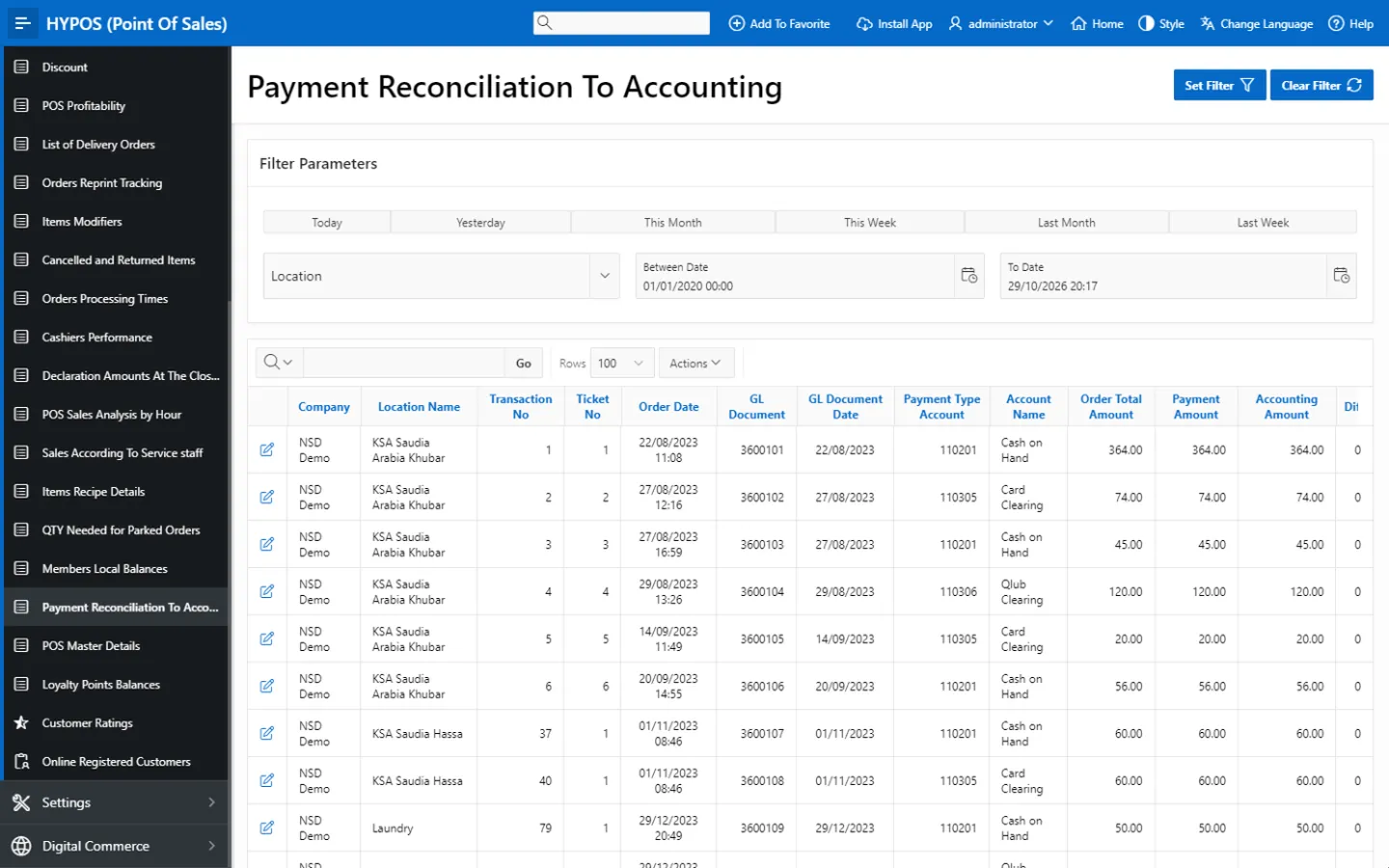
Payment and session reporting screen in HYP ERP

Accounting connection

Connect applicable HYPOS sales transactions with HYP ERP accounting, so settlement timing and provider commissions can be treated separately from sales.

HYP ERP
Accounting connection screen in HYP ERP

How a shared bill is settled in HYPOS

  1. Capture

    The table or order keeps its full transaction details.

  2. Split

    The cashier divides the invoice in HYPOS.

  3. Pay

    Each part is paid by a configured method or through Qlub at the table.

  4. Close

    Totals and session settlement information are reviewed when the POS session closes.

Benefits

What cashiers, restaurant managers and finance gain

For cashiers

Bills split without manual calculation, and payments recorded without rebuilding the original table transaction.

For restaurant managers

Refunds, billing exceptions and POS sessions reviewed in one place, with the same cashier procedure at every branch.

For finance teams

Clear totals by payment method, and external payment data reconciled against POS sales and accounting instead of sitting in provider statements.

From the blog

Guides for restaurant cashiers and managers

Split bill and restaurant payment FAQs

Can HYPOS split a restaurant bill?

Yes. HYPOS includes invoice splitting for dine-in tables and groups, so each guest or sub-group can pay separately while the bill stays linked to the original order in the POS record.

Does HYPOS integrate with Qlub and Stripe?

Yes. HYPOS integrates with Qlub for pay-at-table payments and split bills, and with Stripe for online card payments. Each payment is recorded against the HYPOS bill, so finance can match it with POS sales and the accounts.

Do HYPOS payments connect to accounting?

Yes. Applicable HYPOS sales transactions can be connected with HYP ERP accounting, so finance can review POS sales and payment types with the accounts instead of reconciling POS and payment data by hand.

Can managers review refunds and payment totals in HYPOS?

Yes. HYPOS reporting shows POS sales by payment type together with refunds, billing exceptions and POS sessions, giving restaurant managers a clear view of how each table was billed and paid.

Settle shared tables without losing the record

Walk through a split table bill with our team, from the first order to the closed POS session.

Chat now
Chat now Request a demo