
Customer Portal
A self-service portal for B2B customers
Customer Portal lets your customers follow inquiries, quotations, orders and deliveries, see invoices and statements, and raise requests online. Every action is recorded in HYP ERP.

Customer portal capabilities for self-service
Without a portal, customer communication runs through emails, calls and messages: where is my order, send the invoice again, what is my balance. Each question pulls in sales, finance or support.
Sales inquiries and quotations
Customers submit sales inquiries and review sales quotations online, so demand is captured in a structured way and quotation communication and follow-up stay visible to both sides.
HYP ERP
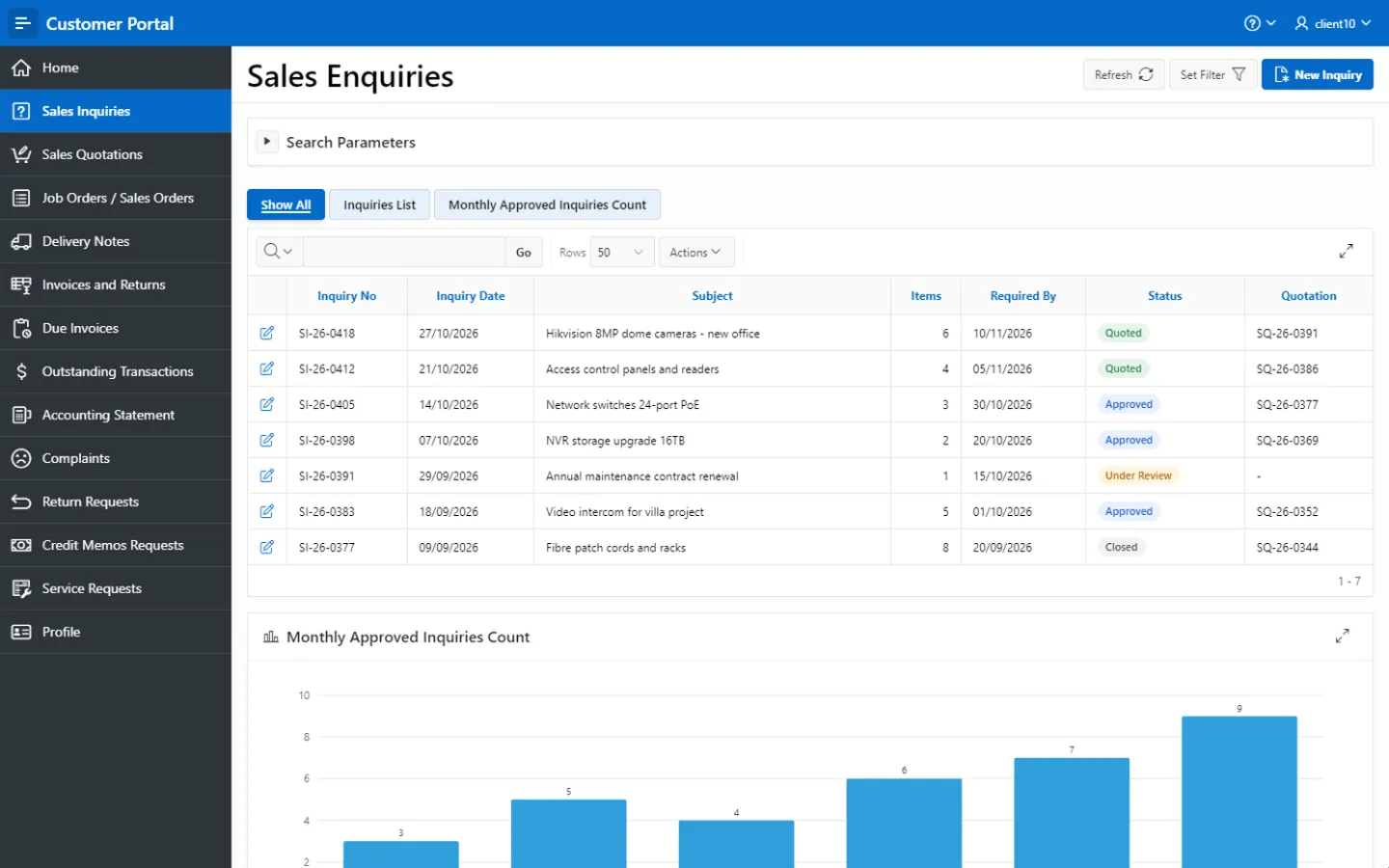
Orders and delivery visibility
Customers view the job orders, sales orders and delivery notes connected to their account, which makes the order-to-delivery process transparent and cuts repeated status requests to internal teams.
HYP ERP
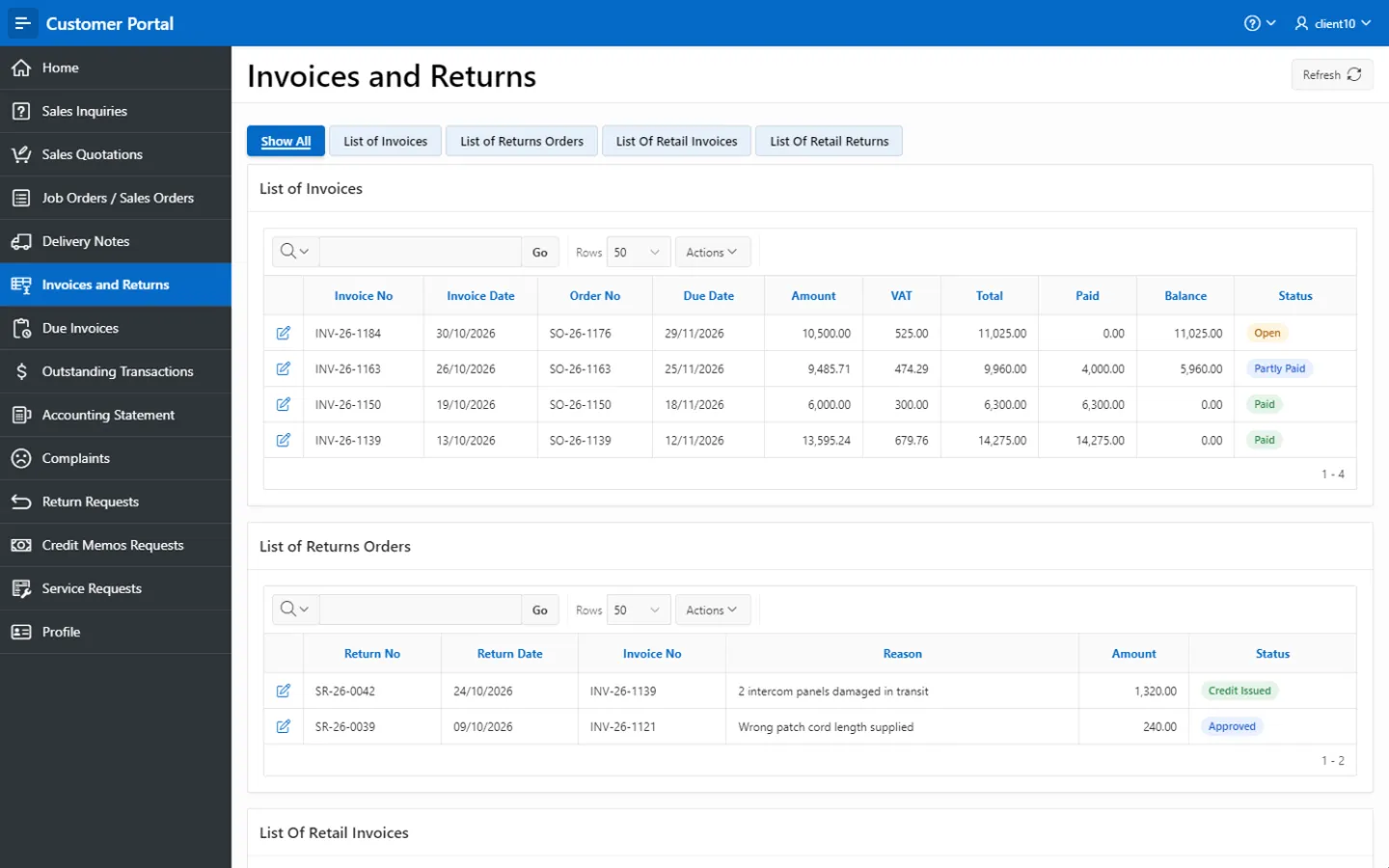
Invoices, returns and due amounts
Customers see invoices, returns, due invoices and related billing information, so they know what has been invoiced, what remains due and what payment follow-up is needed.
HYP ERP
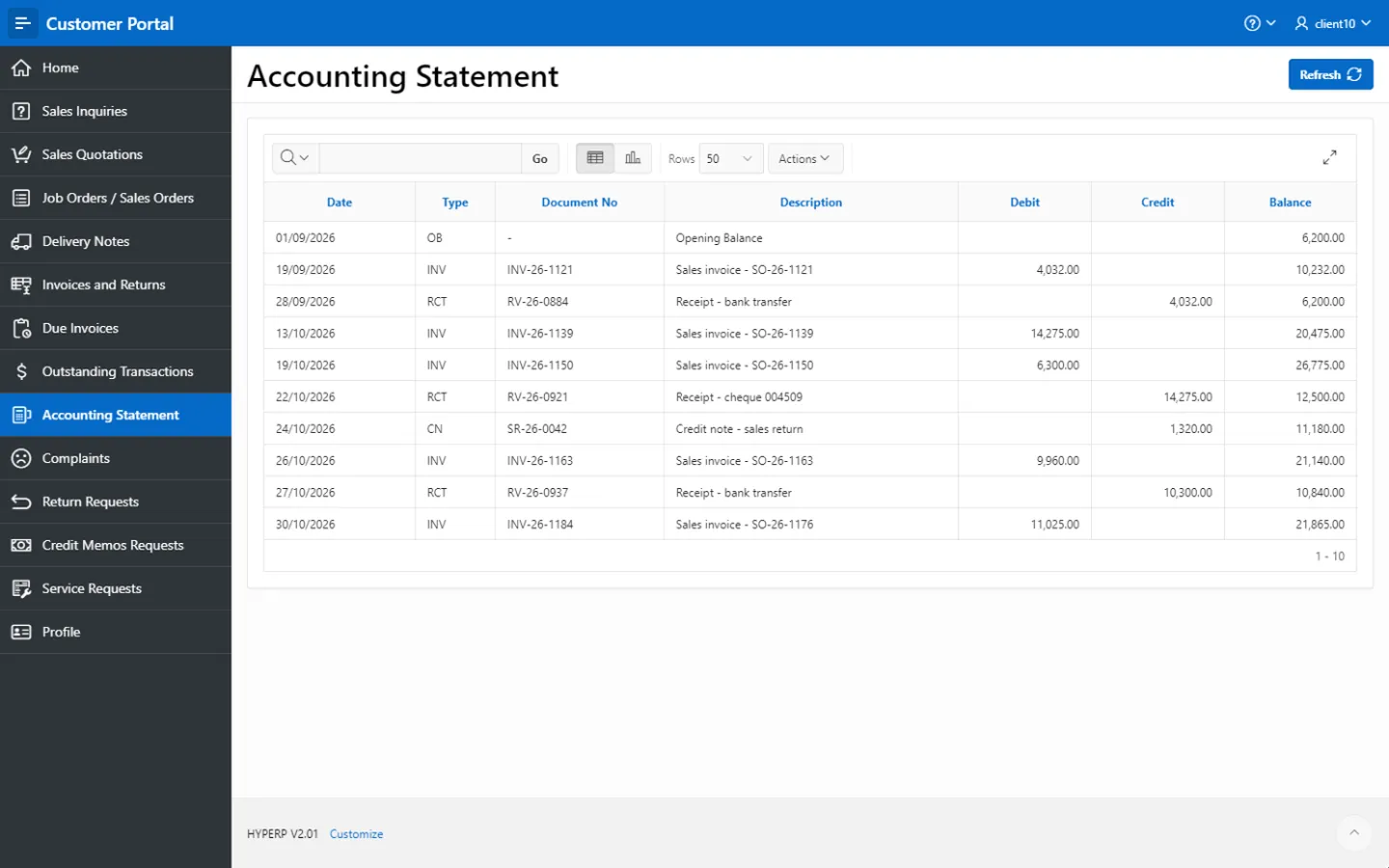
Outstanding transactions and accounting statement
Customers review outstanding transactions and their accounting statement, including balances, debit and credit movements, account activity and transaction history, from one secure location.
HYP ERP
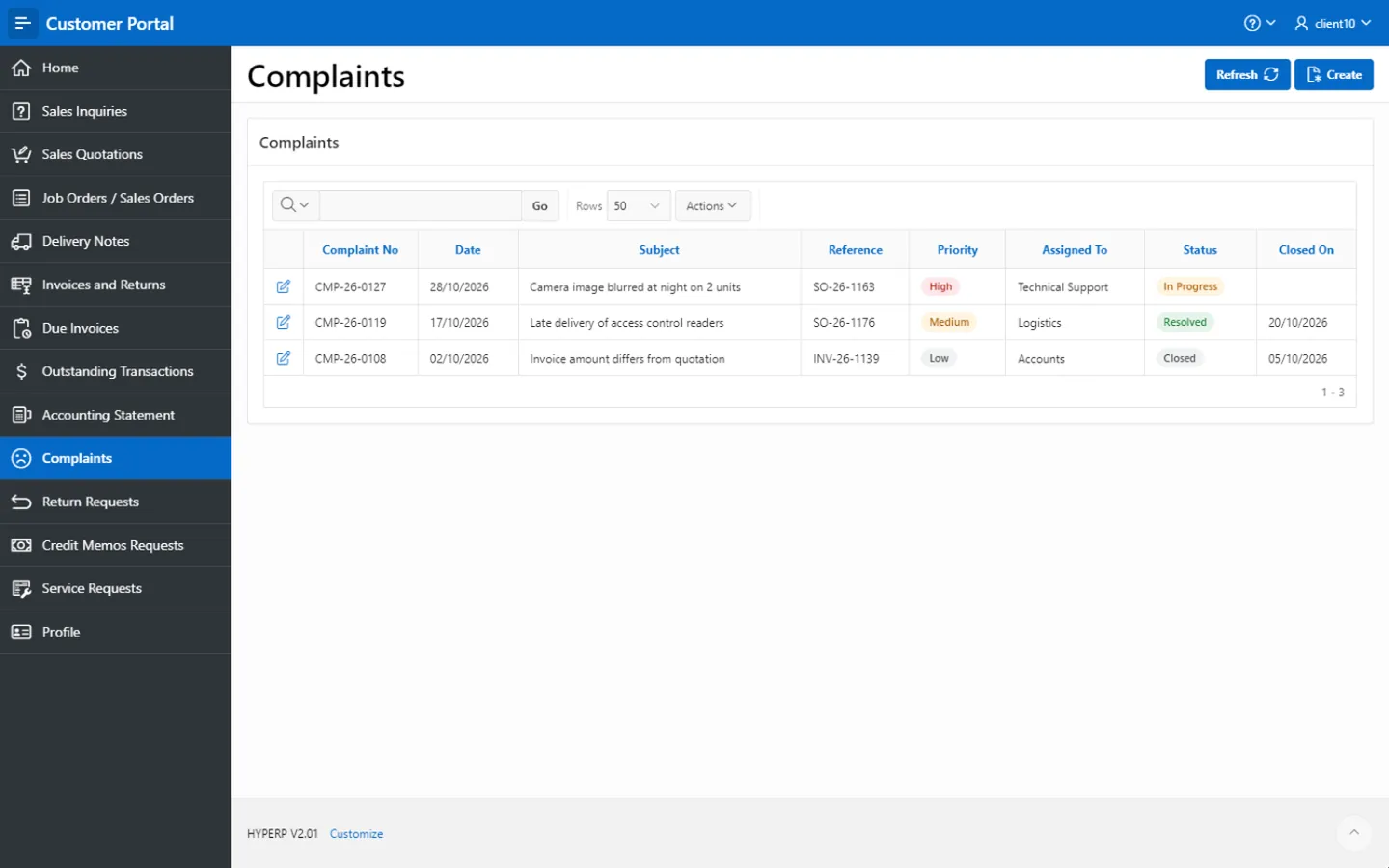
Complaints and service requests
Customers submit complaints and service requests directly in the portal, giving internal teams the context they need for follow-up and resolution.
HYP ERP
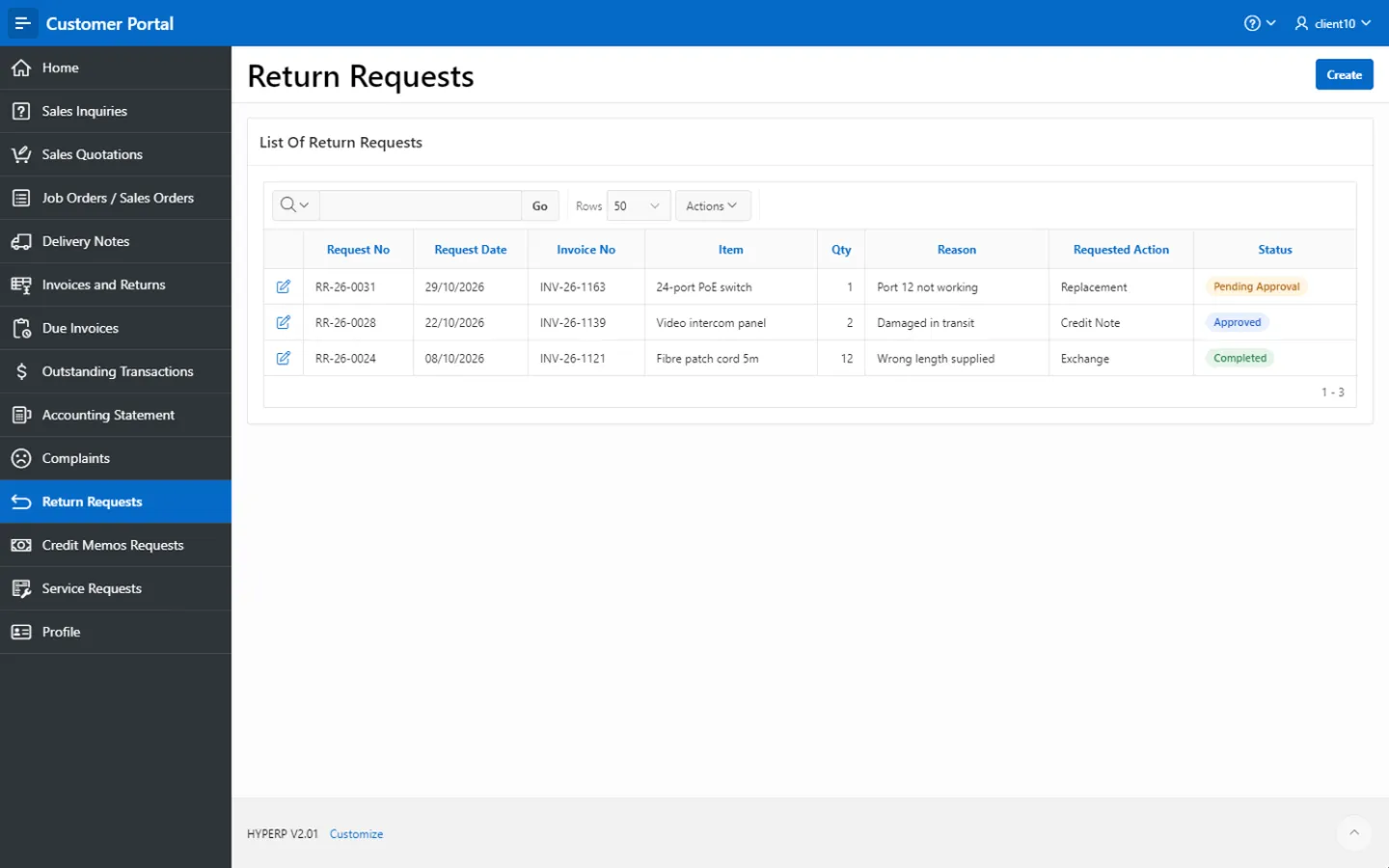
Return and credit memo requests
Customers raise return requests and credit memo requests through controlled workflows, which standardizes communication and gives finance and operations clear visibility, where these requests apply to your company's process.
HYP ERP
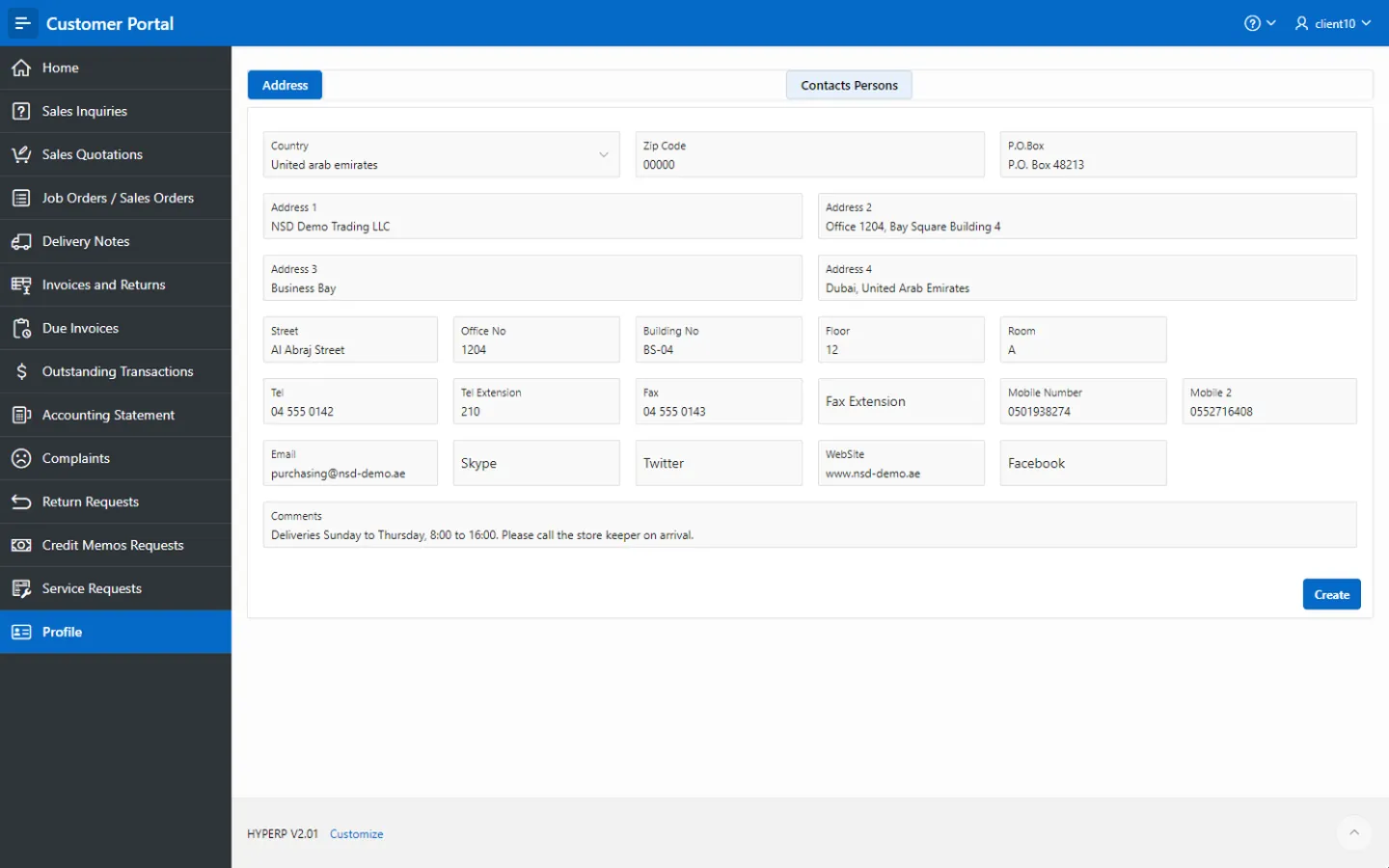
Customer profile management
Customers access and maintain their profile information, keeping customer records accurate for communication, billing, delivery coordination and service follow-up.
HYP ERP
What's included
What's included in Customer Portal
What customers can see and do in the portal.
Sales and delivery
- Sales inquiries
- Sales quotations
- Job orders
- Sales orders
- Delivery notes
Billing
- Invoices and due invoices
- Returns
- Outstanding transactions
- Accounting statement
Requests
- Complaints
- Service requests
- Return requests
- Credit memo requests
- Customer profile
How customer requests flow from the portal into HYP ERP
Sign in
The customer opens a secure, controlled view of their own account.
Check
They review orders, deliveries, invoices, due amounts and statements.
Request
They submit an inquiry, complaint, return, credit memo or service request.
Follow up
Your teams process it in Sales & Distribution, CRM, Finance, Accounts Receivable, Delivery Management, Help Desk and Reporting.
Customer Portal FAQs
Can customers submit sales inquiries through the HYP ERP Customer Portal?
Yes. Customers submit sales inquiries and follow quotation-related communication in the HYP ERP Customer Portal, and each inquiry is recorded in Sales & Distribution for the sales team to act on.
Can customers view sales orders and delivery notes?
Yes. The HYP ERP Customer Portal shows each customer the job orders, sales orders and delivery notes connected to their account, so they follow order progress without contacting your team.
Can customers view invoices and outstanding balances?
Yes. The HYP ERP Customer Portal gives access to invoices, due invoices, outstanding transactions and the accounting statement, helping customers across the UAE, Saudi Arabia and the wider Middle East check balances before they pay.
Can customers submit complaints or service requests?
Yes. Customers submit complaints and service requests through the HYP ERP Customer Portal, where they enter structured follow-up instead of arriving as scattered emails or calls.
Can customers submit return or credit memo requests?
Yes. The HYP ERP Customer Portal supports return requests and credit memo requests where they apply to your company's process, so adjustments follow a controlled workflow into finance and operations.
Give customers answers before they have to ask
See the HYP ERP Customer Portal from your customer's side, then follow their request into sales and finance.