Industries

Every store sells and closes the same way

Each store sells, returns, delivers and closes its day on HYPOS, while head office controls prices, replenishment and the accounts from the same records.

Man using tablet computer in retail shop

What is a retail management system?

A retail management system runs a chain of stores: the checkout, prices and memberships, branch stock and transfers, deliveries and each store's daily close.

In HYP ERP, it is HYP Retail Management and its HYPOS point of sale, connected to inventory, purchasing, sales, accounting and payroll, with reporting for each store and for the chain.

HYP ERP
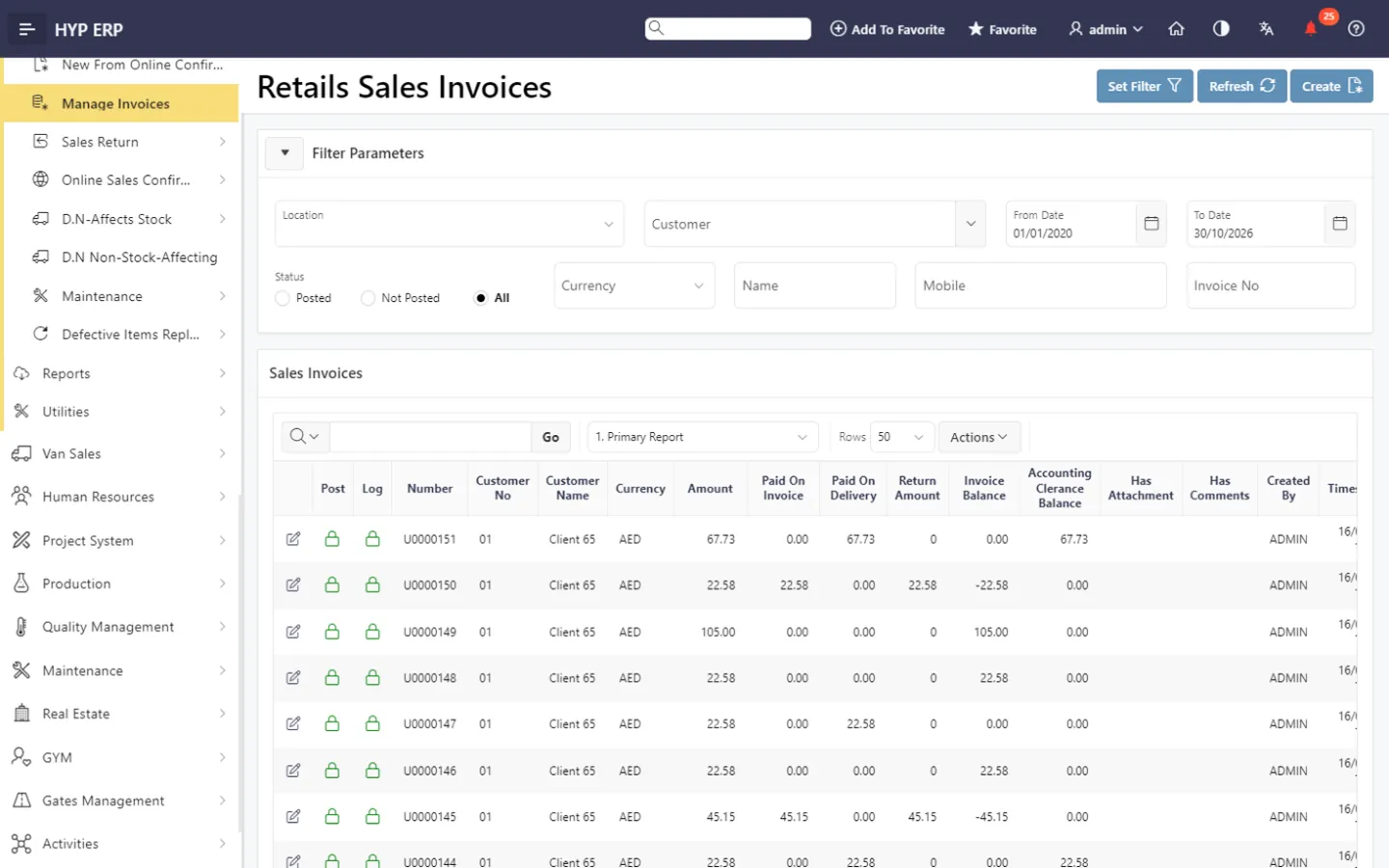
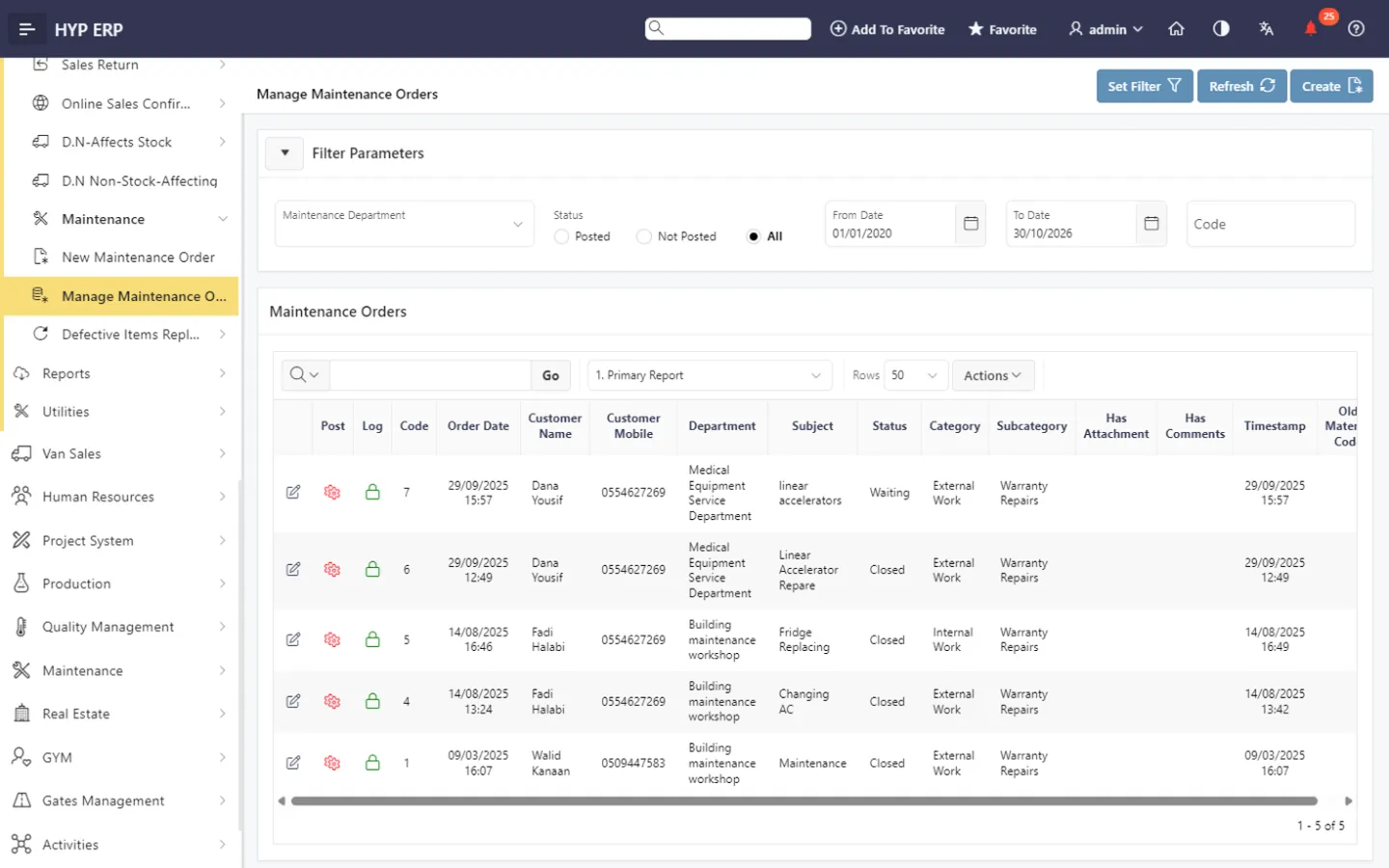
Retail screen in HYP ERP

Retail capabilities in HYP ERP

As a chain adds branches, each one tends to price, count and close a little differently. Head office then spends the morning reconciling yesterday instead of planning tomorrow.

Counter checkout on HYPOS

Cashiers take walk-in orders, payments, discounts, refunds and voids, and look up earlier orders. HYP's Dubai partner 1stPOS supplies the terminals, printers, cash drawers and scanners.

Store price lists and memberships

Set prices by location or customer, with discounts and loyalty memberships applied at the till.

HYP ERP
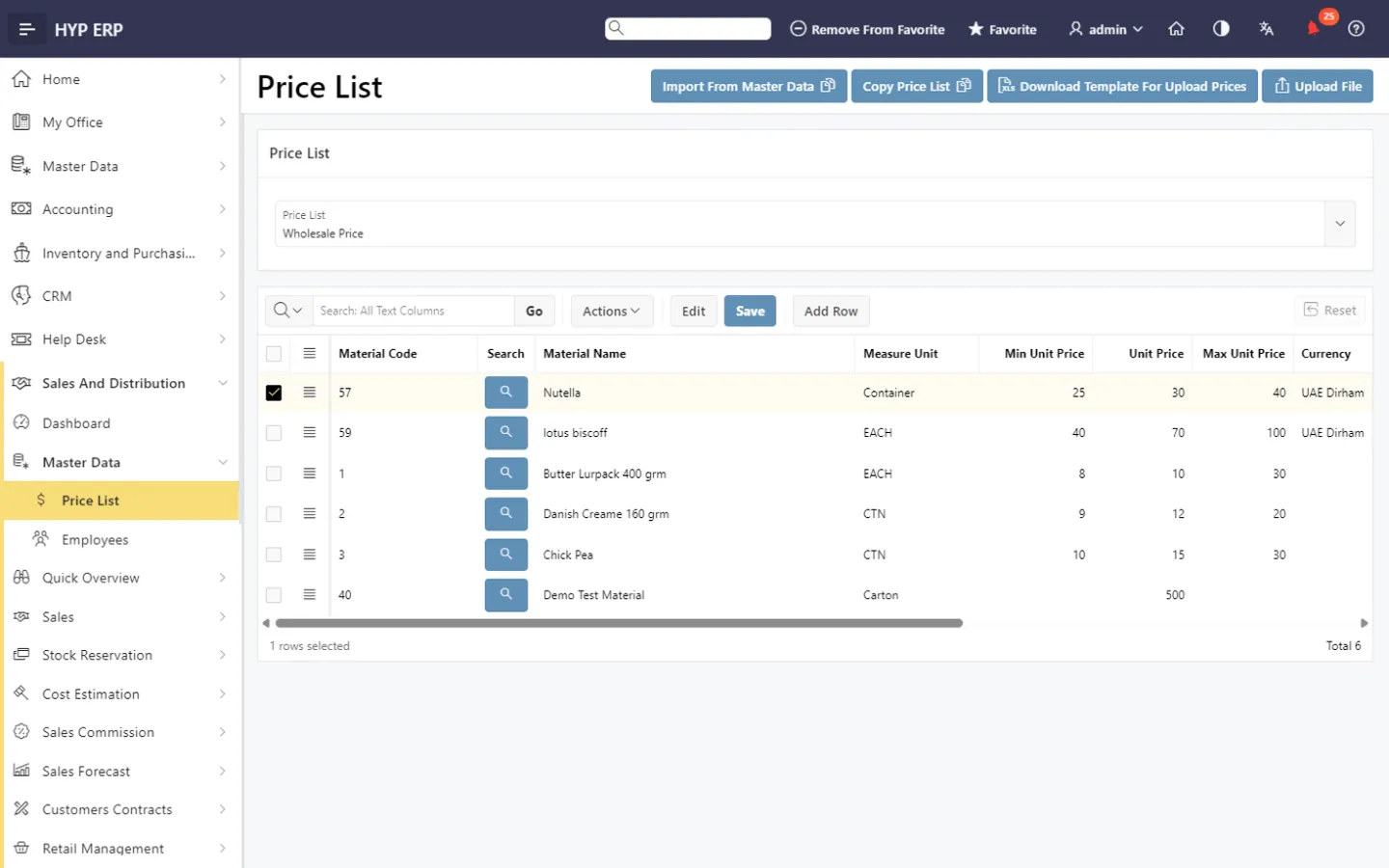
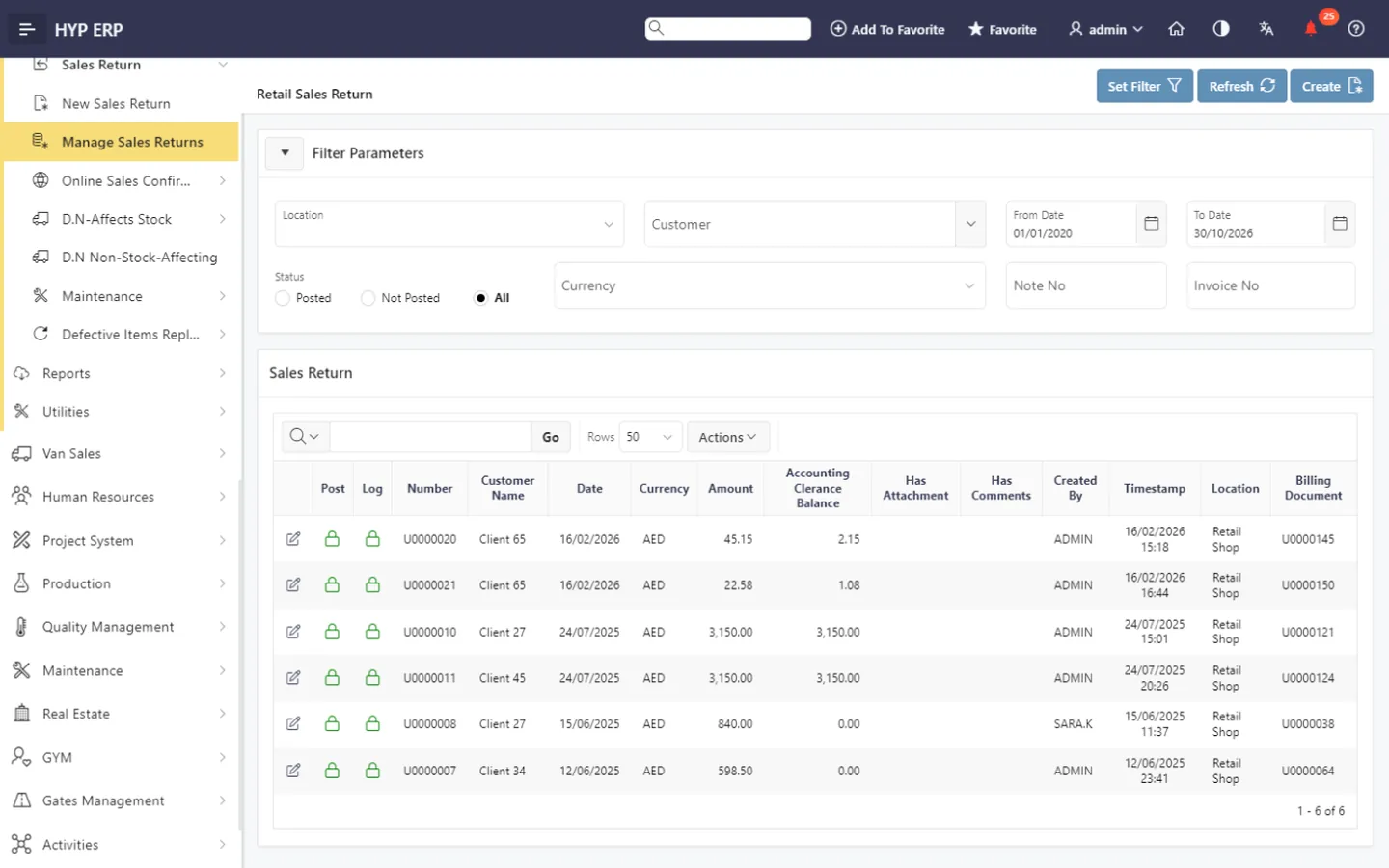
Store price lists and memberships screen in HYP ERP

Branch replenishment and transfers

Order from suppliers, receive goods and move stock between branches or stock types, then count it.

HYP ERP
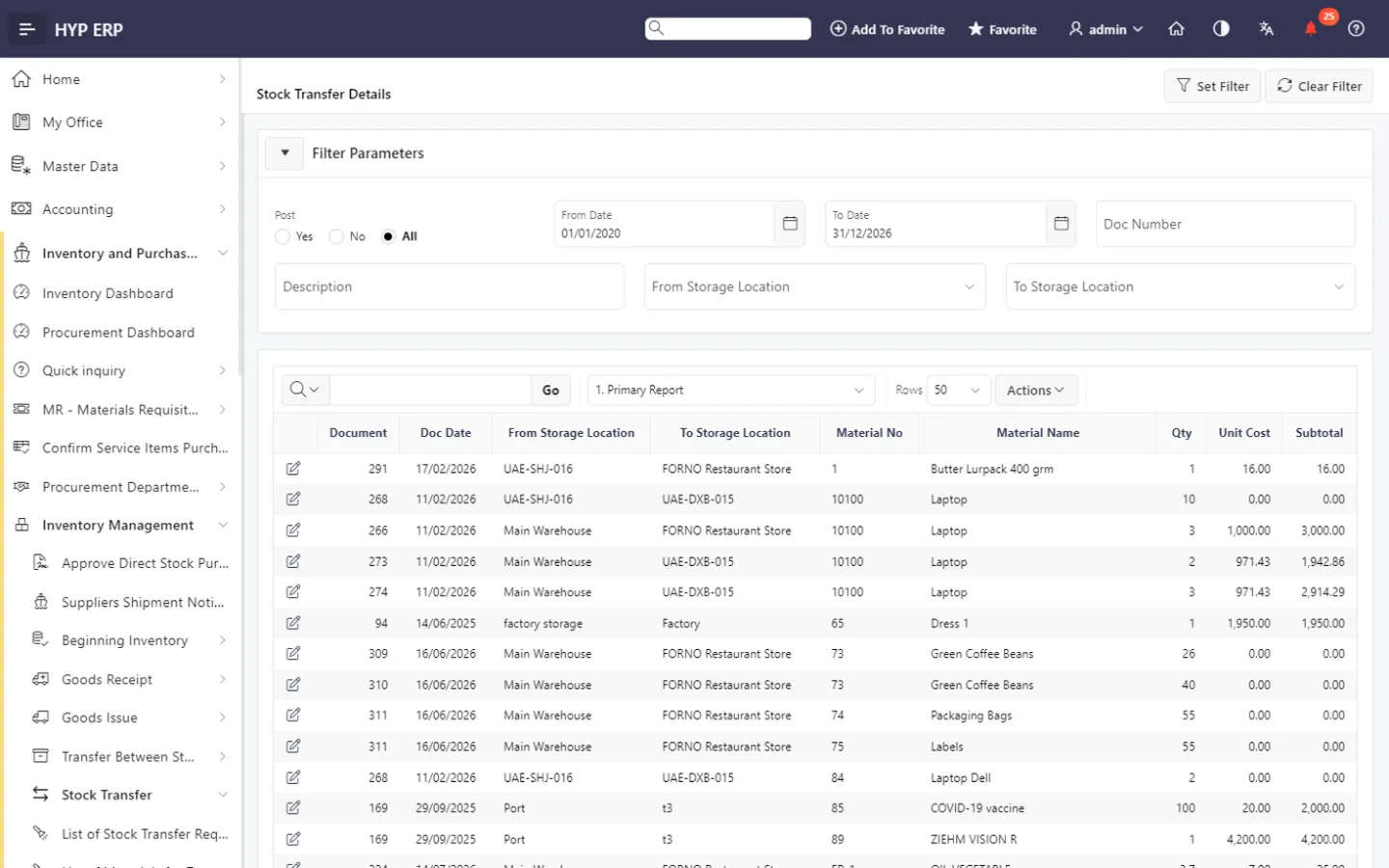
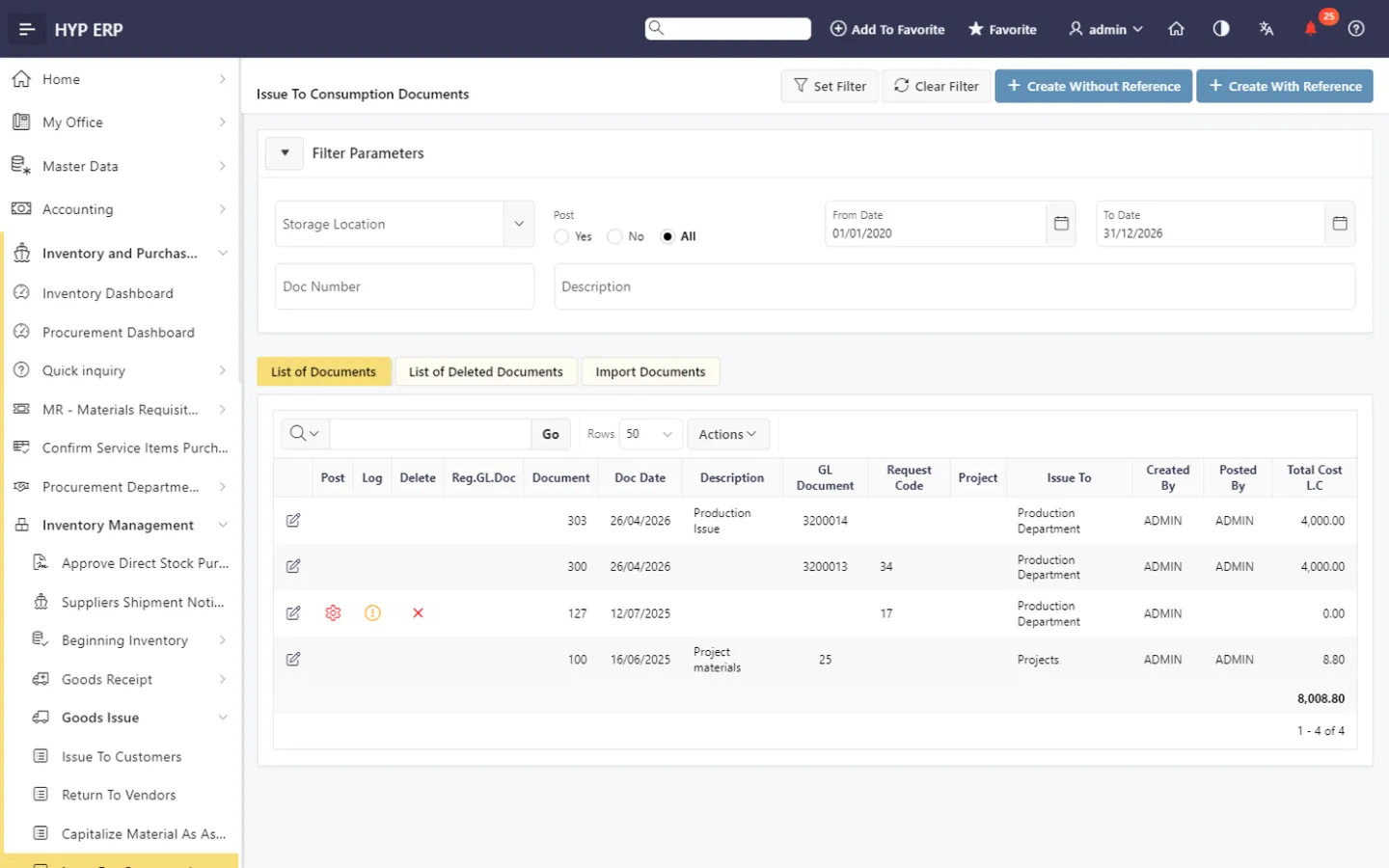
Branch replenishment and transfers screen in HYP ERP

Home delivery from the store

Assign delivery staff, dispatch orders and follow each one from new to delivered.

HYP ERP
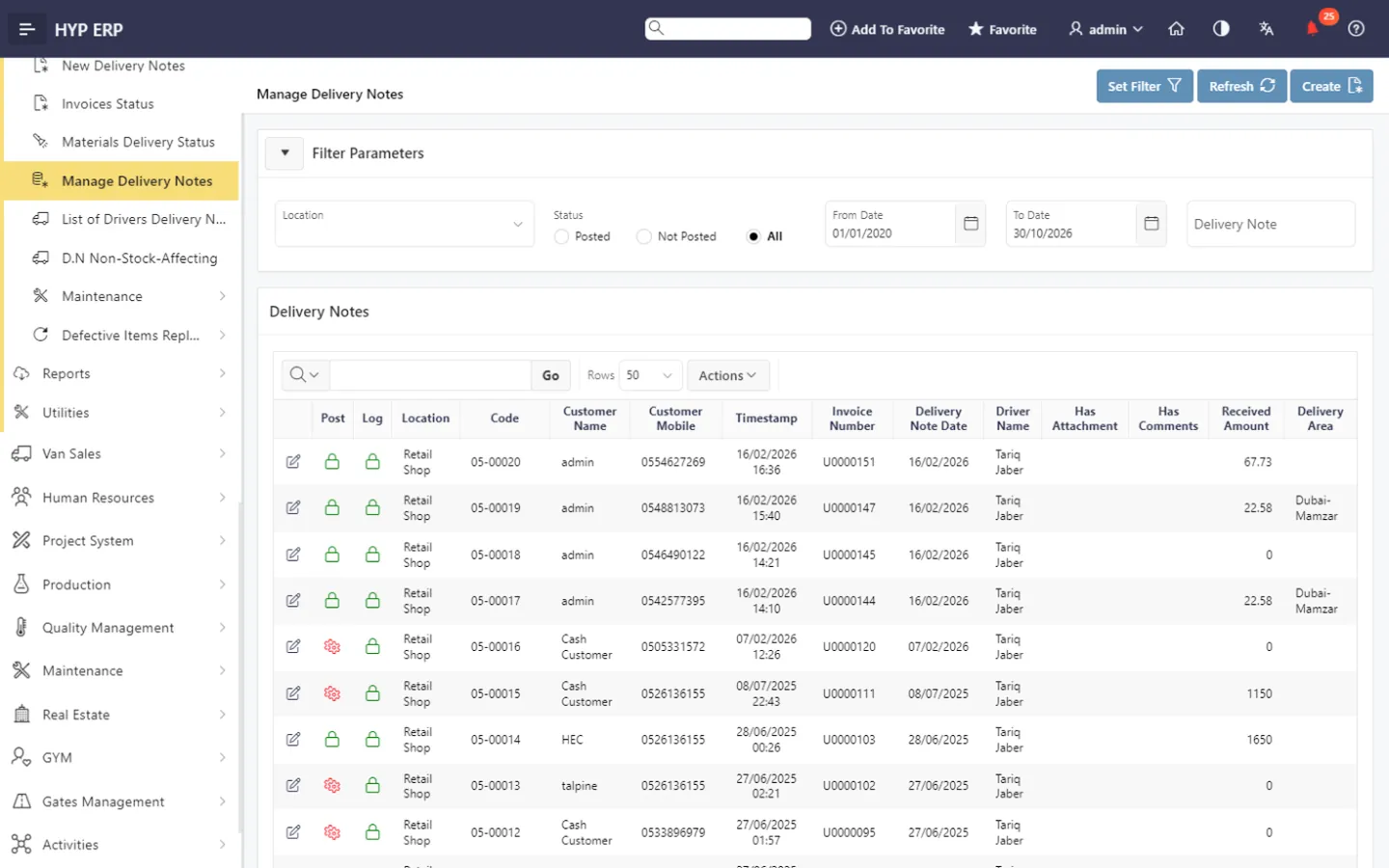
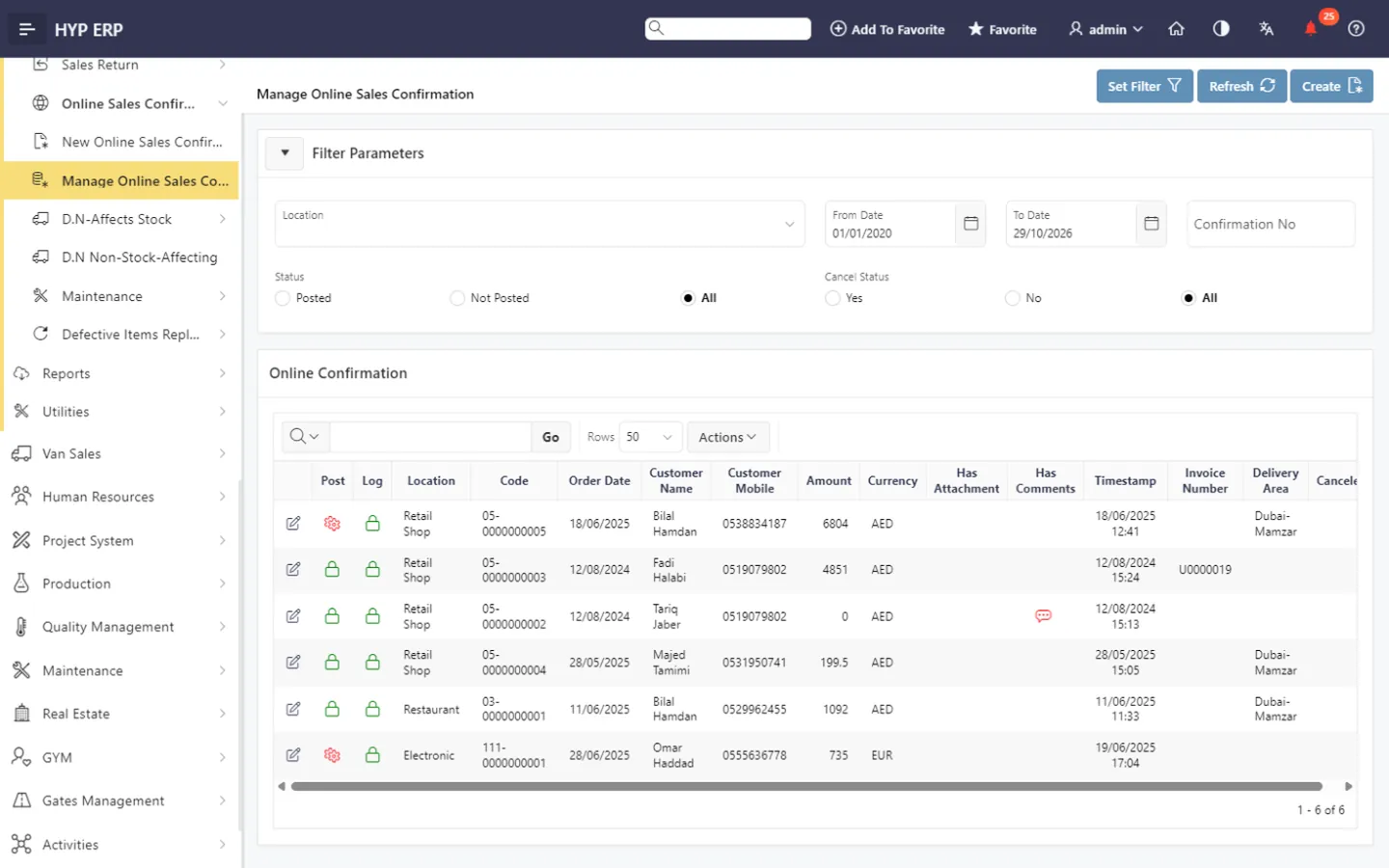
Home delivery from the store screen in HYP ERP

Daily store close

Settle each session by payment type and review returns, voids, memberships and quantities sold.

HYP ERP
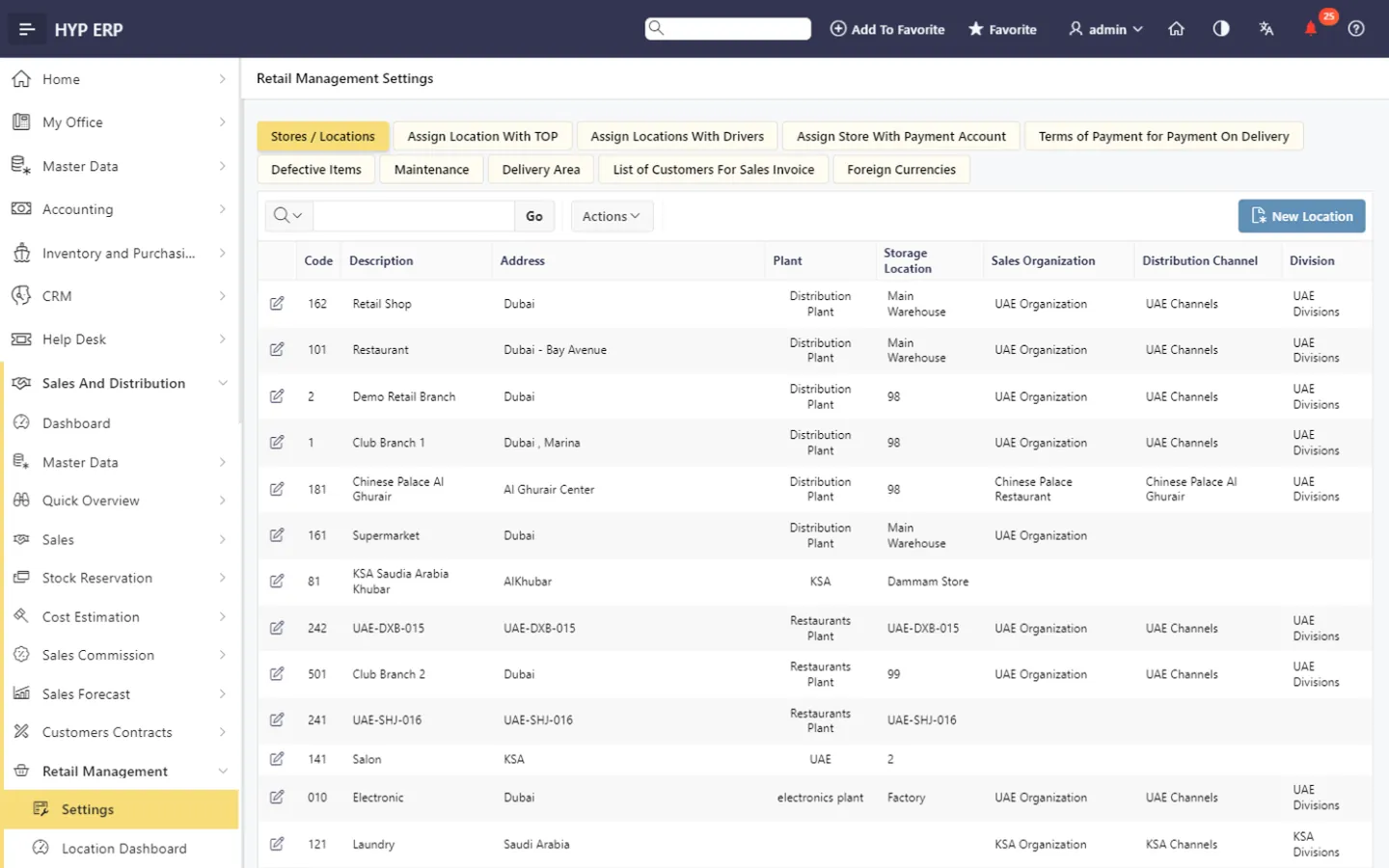
Daily store close screen in HYP ERP

Chain-wide sales reporting

Analyze POS sales, discounts, complimentary items and profitability, with personalized columns, charts and report subscriptions.

HYP ERP
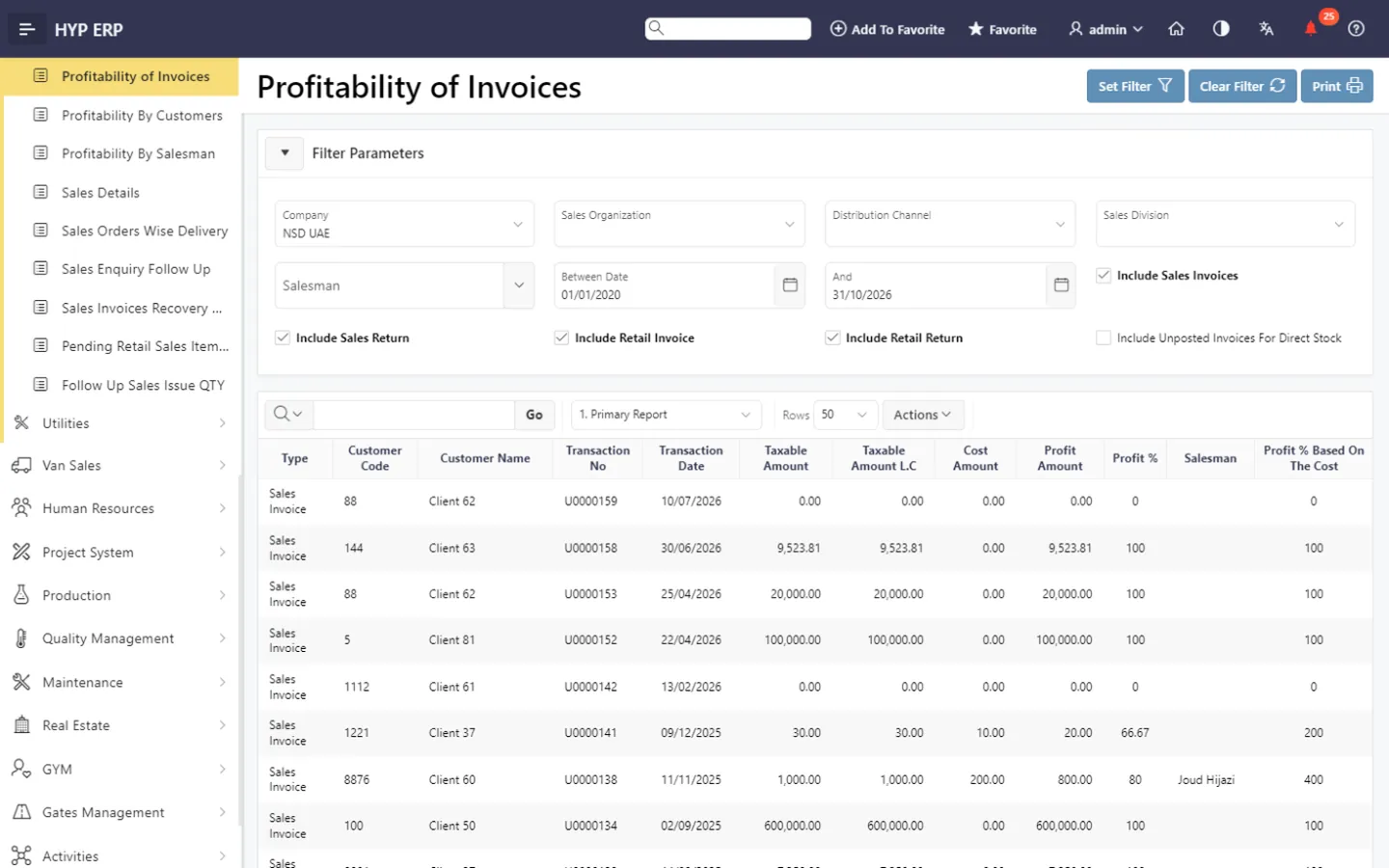
Chain-wide sales reporting screen in HYP ERP

Your operation, end to end

How a retail business runs on HYP ERP

Follow the work from the first step to the books. Every step uses the same data, so nothing is typed twice between departments.

Step 1 of 5

Receive stock

Goods booked into the warehouse or branch.

In HYP ERP: Procurement & Inventory

HYP ERP
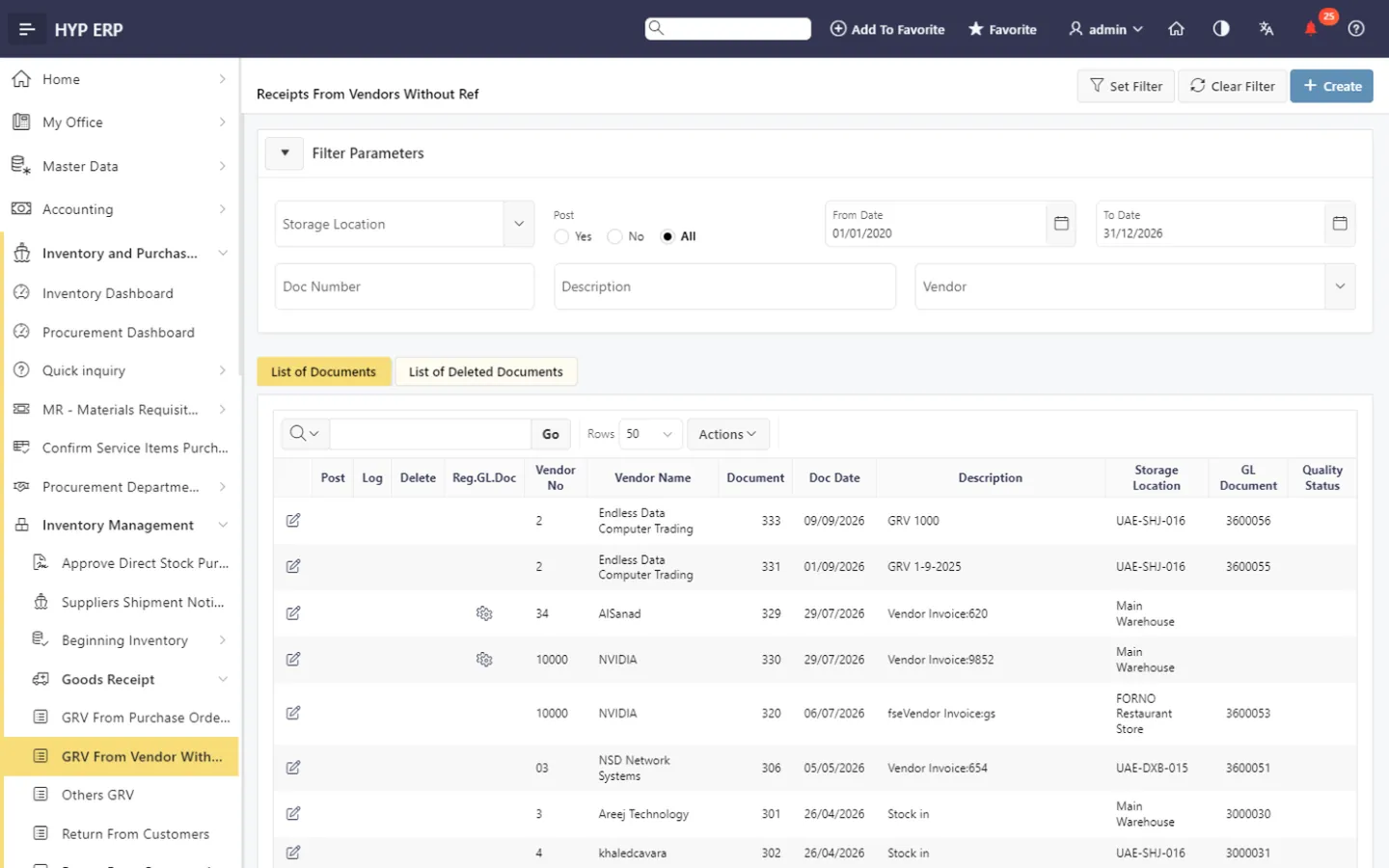
Procurement & Inventory screen in HYP ERP

HYP ERP modules for retail

Retail Management

Runs HYPOS, branch settings, sessions, pricing and memberships.

Learn more

Procurement & Inventory

Holds stock on hand per location, with receipts, transfers and counts.

Learn more

Accounting & Finance

Turns store sessions into financial postings, receipts and profitability reports.

Learn more

HR & Payroll

Keeps records and payroll for store and warehouse staff.

Learn more

What each role sees

What each person checks every morning

Store manager

  • Sales per sessionWhat each till session or shift has sold.
  • Returns and voidsItems returned by customers or cancelled at the till.
  • Stock on handHow much of each item the store has.
  • Pending transfersStock on its way from other branches or the warehouse.

Merchandise planner

  • Sales quantity by itemHow many units of each item have sold.
  • Stock by branchHow much stock each branch holds.
  • Discount valueHow much money discounts are costing.
  • Item profitabilityHow much each item earns after its cost.

Retail finance controller

  • Settlements by payment typeMoney received from card companies and other payment methods.
  • Complimentary salesItems given away free.
  • Branch profitabilityProfit for each branch.
  • Supplier invoices dueSupplier bills coming up for payment.

Why retailers choose HYP ERP

Same rules at every till

Price lists, memberships and discounts follow the store, not the cashier.

Stock that follows the customer

Recorded transfers and deliveries show availability before a promise is made.

Less re-keying for finance

Store sales reach accounting from the session close.

Pricing

How much does a retail management system cost?

Pricing depends on users, companies and stores, and the modules you pick. Build your request in a few minutes with the retail and e-commerce profile, and a consultant replies within one working day to prepare your quotation. Store chains usually start with Retail Management, Procurement & Inventory and Accounting & Finance.

Build your quote

From the blog

Guides for retailers

Retail management system FAQs

Can each store have its own prices in HYP ERP?

Yes, the HYP ERP retail management system supports location-based price lists and customer-specific pricing, so each branch sells at its own prices while head office maintains the lists centrally.

Does HYP ERP track stock across several stores?

Yes. HYP ERP keeps stock on hand per branch and records transfers between branches and stock types, along with goods receipts and physical counts, so multi-store inventory stays traceable.

Can our mall stores send sales to the mall automatically?

Yes. HYPOS shares a retail store's daily sales with the mall's sales system, including Dubai Mall through Emaar and Yas Mall through Aldar E-Goal, so store teams stop typing figures into landlord portals.

Is HYP ERP suitable for retailers in the UAE and Saudi Arabia?

Yes. HYP ERP supports retailers in the UAE, Saudi Arabia and across MENA with simplified ZATCA e-invoices issued from HYPOS, readiness for UAE e-invoicing, VAT on every document, branch reporting and WPS payroll for store staff.

How do we get a quote for a retail management system?

Open Build Your Quote with the retail profile and choose modules such as POS, inventory, accounting and HR. HYP ERP then prepares a quotation sized to your store network.

Give every store the same close

Watch a sale, a transfer and a daily close run from HYPOS to the ledger.

Chat now
Chat now Get a quote