
Inventory Mobile App

Count stock with a phone and upload

Inventory Mobile App is a counting app for warehouse and branch teams. Users scan products, enter counted quantities and upload the results to HYP ERP for review, instead of filling in count sheets.

Woman scanning packages in shipping warehouse

Inventory counting app capabilities

Physical inventory takes time when stock is spread across warehouses, branches or project sites. Paper count sheets lead to item code mistakes, typing errors and duplicated entries, and counted quantities reach the ERP late.

Mobile product scanning

Scan products during the physical count instead of writing item codes by hand or searching for materials afterwards, which reduces item selection and data entry mistakes.
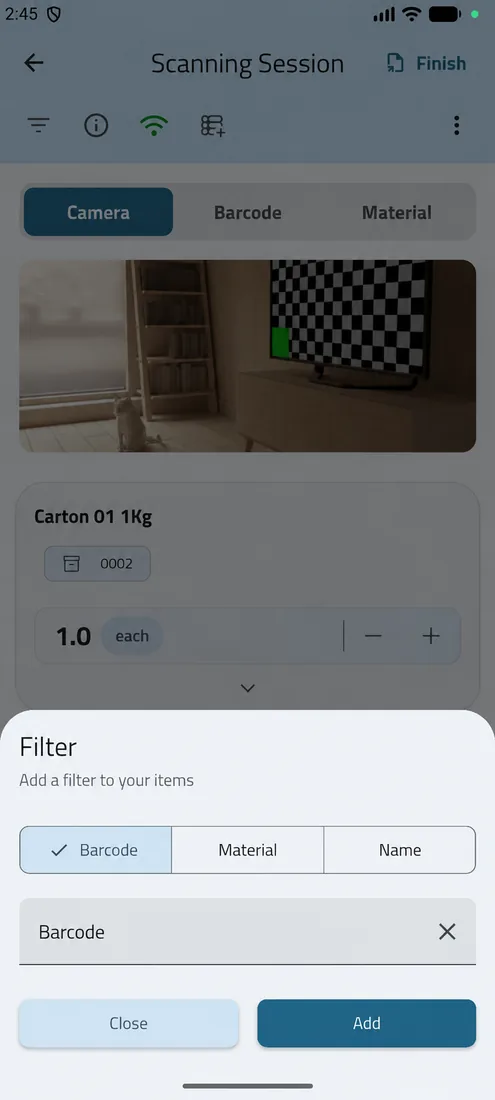
Mobile product scanning screen in HYP ERP

Quantity capture while counting

Enter counted quantities while moving through storage locations and inventory areas, so results are collected in an organized order as the count progresses.
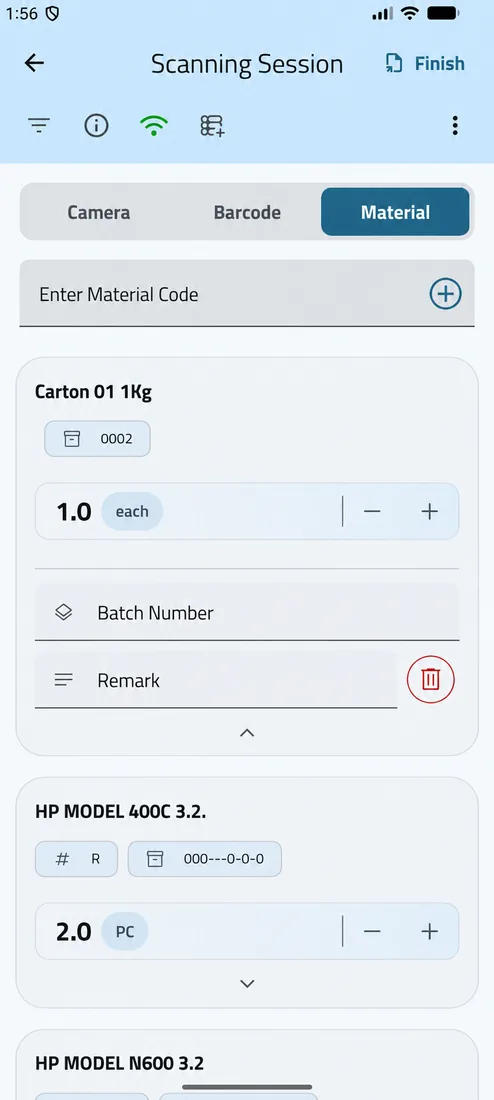
Quantity capture while counting screen in HYP ERP

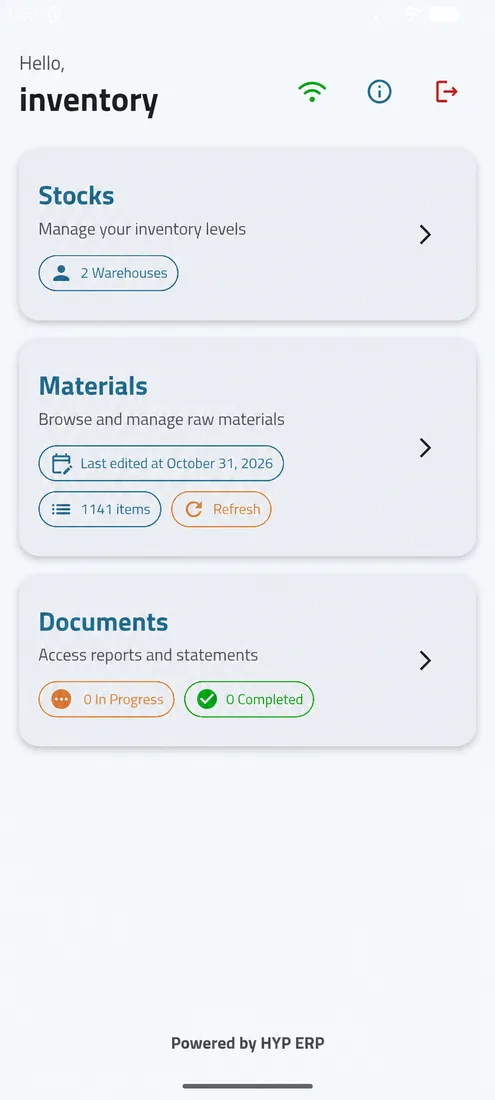
Upload counts to HYP ERP

Upload the scanned and counted data directly to HYP ERP, where the records are reviewed and used in the physical inventory process without manual re-entry.

Upload counts to HYP ERP screen in HYP ERP

Counting in warehouses, branches and storage areas

Use the app in warehouses, branches, storage locations and operational areas where stock must be counted physically, so teams count close to where inventory is kept.
Counting in warehouses, branches and storage areas screen in HYP ERP

Inventory verification against ERP stock

Connecting mobile scanning with HYP ERP makes physical inventory data more reliable and narrows the gap between counted stock and ERP stock records.
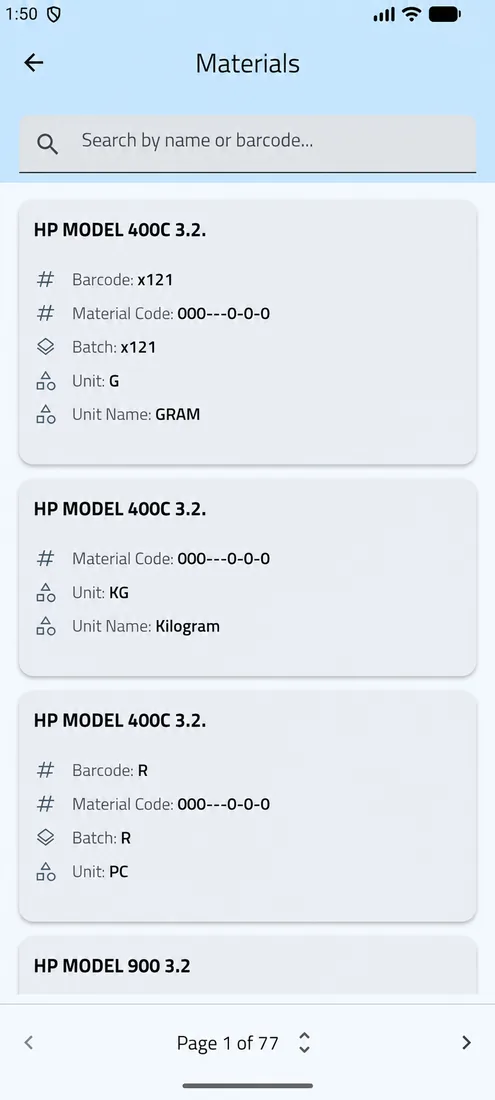
Inventory verification against ERP stock screen in HYP ERP

What's included

What's included in Inventory Mobile App

What the app does and the counts it supports.

In the app

  • Product scanning
  • Quantity capture by location
  • Upload of counts to HYP ERP

Count types

  • Regular physical counts
  • Cycle counts
  • Branch stock checks
  • Warehouse inventory verification

How a mobile stock count works

  1. Scan

    The counter scans each product at its storage location.

  2. Count

    The counted quantity is entered on the device.

  3. Upload

    The count is sent to HYP ERP.

  4. Review

    Inventory controllers check the results and process the physical inventory.

Inventory Mobile App FAQs

Can users scan products during physical inventory?

Yes. With the HYP ERP Inventory Mobile App, users scan products during the inventory count, which removes the need to write item codes by hand and reduces item selection errors.

Can counted quantities be uploaded to HYP ERP?

Yes. Counted inventory data is uploaded from the HYP ERP Inventory Mobile App to the ERP, where it is reviewed and processed as part of the physical inventory.

Does the app replace manual counting sheets?

It reduces the need for them. The HYP ERP Inventory Mobile App cuts dependence on manual counting sheets by capturing inventory data digitally during the count, so quantities do not have to be retyped afterwards.

Is the uploaded count data connected to physical inventory in HYP ERP?

Yes. Data uploaded from the HYP ERP Inventory Mobile App supports the physical inventory process inside HYP ERP, where count results are compared with system stock and processed.

Who should use the Inventory Mobile App?

The HYP ERP Inventory Mobile App is mainly used by warehouse users, inventory controllers, branch teams and any team responsible for counting stock, from full physical counts to cycle counts.

Count stock where it sits, not on paper

See products scanned, quantities captured and a count uploaded to HYP ERP with the Inventory Mobile App.

Chat now
Chat now Request a demo