
Article
Staff Meals, Comps and Voids: Controlling Costs That Never Reach the Sales Report
How to control restaurant comps, voids and staff meals: POS rules, approval limits, a weekly review with an example, and UAE and Saudi VAT.
POS Screen
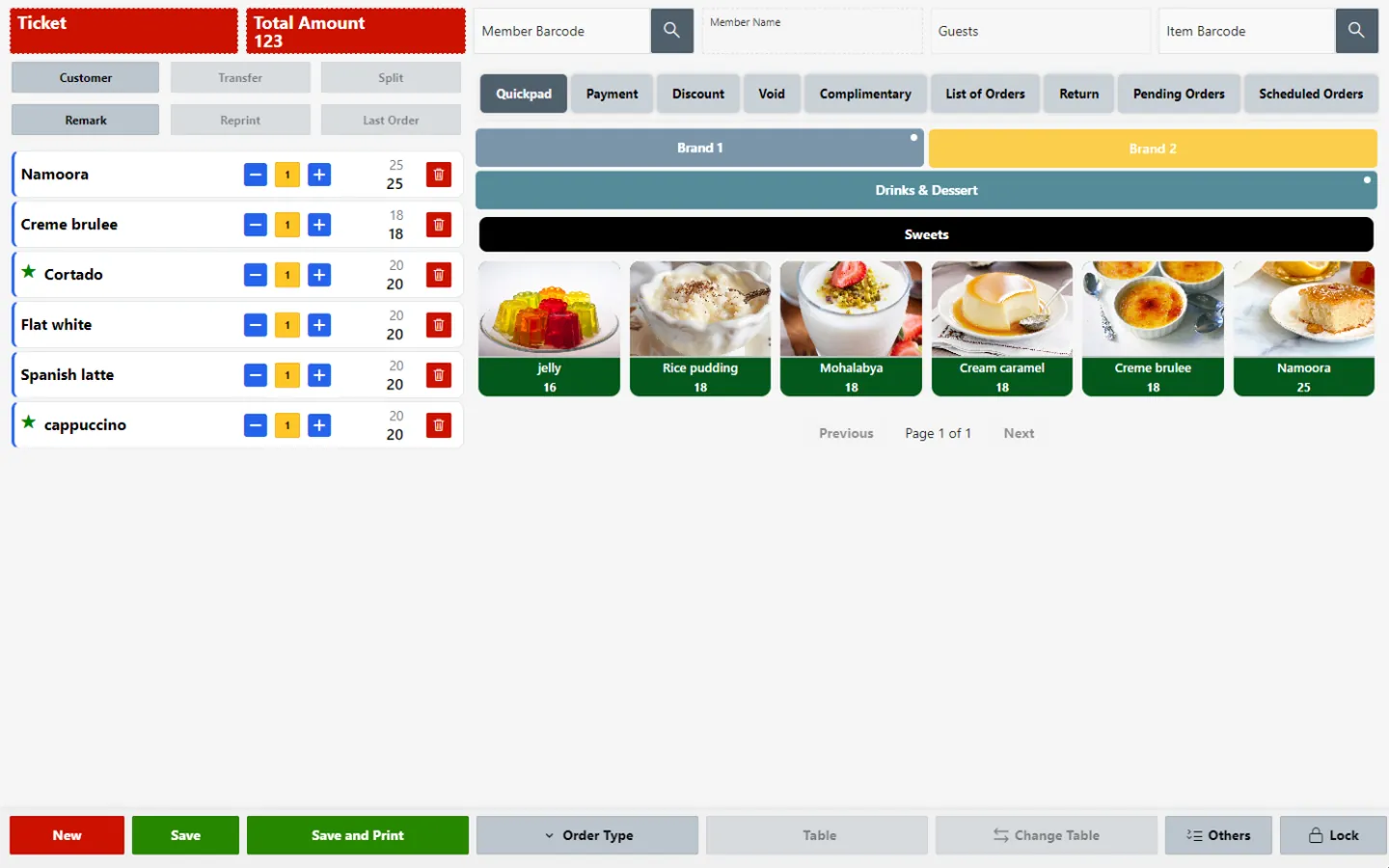
The POS Screen is where cashiers and waiters take orders, manage tables, split bills and take payments. Each sale goes live to the kitchen, stock and finance, and the branch keeps selling offline if the internet drops.

When the till stands apart from the kitchen and back office, orders are rewritten for the kitchen, delivery tickets are retyped from tablets, shared tables are split on a calculator and takings are counted against paper.
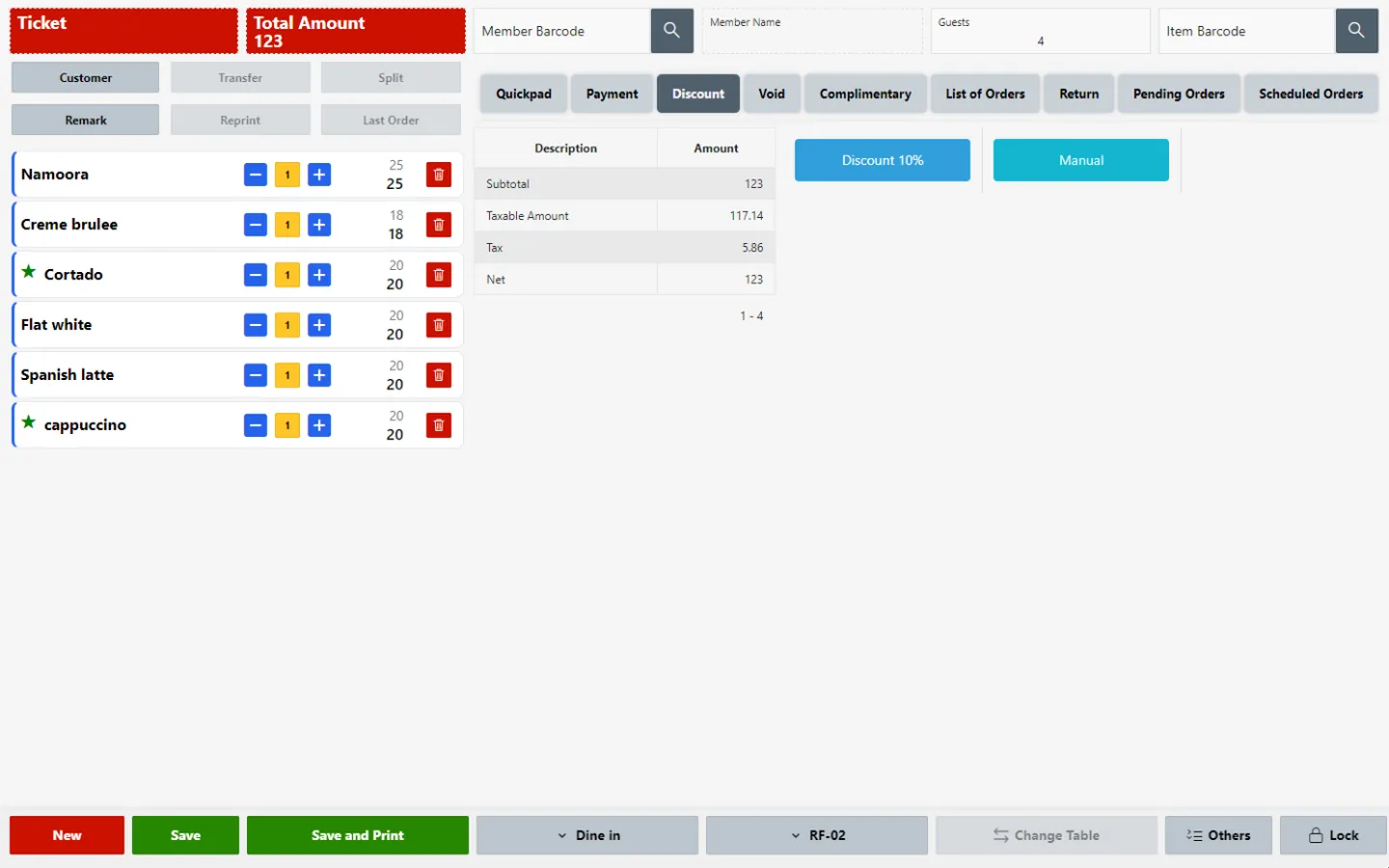
Take dine-in, takeaway and delivery orders on a touch screen, adding modifiers, combos and kitchen notes, with customer and member details, returns and pending transactions handled at the same station.
HYP ERP
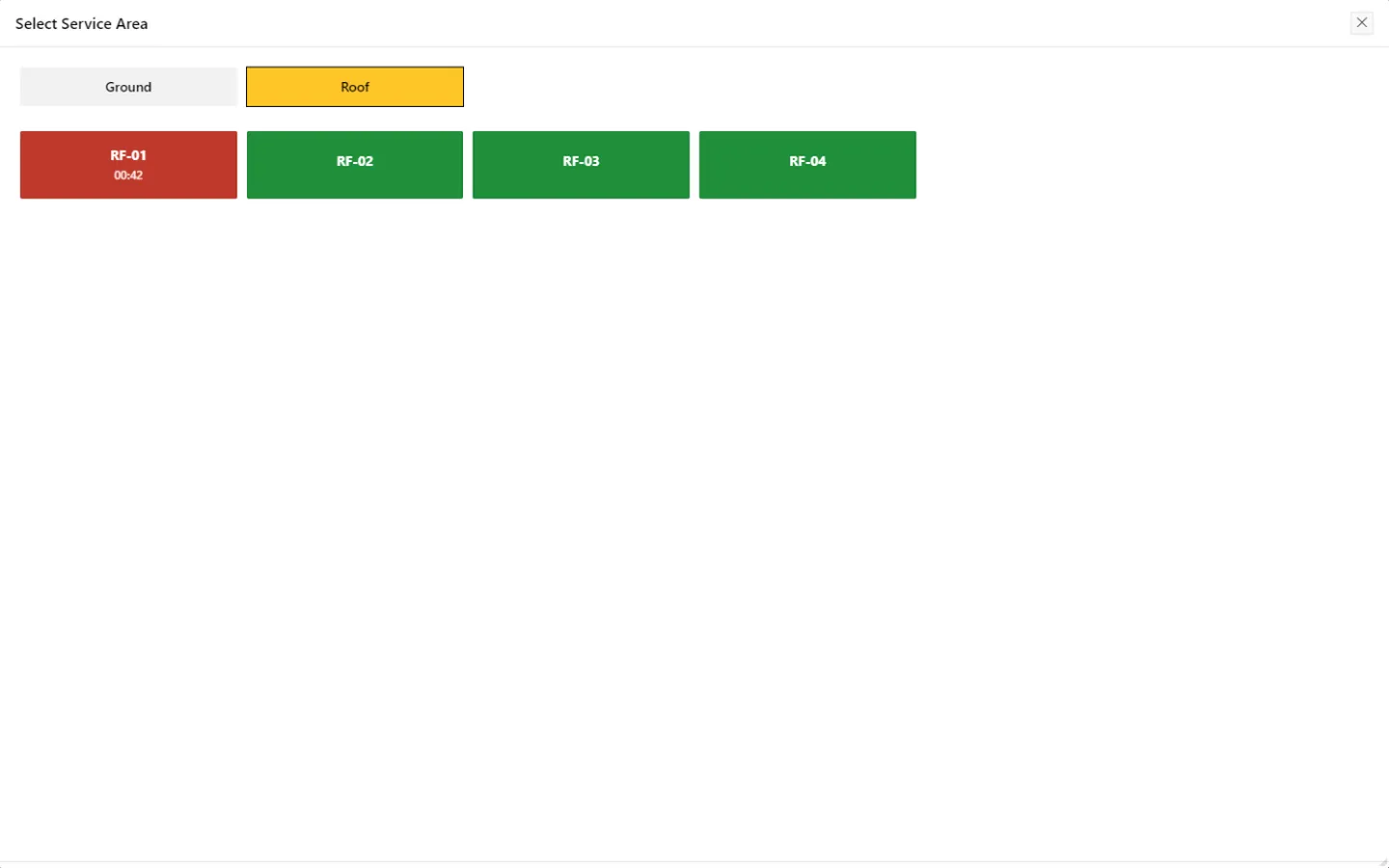
Open and manage tables for dine-in service, and let waiters take orders on a phone or tablet at the table so they go straight into the POS and the kitchen. QR orders placed by guests at a table appear on the same screen.
HYP ERP
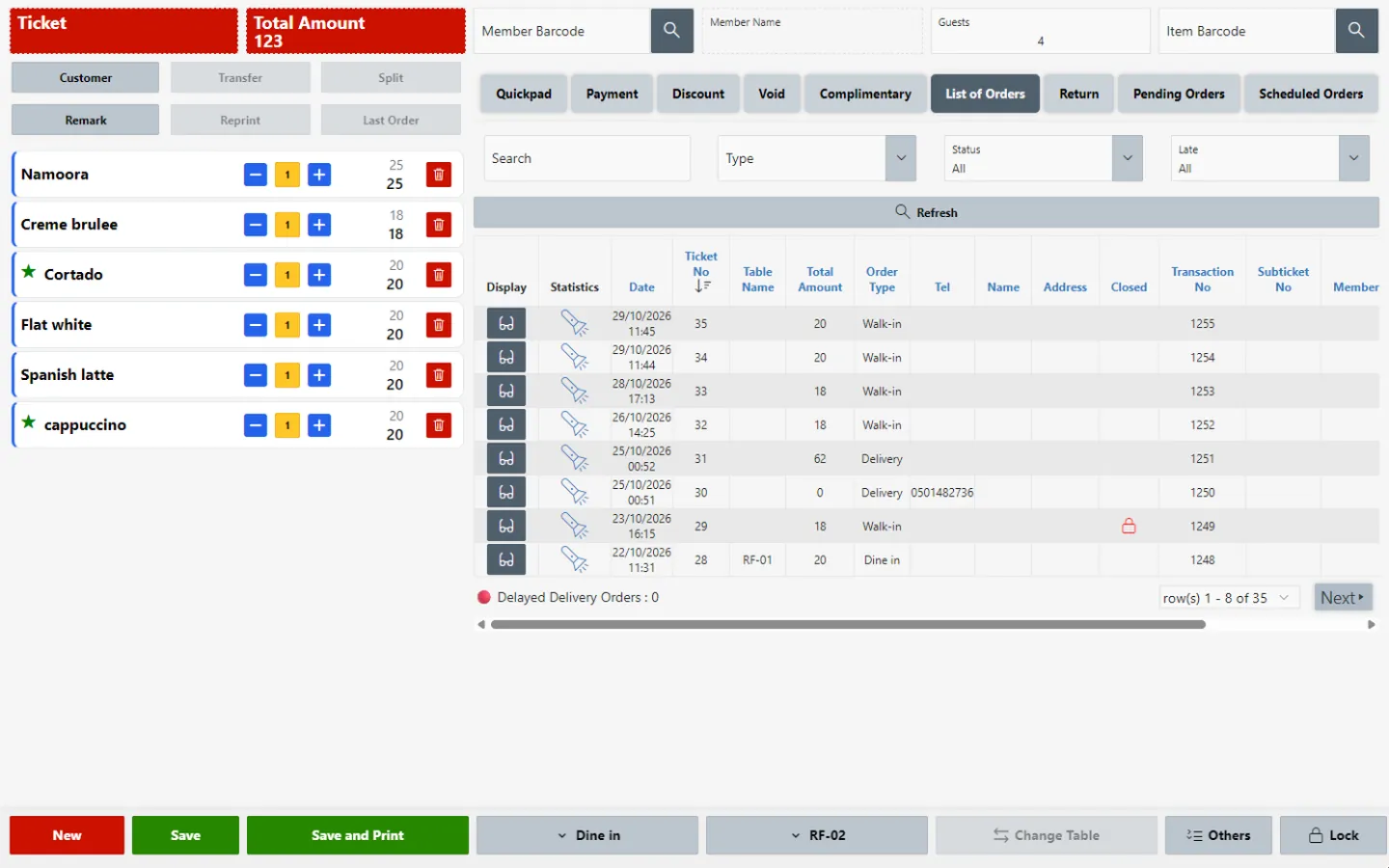
Orders from delivery platforms such as Talabat and HungerStation, from the call center, from QR menus and from the branded app arrive at the POS without retyping, beside counter orders.
HYP ERP
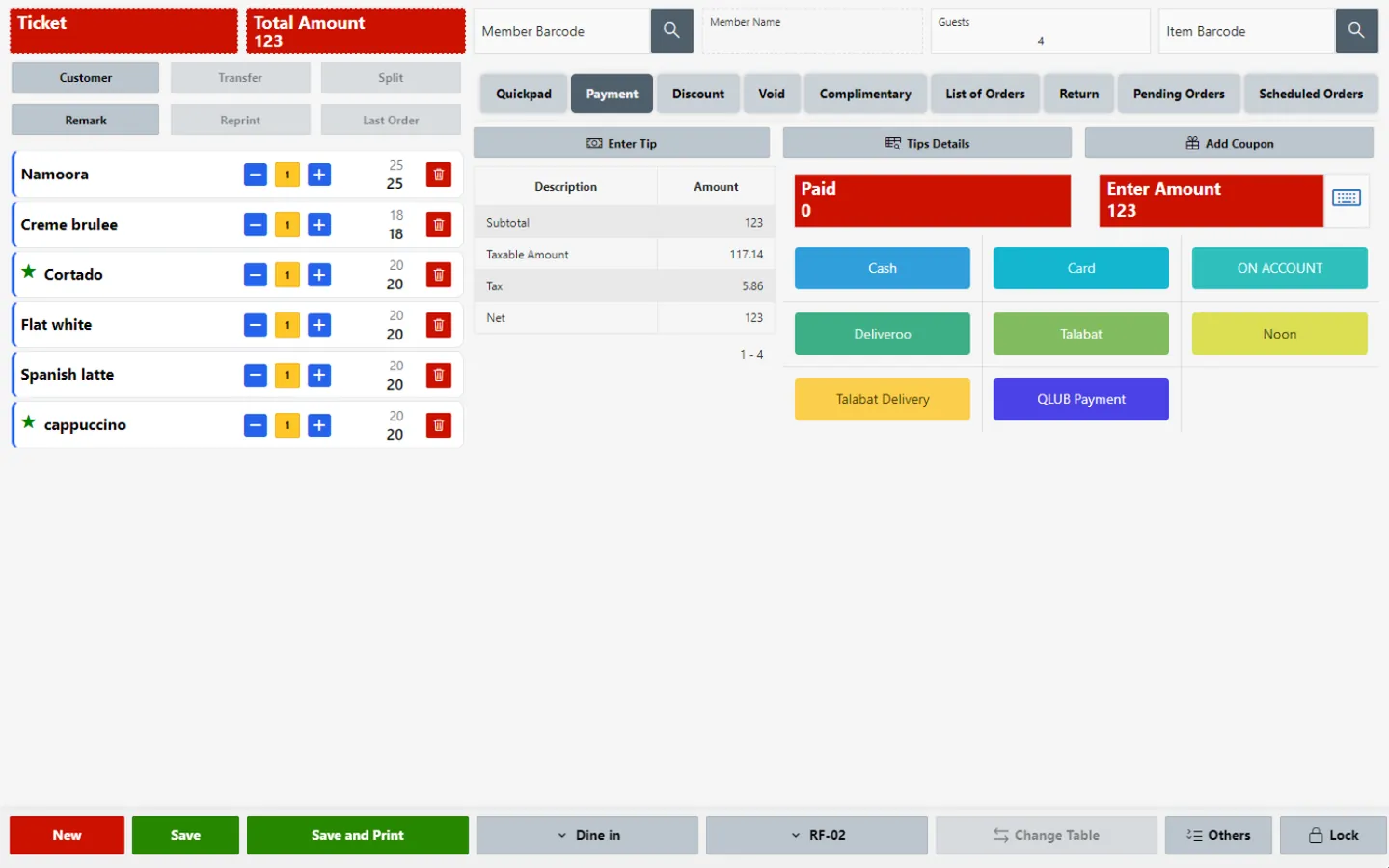
Split a bill by item, seat or amount and accept each configured payment method, including Qlub pay-at-table and Stripe online card payments, with refunds and payment totals kept against the original order.
Explore Split bills and payments
HYP ERP
Orders go to the right kitchen printer or display as soon as they are placed, and sales post to inventory and finance automatically. If the internet connection drops, the branch keeps selling offline and synchronizes once it is restored.
HYP ERP
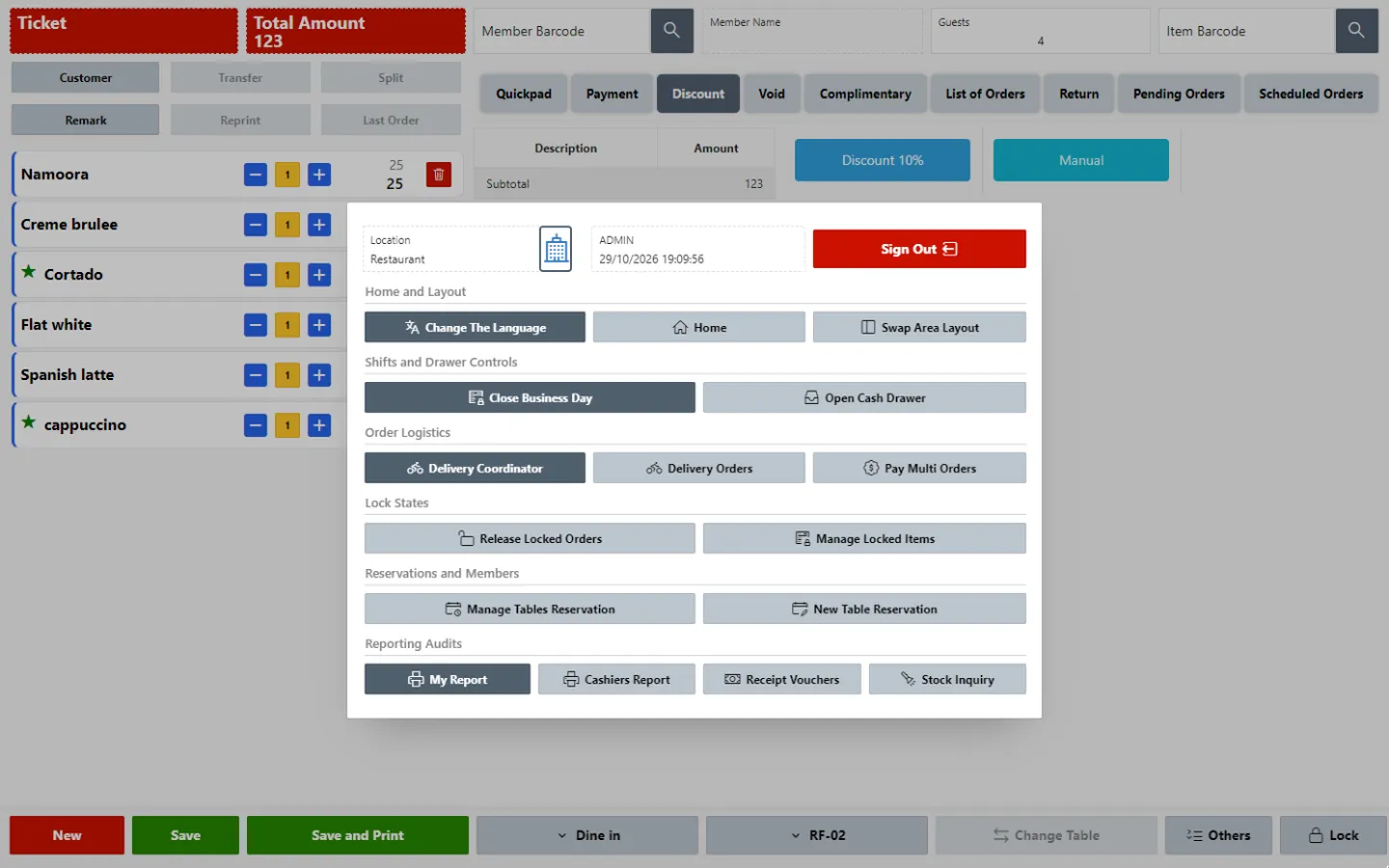
Role-based access, limits on complimentary items and staff meals, guest registration by mobile number with loyalty points, COMO loyalty at checkout, happy-hour offers, cashier declarations and the business day close all run from the POS Screen.
HYP ERP
What's included
What cashiers, waiters and branch managers use at the POS.
A cashier or waiter enters the order at a table, the counter or for delivery.
Items reach their kitchen station on a printer or display.
The bill is split if needed and paid by the guest's chosen method.
The session and business day are checked and posted to stock and finance.
Connects to
Customer results
Lava Cake · United Arab Emirates
HYPOS has made our daily work much easier. We can now track sales across both branches, manage orders smoothly, and keep everything organized. It's simple to use, and our team is happy with it.
From the blog
Article
How to control restaurant comps, voids and staff meals: POS rules, approval limits, a weekly review with an example, and UAE and Saudi VAT.
Read the articleArticle
A restaurant end-of-day reconciliation checklist for branch managers: Z-report, cash count, cards, delivery apps, voids and refunds, with an example.
Read the articleYes. The HYPOS POS Screen splits a bill by item, by seat or by amount, and each part is paid with a configured payment method while staying linked to the original table order.
Yes. The HYPOS POS Screen keeps taking orders and recording sales when the internet connection is interrupted, and it synchronizes the branch's data with the central system once connectivity is restored.
Yes. Orders from connected delivery platforms such as Talabat, Careem, Deliveroo and HungerStation appear on the HYPOS POS Screen and follow the same kitchen flow, so cashiers do not retype them from separate tablets.
Yes. Simplified invoices printed at the HYPOS POS Screen in Saudi outlets go through HYP ERP's ZATCA Phase 2 certified e-invoicing, and the POS Screen can run in several languages and currencies.
The HYPOS POS Screen runs on POS terminals, phones and tablets. 1stPOS, HYP's hardware partner in Dubai, supplies the terminals, receipt and kitchen printers, cash drawers and scanners that HYPOS outlets use.
Yes. The POS Screen runs on the same platform and data as the rest of HYP ERP, so an outlet can start with HYPOS and add inventory, purchasing, payroll or accounting applications as the business grows.
See a table order taken, fired, split and closed on the HYPOS POS Screen.