
Kitchen, Dispatch & Delivery Operations

Kitchen and dispatch screens for every order

Kitchen, Dispatch & Delivery Operations handles a restaurant order after it is placed. Kitchen, dispatch and token screens, a Delivery Coordinator workspace and the Delivery Driver App track each order until it reaches the customer.
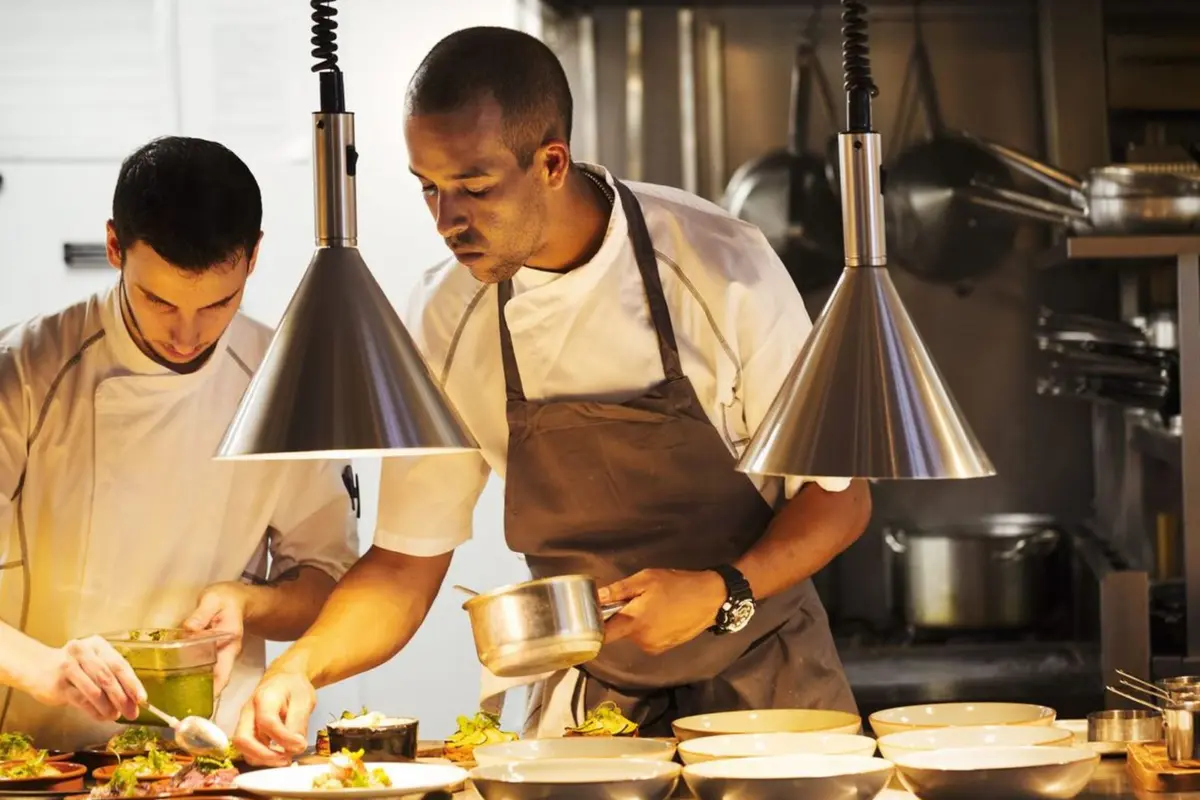
Chefs plating appetizers in a professional kitchen

How an order travels from kitchen to customer

  1. Create

    The order is placed at the POS, for dine-in or takeaway, by the call center, by QR, in the branded app or online.

  2. Prepare

    The Kitchen Display System shows it at the right preparation area.

  3. Dispatch

    Dispatch reviews ready orders and passes delivery orders to the Delivery Coordinator.

  4. Assign and pick up

    The coordinator assigns a driver, who collects the order.

  5. Deliver

    The driver completes the delivery and hands the order to the customer.

Kitchen display system and dispatch capabilities

Capturing the order is the easy part. Printed tickets go missing at peak hours, dispatch cannot tell which bags are ready, drivers are assigned by phone and customers keep asking the counter for updates.

Kitchen Display System (KDS)

Preparation teams receive, organize and follow orders on screen, with each item routed to the right preparation area for the restaurant's setup. Cooks see what to prepare, what is pending and what moves next, which keeps front of house and kitchen aligned when printed tickets would cause delays or missed items.

HYP ERP
Kitchen Display System (KDS) screen in HYP ERP

Dispatch Display System

After preparation, dispatch users see which orders are ready, which are waiting for pickup and which delivery orders need action. Restaurants and cloud kitchens handling many takeaway and delivery orders at once avoid confusion between kitchen readiness, pickup timing and hand-off.

HYP ERP
Dispatch Display System screen in HYP ERP

Delivery Coordinator workspace

Coordinators review each delivery order's status, customer details, delivery address, timing, assigned delivery driver, pickup progress and completion in one view, organized by new orders, pickup orders, in-progress orders, delivered orders and driver-wise orders, so assignment and follow-up no longer depend on calls.

HYP ERP
Delivery Coordinator workspace screen in HYP ERP

Token Display System

A token screen in waiting areas, at counters and in cafés, quick-service and takeaway outlets shows customers when their order is ready, so staff stop calling out names and answering status questions and stay on preparation, billing and hand-off.

HYP ERP
Token Display System screen in HYP ERP

Delivery Driver App for drivers

Delivery staff get role-based access to the deliveries assigned to them, coordinate pickup and support the delivery process, extending order visibility beyond the branch for delivery-focused brands and multi-branch operations.

Explore Delivery Driver App for drivers

Delivery and branch performance visibility

Because the flow runs inside HYPOS Cloud and HYP ERP, managers see delivery orders, order timing, driver assignment, pickup status, delivery progress, processing times, branch activity and operational performance in HYP ERP reporting.

HYP ERP
Delivery and branch performance visibility screen in HYP ERP

What's included

What's included in Kitchen, Dispatch & Delivery Operations

The screens and tracking views behind each order in HYPOS.

Screens

  • Kitchen Display System (KDS)
  • Dispatch Display System
  • Token Display System
  • Delivery Coordinator workspace

Delivery tracking

  • New, pickup, in-progress and delivered order views
  • Driver assignment
  • Driver-wise orders
  • Delivery Driver App

Reporting

  • Order timing and processing times
  • Pickup and delivery progress
  • Branch activity

Industries that run on Kitchen, Dispatch & Delivery Operations

From the blog

Guides on this topic

Kitchen display and dispatch FAQs

Do POS orders go straight to the HYPOS kitchen display?

Yes. Orders created at the HYPOS POS and through connected channels, including the call center, QR ordering and the branded app, are routed to the kitchen display preparation workflow according to the restaurant's station setup.

What does the HYPOS dispatch screen show?

The HYPOS Dispatch Display System shows which prepared orders are ready, which are waiting for pickup and which delivery orders need action, helping dispatch teams manage hand-off between the kitchen, the counter and delivery staff.

Can HYPOS assign delivery drivers and track progress?

Yes. The HYPOS Delivery Coordinator workspace assigns delivery orders to drivers and tracks them through new, pickup, in-progress and delivered stages, with a driver-wise view of every order each driver is carrying.

What is the HYPOS Token Display System used for?

The HYPOS Token Display System shows customers when their orders are ready, on a screen in the waiting area or at the counter, reducing manual status updates in cafés, quick-service restaurants and takeaway outlets.

Which restaurant formats use HYPOS kitchen and dispatch screens?

Quick-service restaurants move counter, QR and digital orders to pickup; cafés and takeaways use token and dispatch screens; full-service restaurants follow dine-in preparation; cloud kitchens coordinate high delivery volumes across kitchen stations, dispatch teams, delivery coordinators and delivery staff; and multi-branch chains standardize these HYPOS workflows across locations.

Keep every order visible from kitchen to doorstep

See an order prepared, dispatched, assigned to a driver and delivered in HYPOS.

Chat now
Chat now Request a demo