
Project Execution, Requests & Progress
Site requests, RFIs and progress records
Project Execution, Requests & Progress is where site teams raise RFIs, material requisitions and progress records against the project. Head office answers, approves and reports on them in one place.

RFI, request and progress capabilities
On many projects, technical questions, material needs and status updates travel by phone, spreadsheet and message thread. Ownership becomes unclear, decisions sit in one inbox, and procurement hears about demand late.
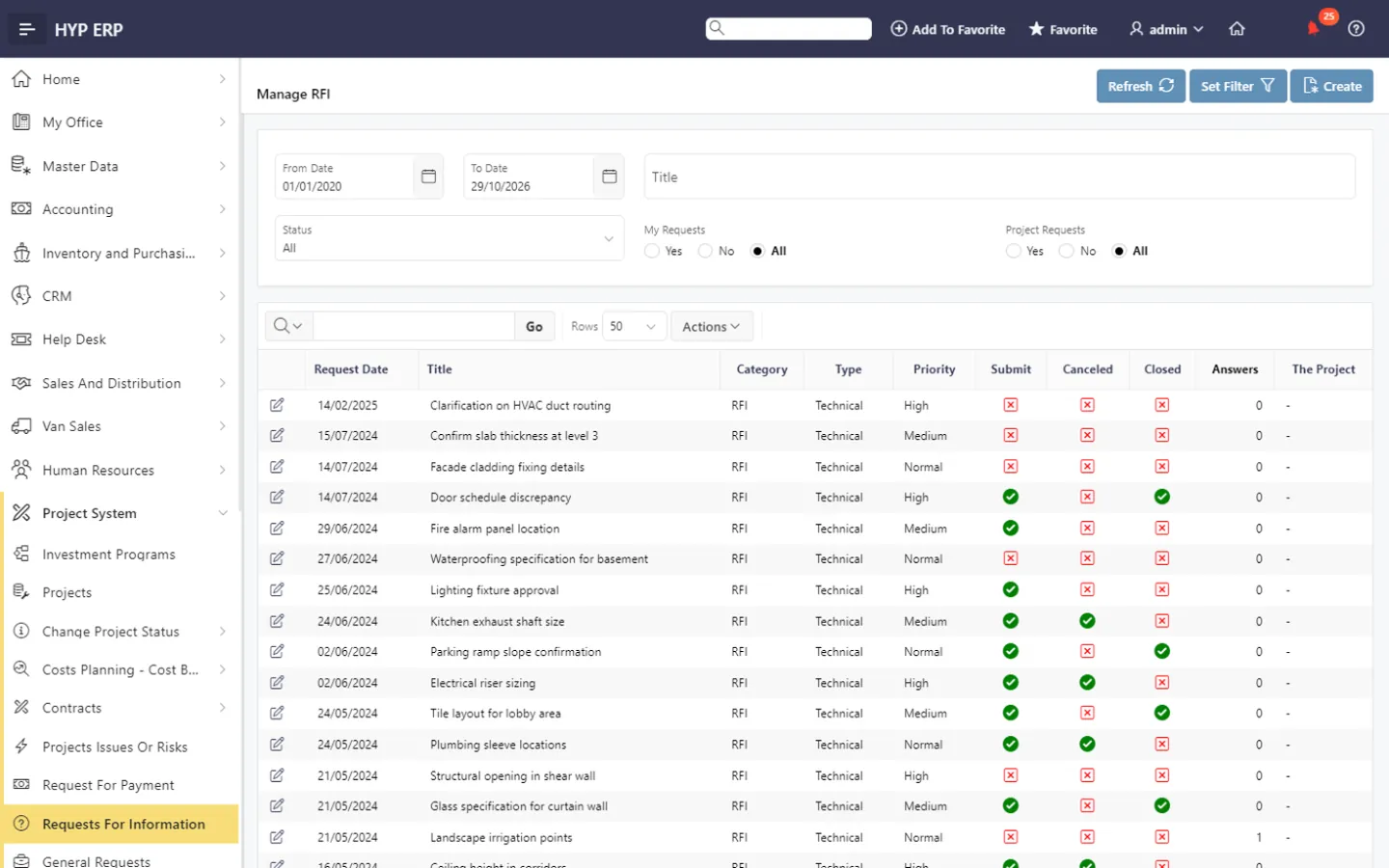
Requests for information (RFIs)
Capture technical and operational questions as RFI records against the project, so the answer can still be found after the original conversation has moved on.
HYP ERP
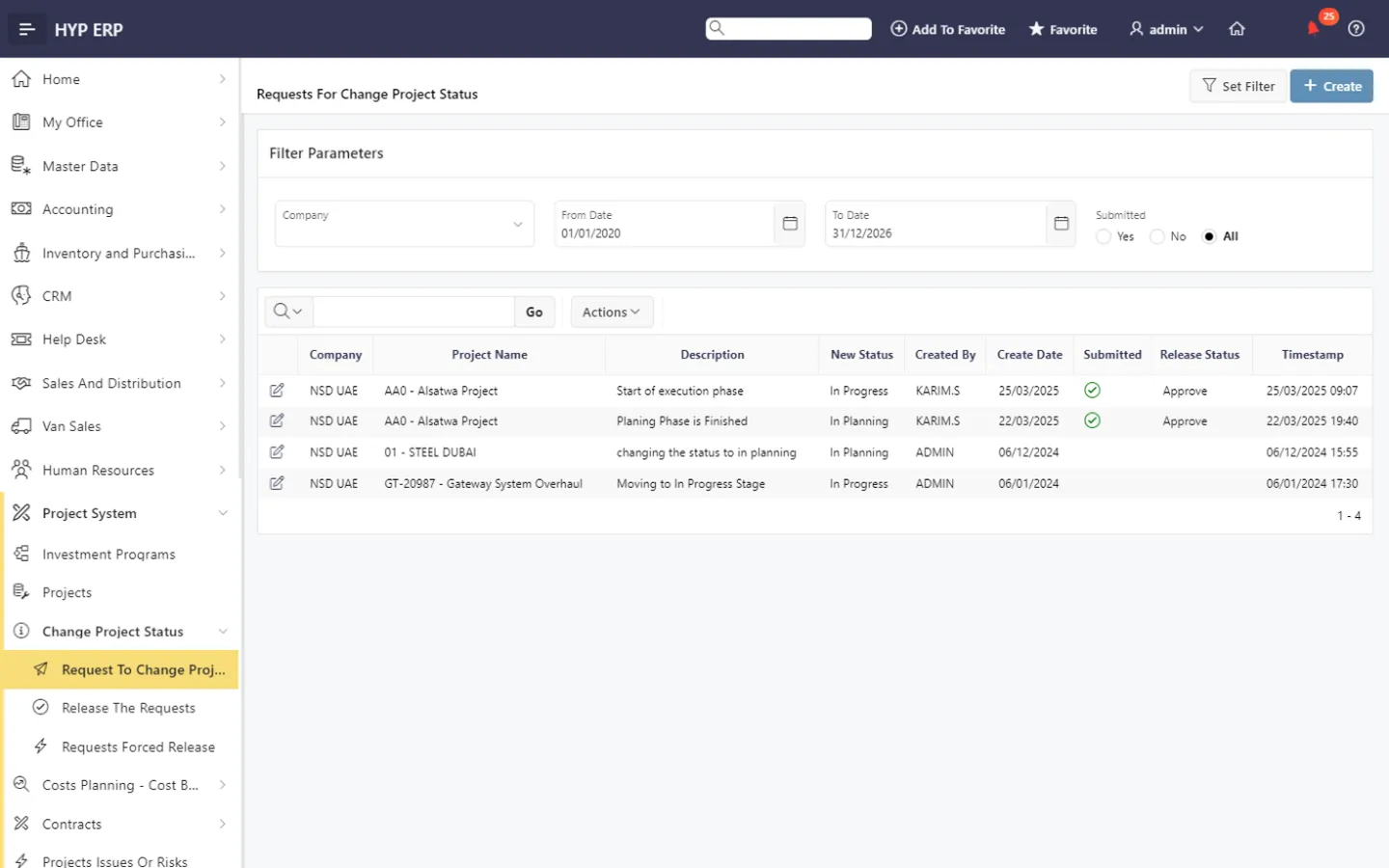
General requests and status changes
Log internal project needs for follow-up, and route project status changes through controlled workflows.
HYP ERP
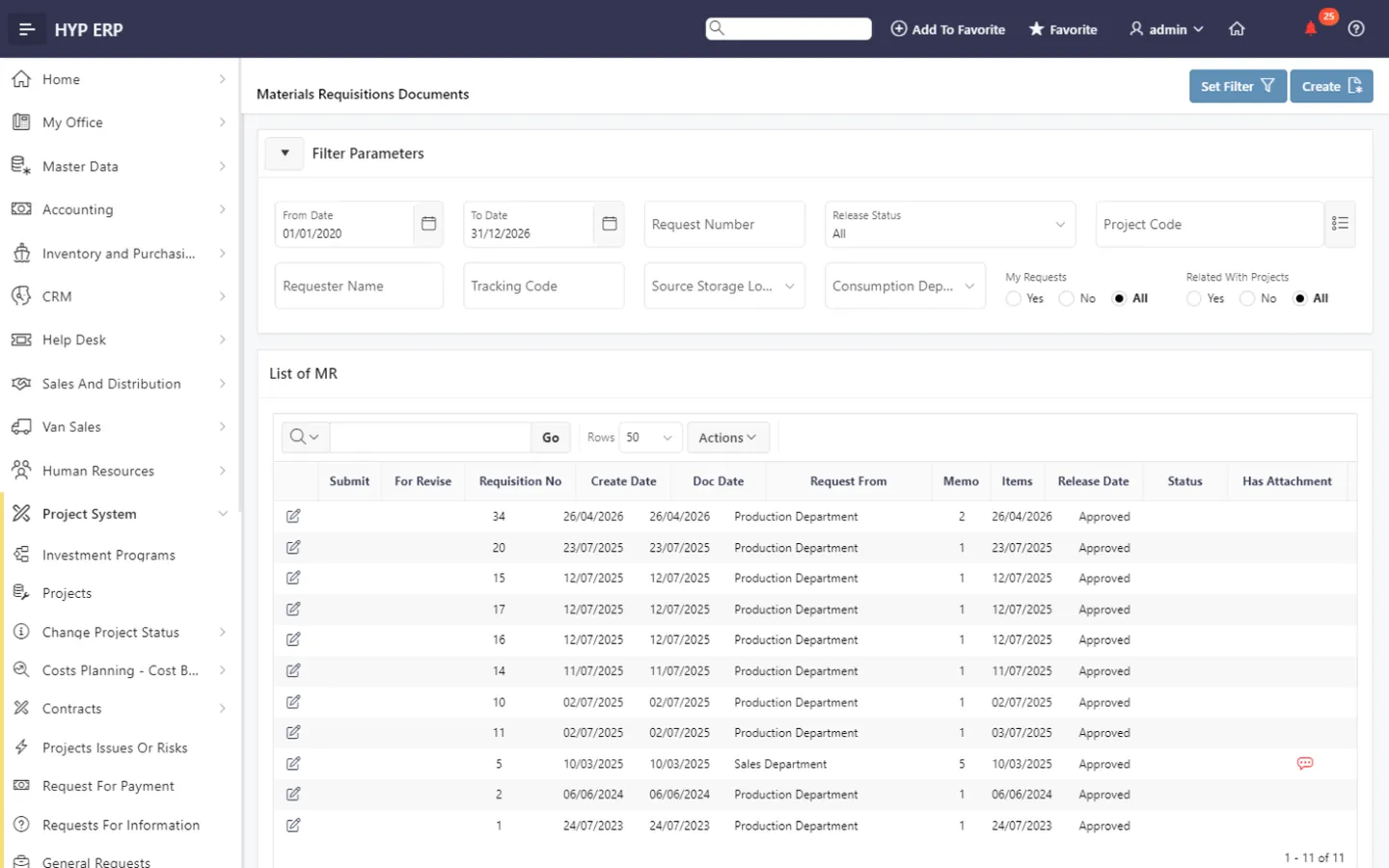
Material requisitions
Turn site material requirements into requisitions that feed the purchasing and inventory process, each one traceable back to the site that raised it.
HYP ERP
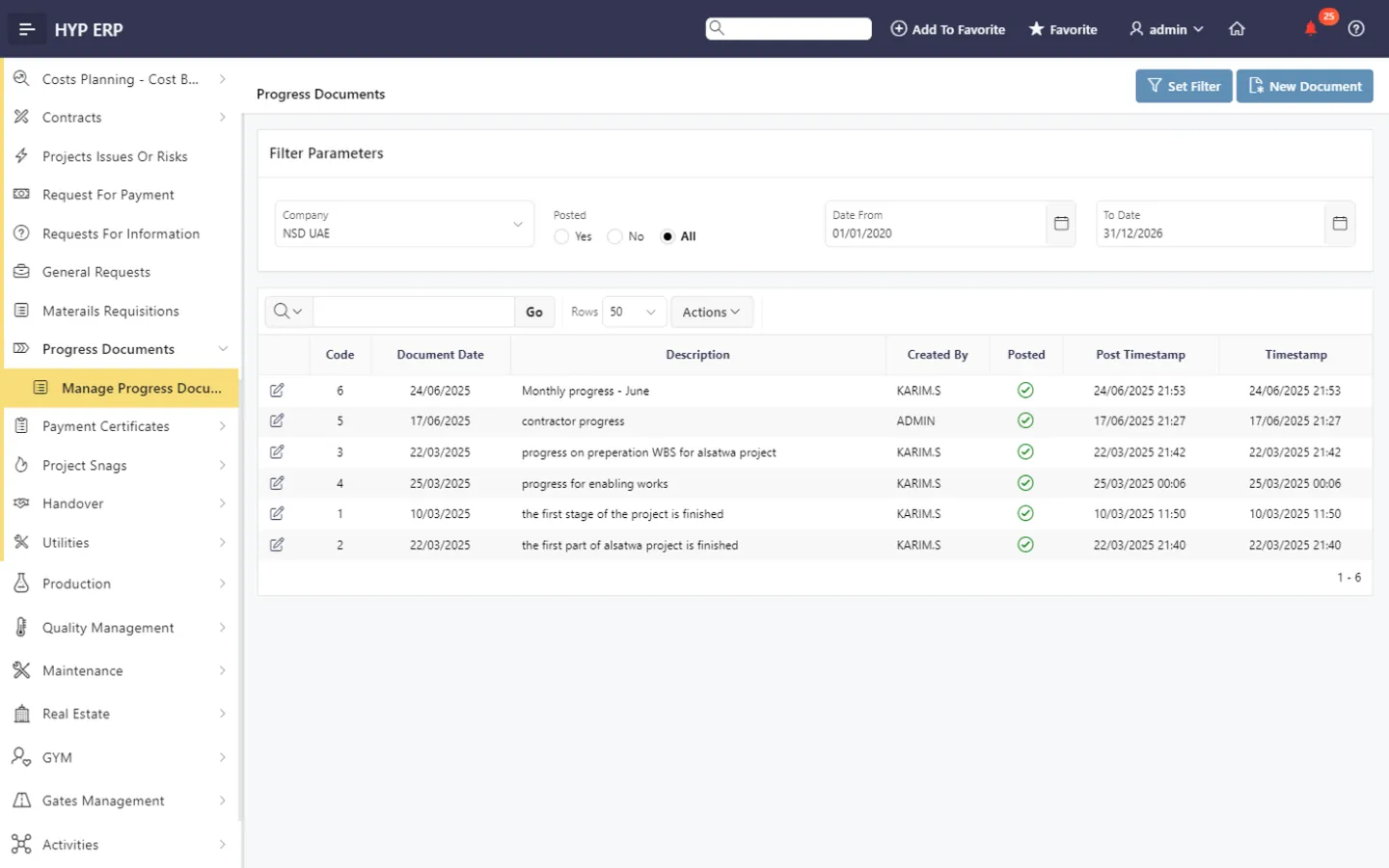
Progress documents
Record progress in structured documents, so management reporting rests on recorded activity rather than verbal updates.
HYP ERP
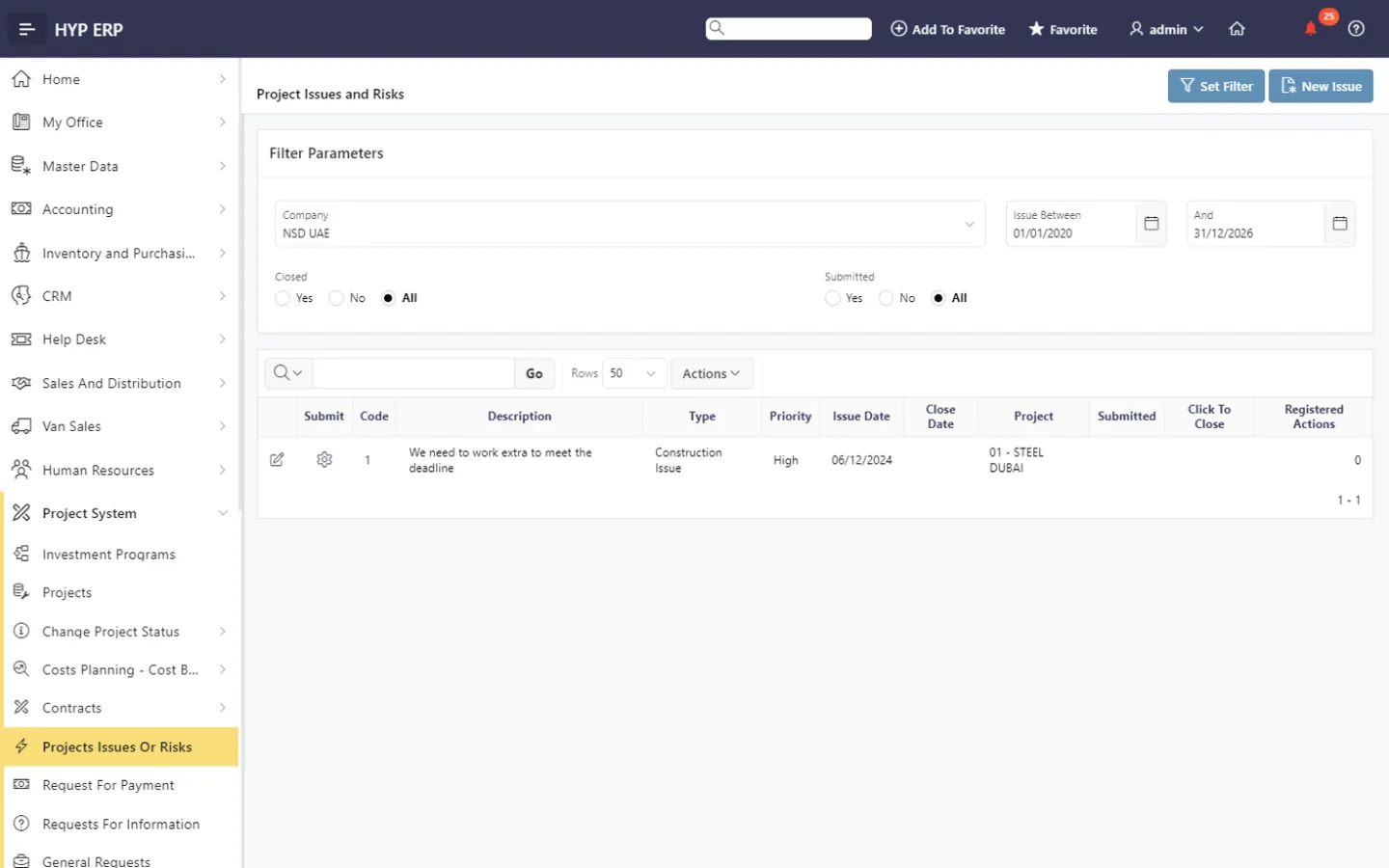
Issue and risk log
Log project concerns that need management attention and follow each one until it is addressed.
HYP ERP
What's included
What's included in Project Execution, Requests & Progress
The site request and progress screens in the Projects System module.
Site requests
- Requests for information
- General requests
- Materials requisitions
- Change project status requests and release
Progress and risk
- Progress documents
- Project issues or risks
- My tasks and team tasks
How a site request reaches resolution
Raise
Create the RFI, general request or material requisition with its project context.
Assign
Route it to the team or role responsible for review.
Resolve
Record the response, approval and next required action.
Report
Use progress, issue and risk records for management follow-up.
Project Execution and RFI FAQs
Does HYP ERP support RFIs on engineering and construction projects?
Yes. HYP ERP Project Execution, Requests & Progress records requests for information against the relevant project, with an assigned reviewer, a recorded response and a history that can still be found after the question is answered.
Can site teams request materials through HYP ERP?
Yes. Site teams raise material requisitions in HYP ERP Project Execution, Requests & Progress, and each requirement passes into the purchasing and inventory process, so procurement sees approved demand linked to the project.
How is project progress tracked in HYP ERP?
HYP ERP tracks project progress through progress documents and controlled status changes recorded against the project, giving project managers and leadership reports based on recorded site activity.
Does HYP ERP keep a log of project issues and risks?
Yes. HYP ERP Project Execution, Requests & Progress includes a dedicated area for project issues and risks, so concerns raised on site are recorded, assigned and followed up by management.
Give site requests an owner and an answer
See how an RFI or material requisition moves from site to office and back in HYP ERP.