
Contracts, SLA & Customer Commercial

Customer contracts and SLAs

Contracts, SLA & Customer Commercial keeps long-term customer agreements as working records. SLA data, active and expired contracts and customer commitments stay visible before renewals or obligations are missed.

Colleagues working together in modern open office

Contract and SLA capabilities in HYP ERP

Service commitments, recurring agreements and long-term supply arrangements carry obligations over months or years, yet contracts are often archived as static files. Renewals are missed, and each team handles the same customer differently.

SLA master data

Define the core information behind service-linked relationships in SLA master data, so service expectations are formal, internal handling matches contractual commitments and agreements share consistent reference data.

HYP ERP
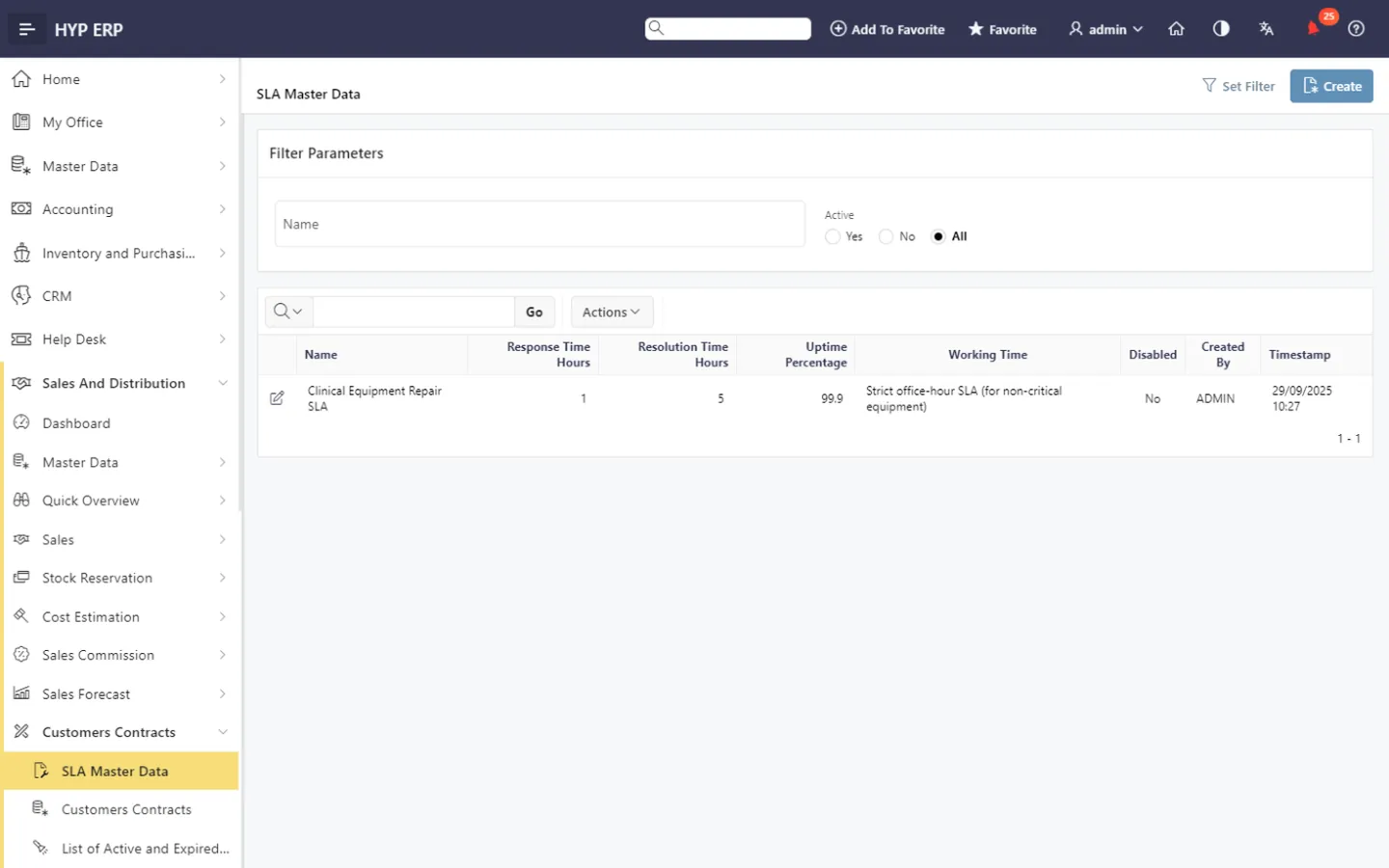
SLA master data screen in HYP ERP

Customer contracts

Keep customer contracts in a dedicated area of Sales & Distribution, where teams review customer-specific agreements and track commercial commitments that extend beyond routine sales documents.

HYP ERP
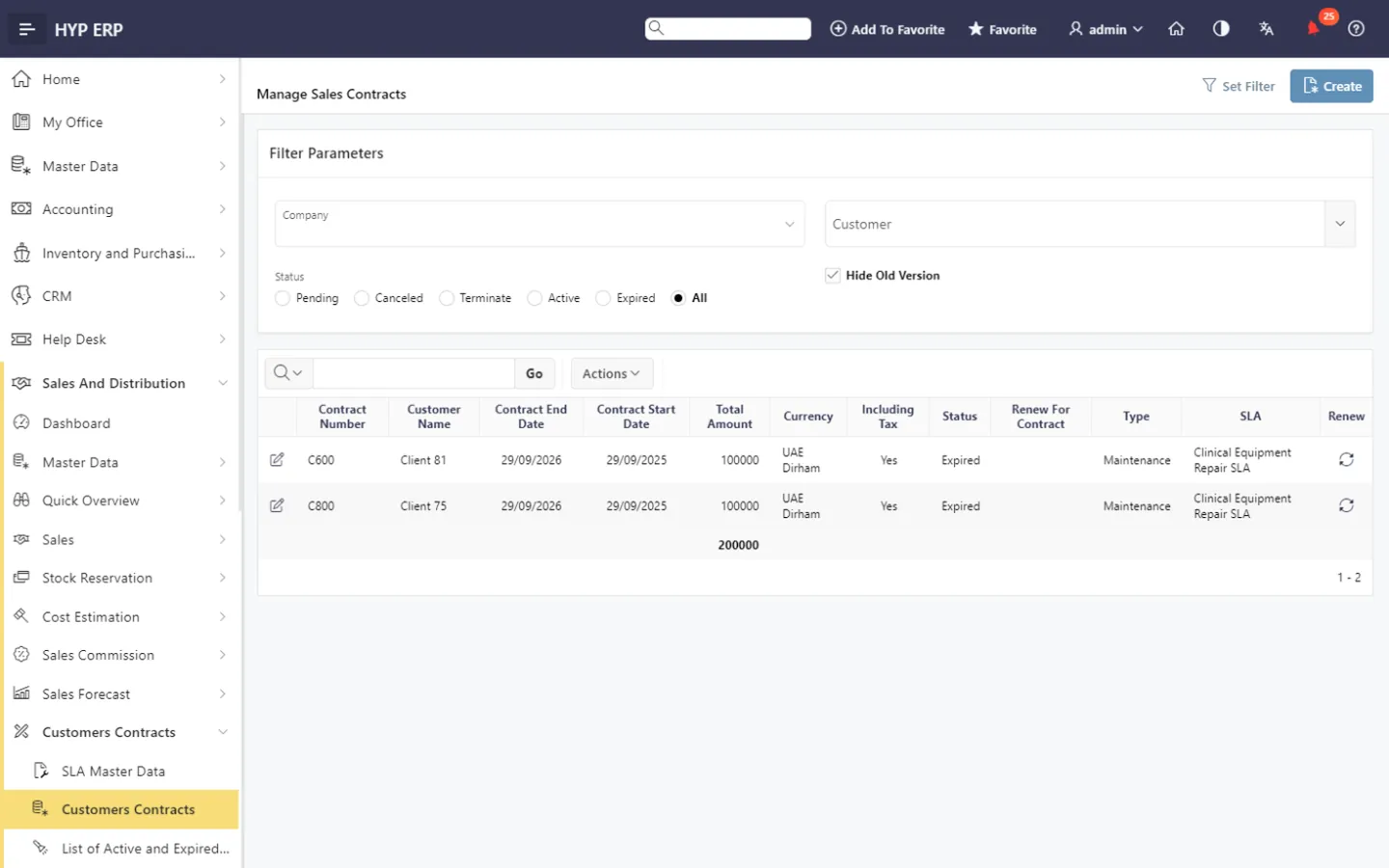
Customer contracts screen in HYP ERP

Active contract visibility

See which customer agreements are currently valid, which supports operational planning, service follow-up and commercial control across ongoing relationships.

Expired contract visibility

Identify expired contracts clearly, reducing the operational, financial and relationship risk of a missed expiry date and prompting timely review, renewal discussions and follow-up action.

HYP ERP
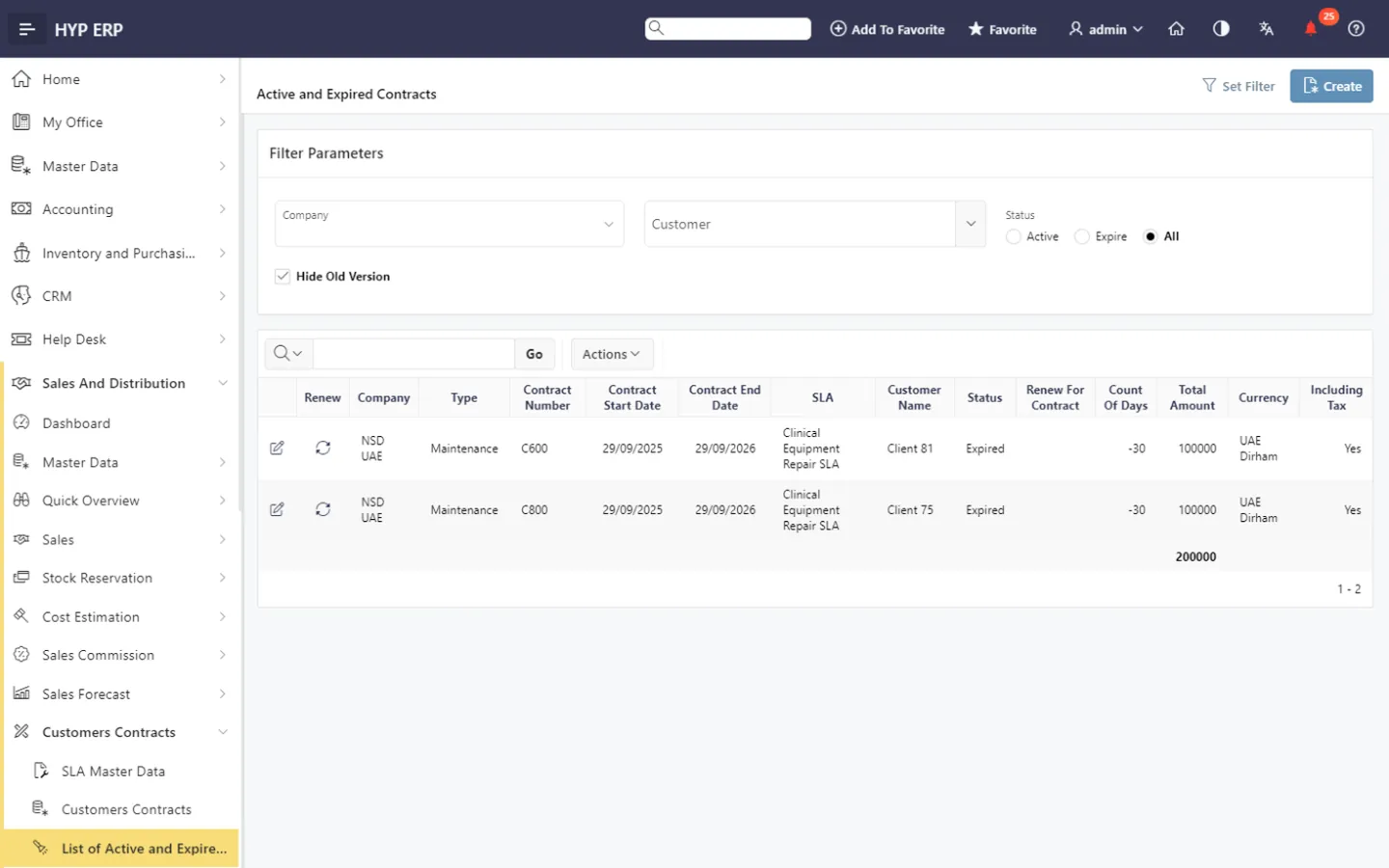
Expired contract visibility screen in HYP ERP

Customer commitment tracking

Keep specific obligations, service expectations and commercial conditions visible over the life of the relationship, so sales, service and operations work to the same agreement.

HYP ERP
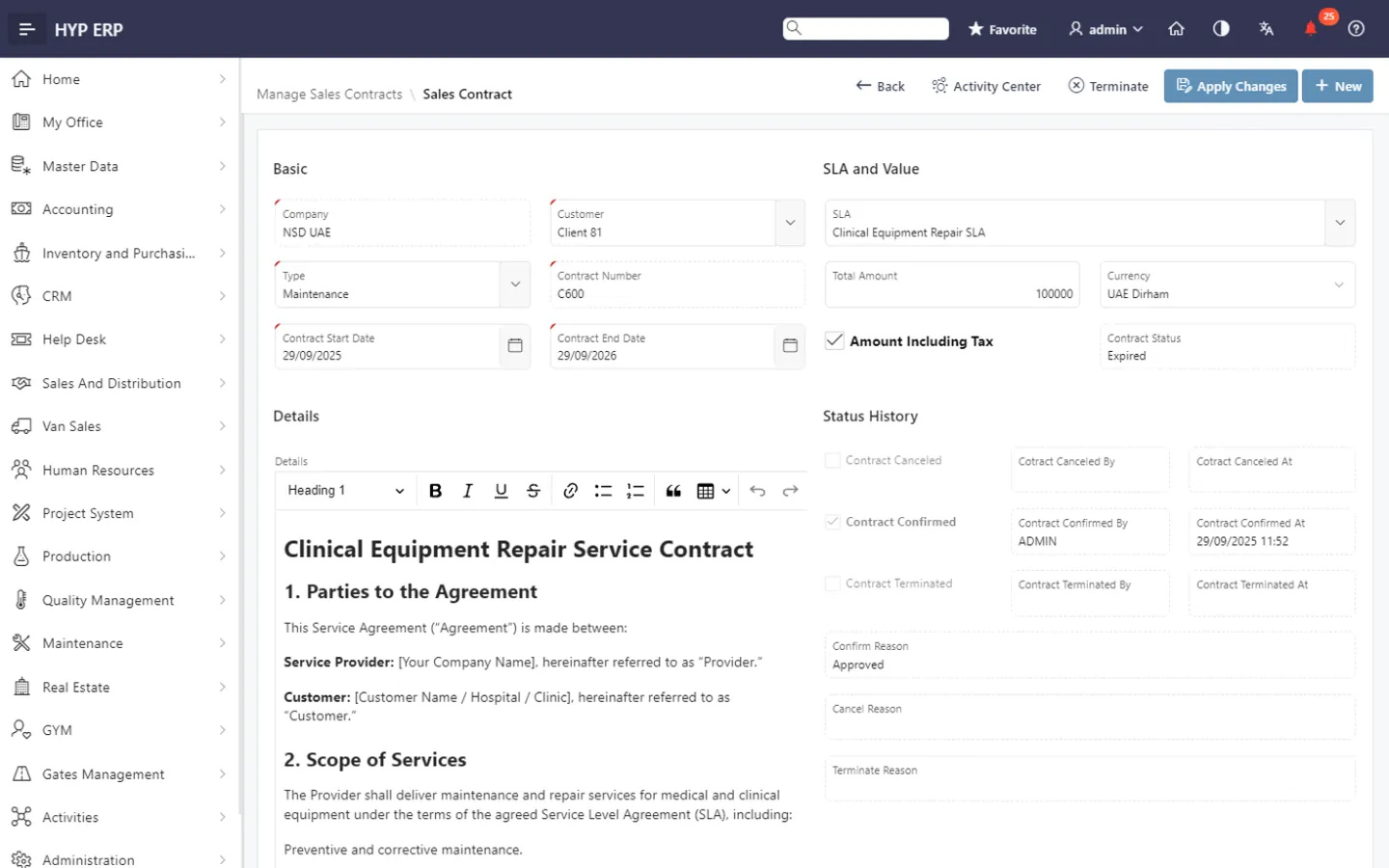
Customer commitment tracking screen in HYP ERP

What's included

What's included in Contracts, SLA & Customer Commercial

The contract screens in the Sales and Distribution module and the records they link to.

Contracts

  • SLA master data
  • Customer contracts
  • Active contracts
  • Expired contracts

Linked records

  • Customers master data
  • Customer transactions inquiry
  • Sales orders
  • Sales invoices

How a customer contract is managed over its life

  1. Define

    Set up SLA master data and the service expectations it describes.

  2. Record

    Create the customer contract with its commitments and conditions.

  3. Monitor

    Follow active contracts and the obligations each one carries.

  4. Renew or close

    Review expired contracts and start renewal discussions in time.

Industries that run on Contracts, SLA & Customer Commercial

From the blog

Guides on this topic

Contract and SLA management FAQs

Does HYP ERP support customer contract management?

Yes. HYP ERP includes a dedicated area for customer contracts within Sales & Distribution, where teams record agreements and track customer-specific commercial commitments alongside sales activity.

Can HYP ERP track active and expired contracts?

Yes. HYP ERP shows active and expired customer contracts, so commercial and service teams in the UAE and the wider MENA region follow up renewals and review agreements before commitments lapse.

Does HYP ERP include SLA management?

Yes. HYP ERP includes SLA master data for service-linked commercial management, giving each service commitment structured reference data that service and sales teams use when handling the customer.

Which businesses use HYP ERP contract and SLA management?

HYP ERP Contracts, SLA & Customer Commercial suits organizations with recurring customer agreements, service-linked commitments or SLA-based relationships that need renewal visibility, control over active and expired contracts and a structured customer relationship framework.

Keep every customer commitment in sight

See SLA master data, active contracts and expired-contract follow-up in HYP ERP Sales & Distribution.

Chat now
Chat now Request a demo