
CRM Workspace

One workspace for daily customer follow-up

CRM Workspace is each user's daily screen for customer work. Tasks, calendar, leads, opportunities, cases and complaints sit beside contracts, reservations and enquiries, so follow-ups happen without switching screens.

Smiling man talks on phone during office meeting

CRM Workspace capabilities for everyday customer work

A customer record does not tell a salesperson what needs attention today. Reps work from scattered notes and reminders, follow-ups on leads and issues are missed, and managers have little view of daily CRM activity.

Tasks, calendar and activities

Plan the day's schedule, set follow-up tasks and record customer interactions, with a clear split between work already completed and work still waiting for action.

HYP ERP
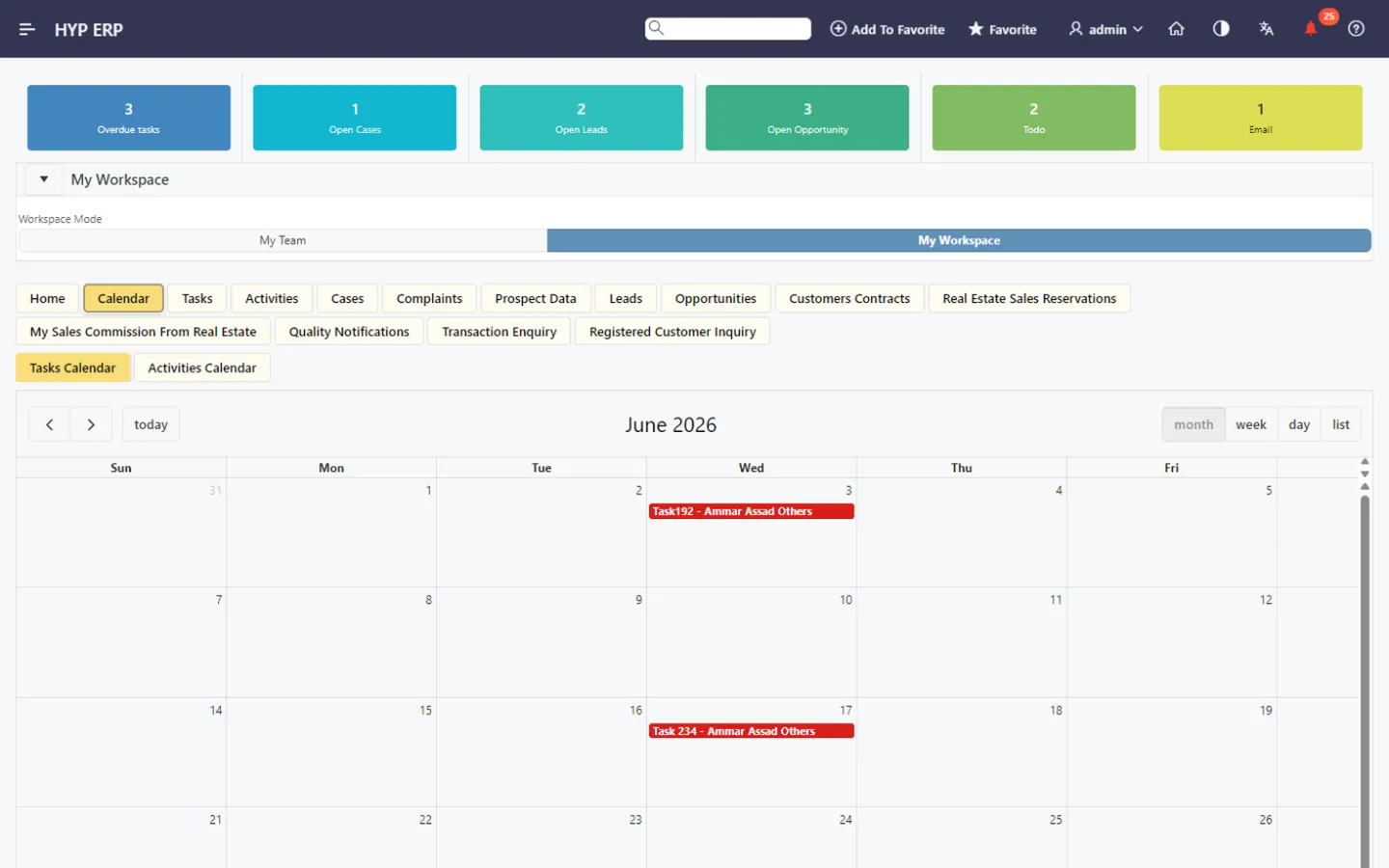
Tasks, calendar and activities screen in HYP ERP

Leads and opportunities

Open prospect, lead and opportunity information from the workspace to qualify leads, continue active sales discussions and track pipeline progress with the customer's history in view.

HYP ERP
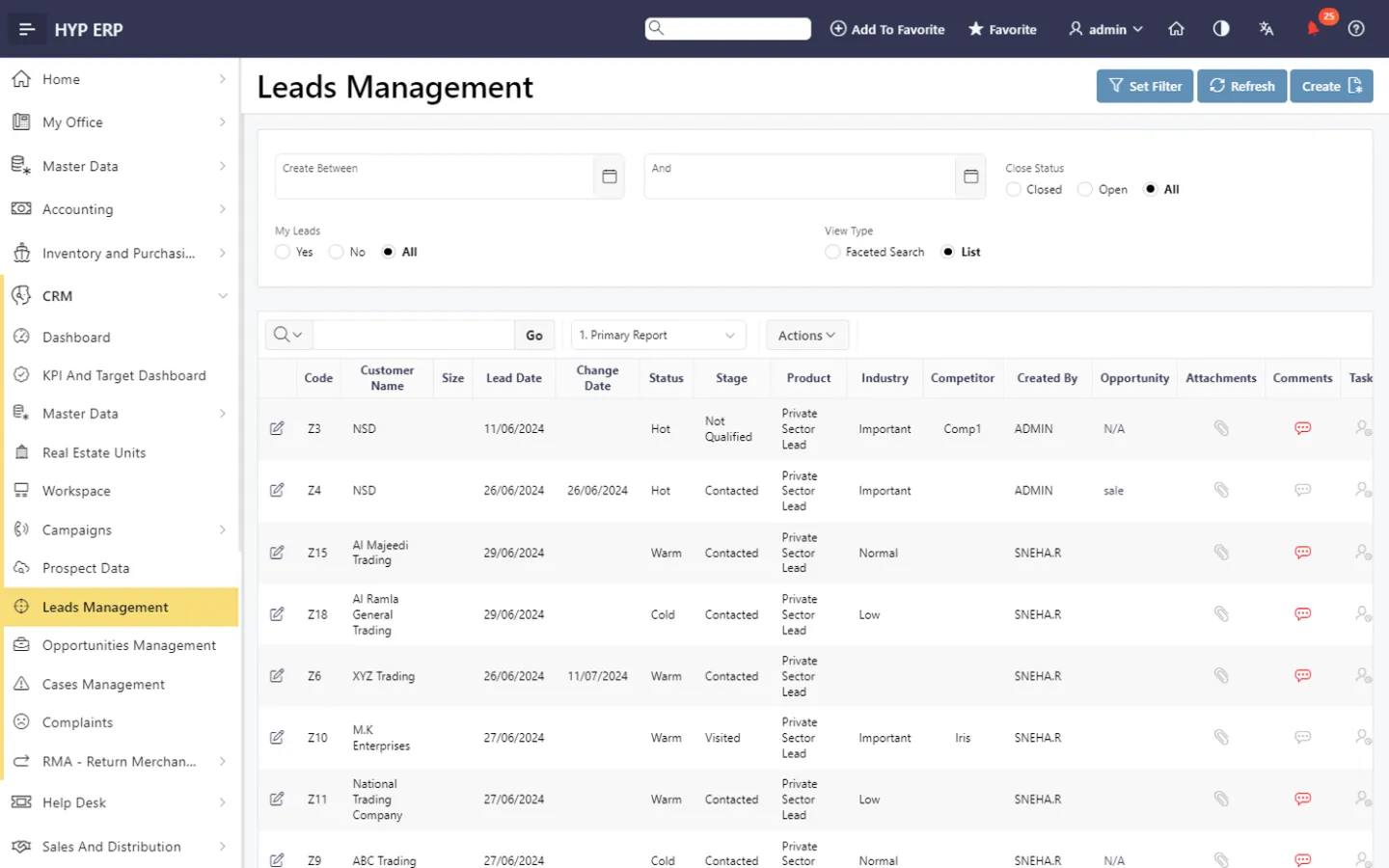
Leads and opportunities screen in HYP ERP

Cases and complaints

Follow customer issues from the same screen used for sales activity, so service follow-up is quicker and customer concerns stay visible to everyone working the account.

HYP ERP
Cases and complaints screen in HYP ERP

Contracts and real estate sales reservations

Where HYP ERP runs real estate or contract-based sales, users reach customer contracts and real estate sales reservations from the workspace, keeping customer commitments, reservation activity and the related follow-up together.

Explore Contracts and real estate sales reservations

HYP ERP
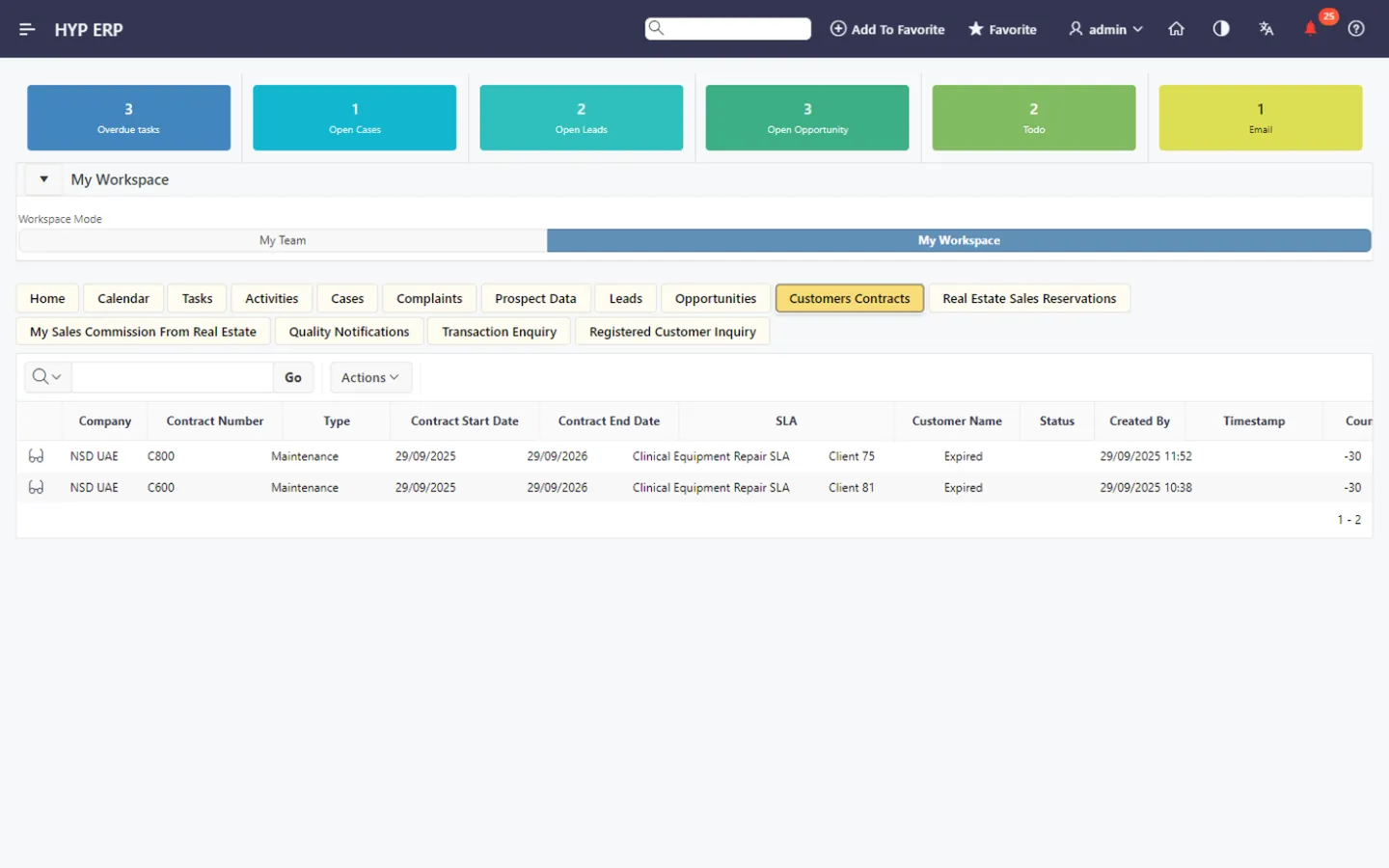
Contracts and real estate sales reservations screen in HYP ERP

Commissions, notifications and enquiries

View real estate sales commission information where applicable, and open quality notifications, transaction enquiries and registered customer enquiries for context before replying to a customer or following an internal action.

HYP ERP
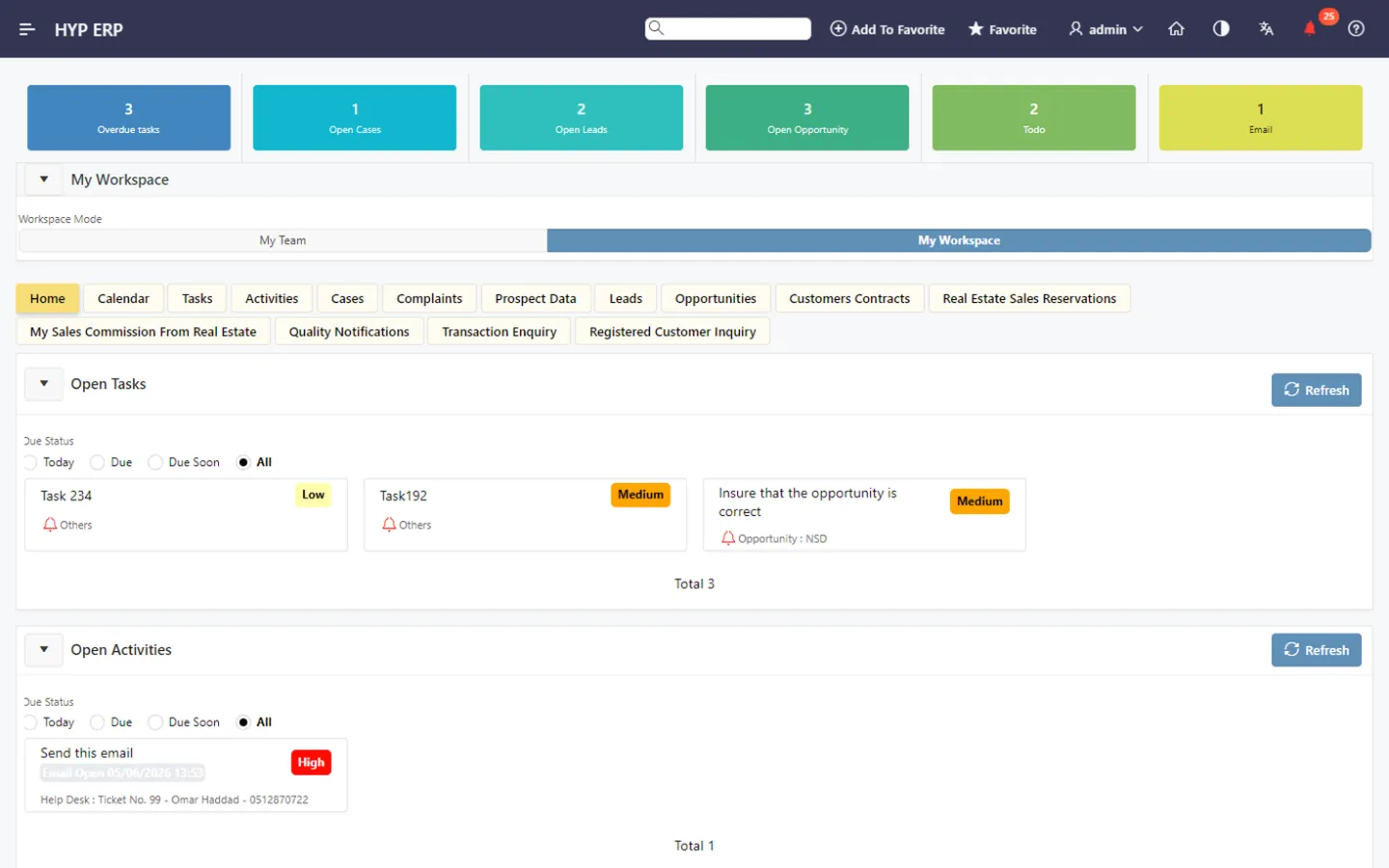
Commissions, notifications and enquiries screen in HYP ERP

What's included

What's included in CRM Workspace

The CRM and ERP records users reach from the workspace.

Sales follow-up

  • Prospect data
  • Leads management
  • Opportunities management
  • My tasks and team tasks

Service follow-up

  • Cases management
  • Complaints
  • Received quality notifications
  • Sales inquiries

Linked records

  • Customer contracts
  • Real estate units booking
  • Real estate commission details
  • Customers master data

CRM Workspace FAQs

Who uses the HYP ERP CRM Workspace?

Sales representatives, sales managers, customer service teams, real estate sales teams and other customer-facing users rely on the HYP ERP CRM Workspace for daily access to customer activity, enquiries and related transactions.

Can one user handle sales and service work in the CRM Workspace?

Yes. In the HYP ERP CRM Workspace, a user works with leads, opportunities, tasks, activities, cases, complaints and enquiries from one screen, which suits teams that both sell to and support customers.

Does the CRM Workspace support real estate sales teams?

Yes. The HYP ERP CRM Workspace gives access to real estate sales reservations, customer contracts and real estate sales commission visibility, so real estate teams follow buyers and reservations in their daily list.

Is the CRM Workspace connected to other HYP ERP data?

Yes. Because the HYP ERP CRM Workspace is part of HYP ERP, users reach related customer, transaction, contract, reservation, quality notification and enquiry information without leaving the workspace.

Start each day from one CRM list

See how a sales user moves from today's tasks to a lead, a complaint and a reservation in the HYP ERP CRM Workspace.

Chat now
Chat now Request a demo