Article
QR Table Ordering: How It Works and What It Changes for Restaurant Staff
How QR table ordering works, the three setups, what changes for servers and kitchen staff, a worked lunch service, and UAE and Saudi menu rules.
Digital Menus & QR Ordering System
Digital Menus & QR Ordering System lets guests scan a QR code, open the menu in their browser and order from their own phone. Orders go straight to the HYPOS POS from the table, the counter or a delivery link.
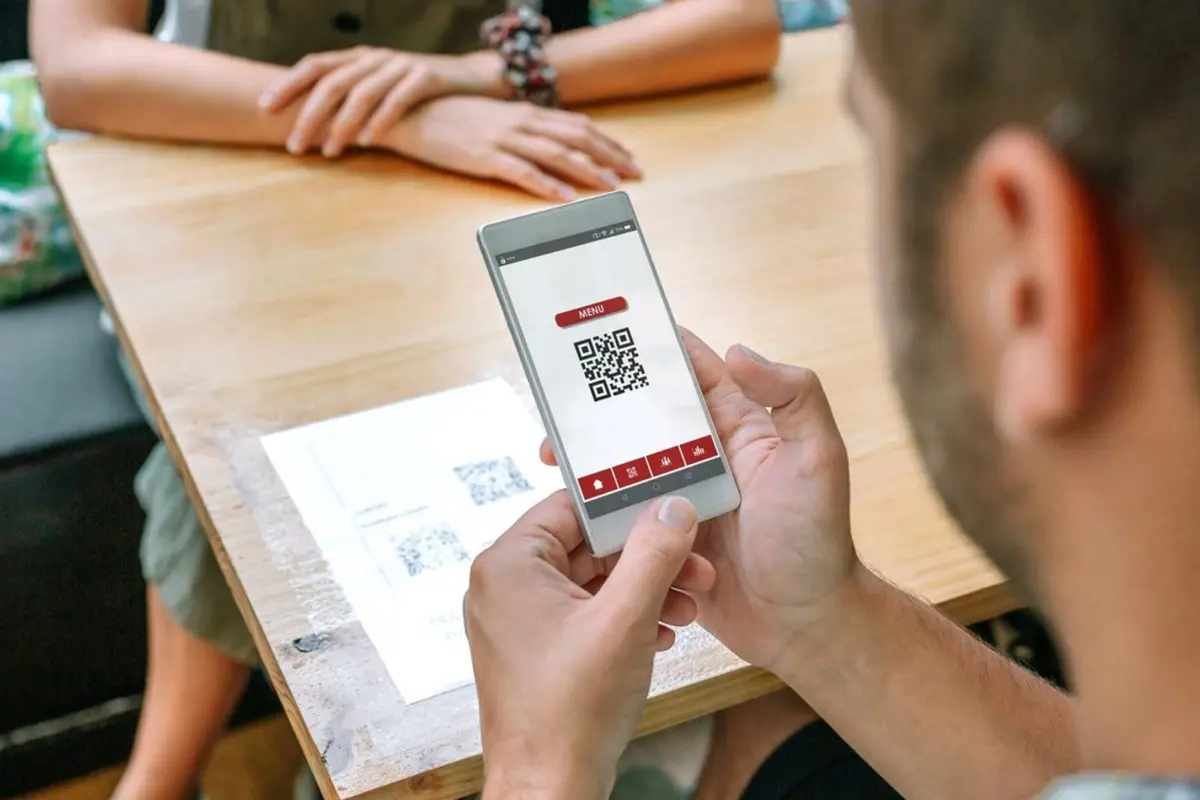
A QR code that only opens a PDF menu still leaves the waiter to take the order. A separate ordering tool means a second menu to maintain and orders retyped at the till.
Guests scan with the phone camera and the menu opens in the browser, in English or Arabic with right-to-left layout, in the phone's light or dark mode. They browse categories, search, select variants, add modifiers and combo options, review the cart, add a tip where applicable and check out.
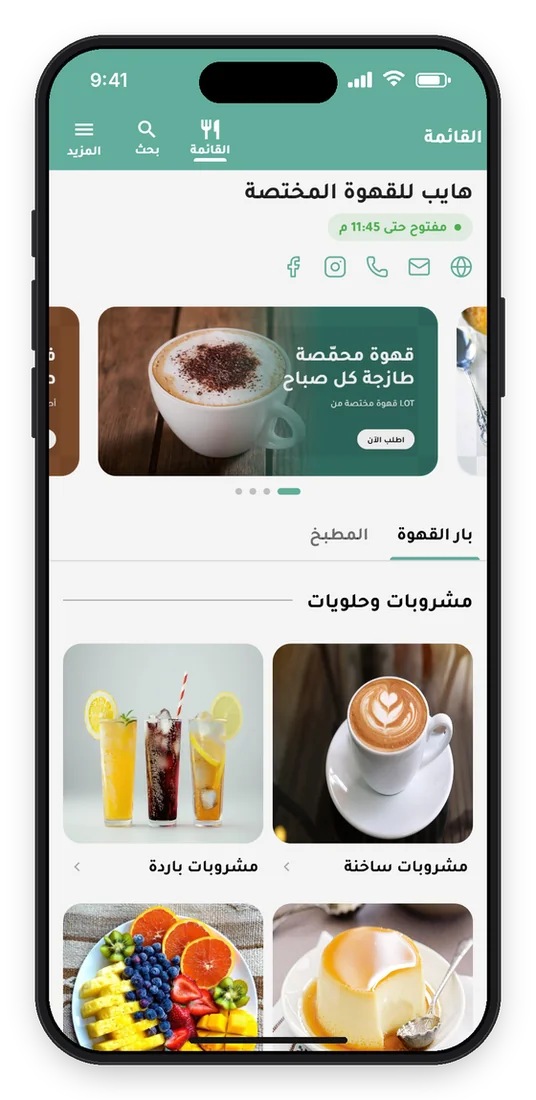
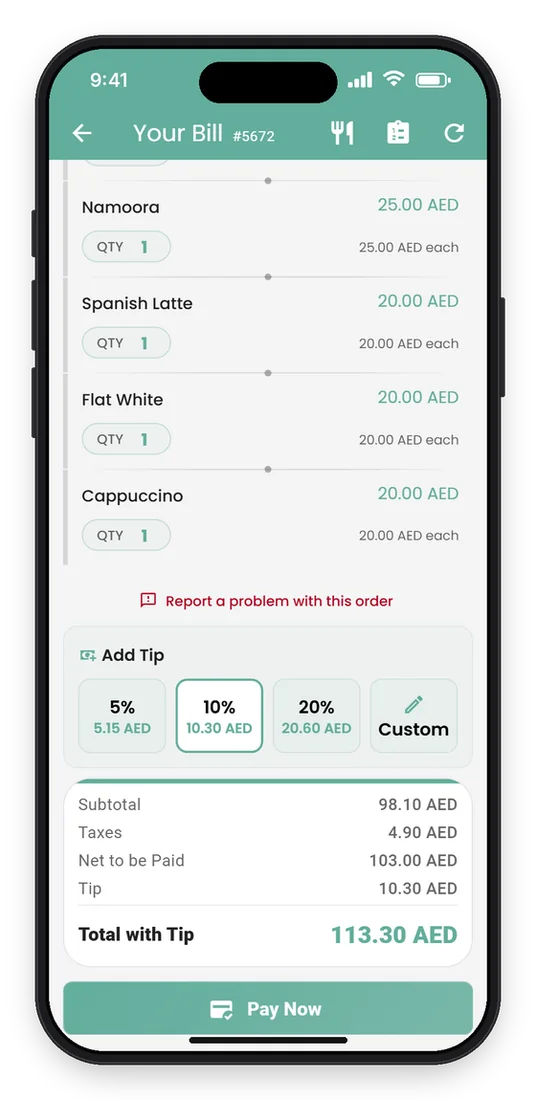
Table-specific QR codes tell the system where the guest is seated. Guests view the orders already placed at their table, add new items and pay the outstanding balance where enabled, with every order connected to the POS and kitchen flow.
A general QR code at the counter, entrance or waiting area lets customers browse the branch menu and send takeaway orders into the POS without waiting for a cashier to enter them.
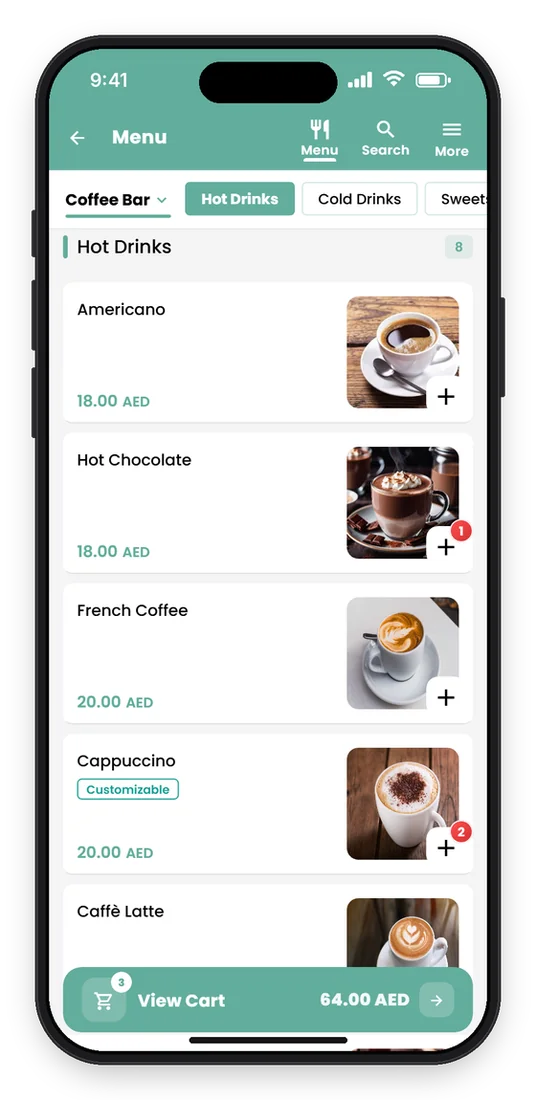
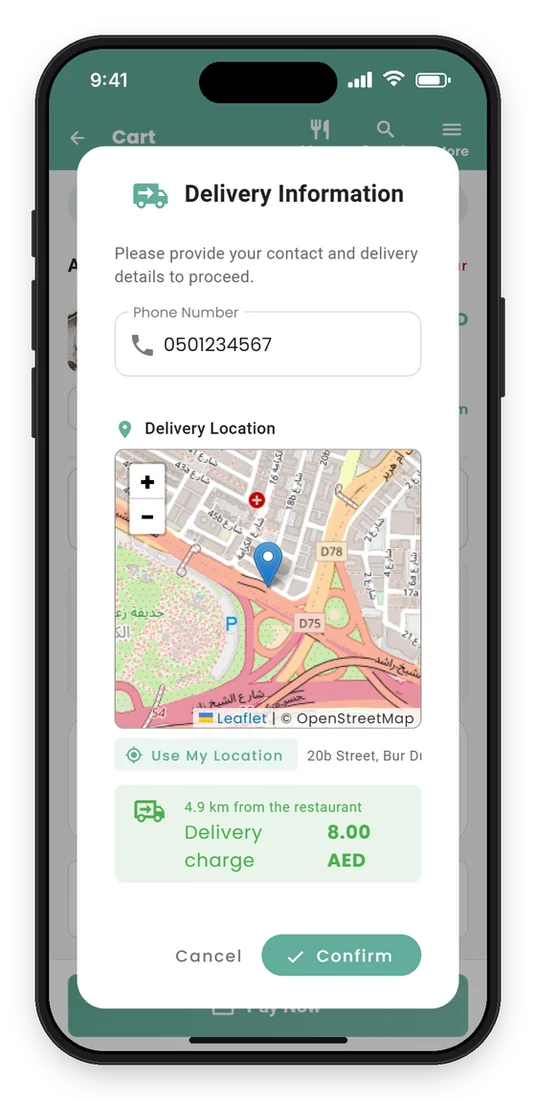
A delivery QR code on flyers, packaging or social media lets customers pick the nearest branch, build a cart, enter delivery details and, where enabled, track the order's status by phone number, a simple direct channel tied to branch operations.
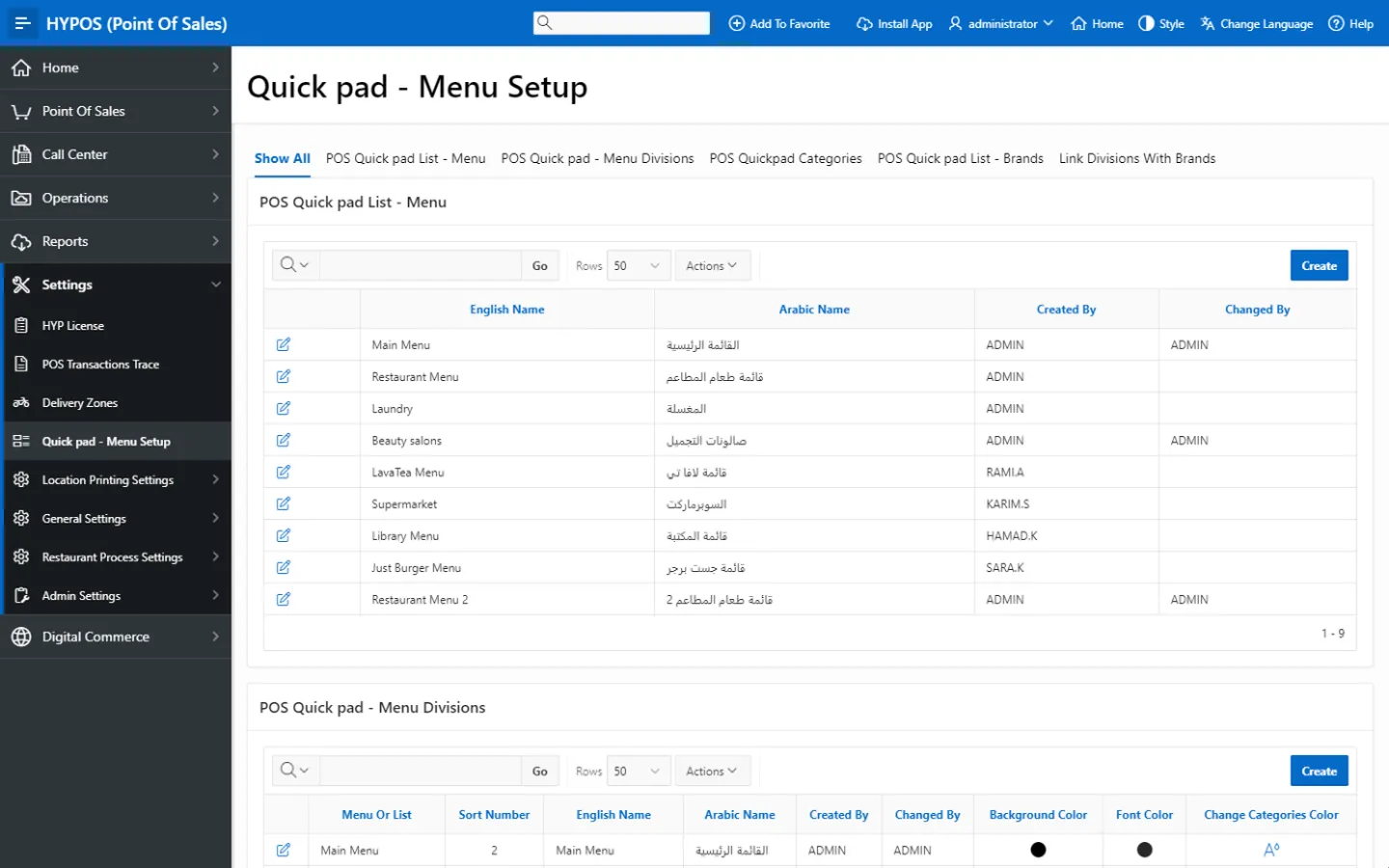
Set the restaurant logo, main image, cover image, theme color, bilingual store names, contact information, social media links and branch map location. Menus are organized into categories and items with variants, add-ons, combos, images, descriptions, prices and availability taken from the POS menu setup, so a chain keeps one brand while each branch serves its own menu.
 HYP ERP
QR orders reach the HYPOS POS, where cashiers and branch teams continue them through the normal flow. Guests can pay by secure card through the integrated payment provider; for cash or a physical card, a waiter authorizes the order and pushes it to the POS.
HYP ERP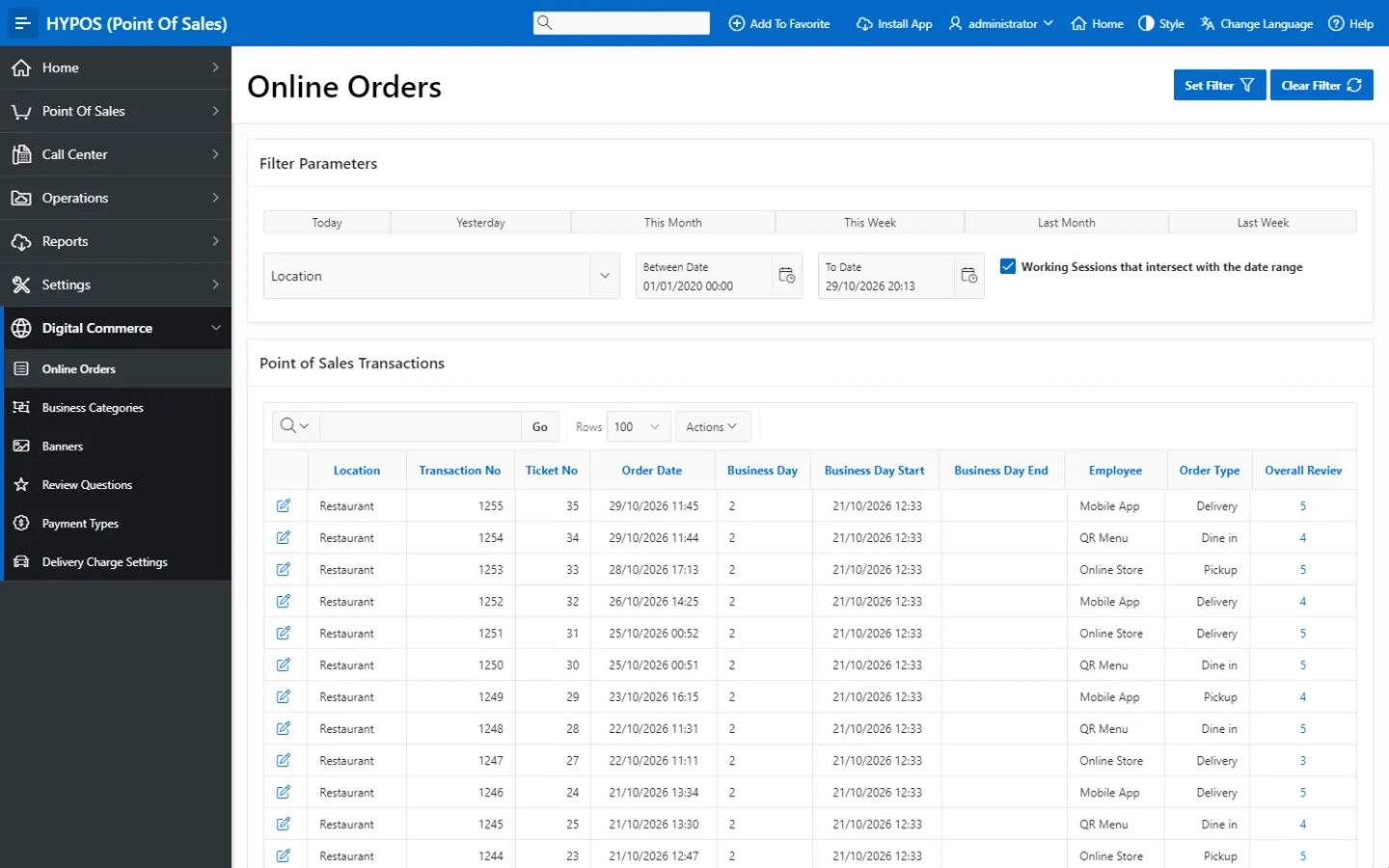
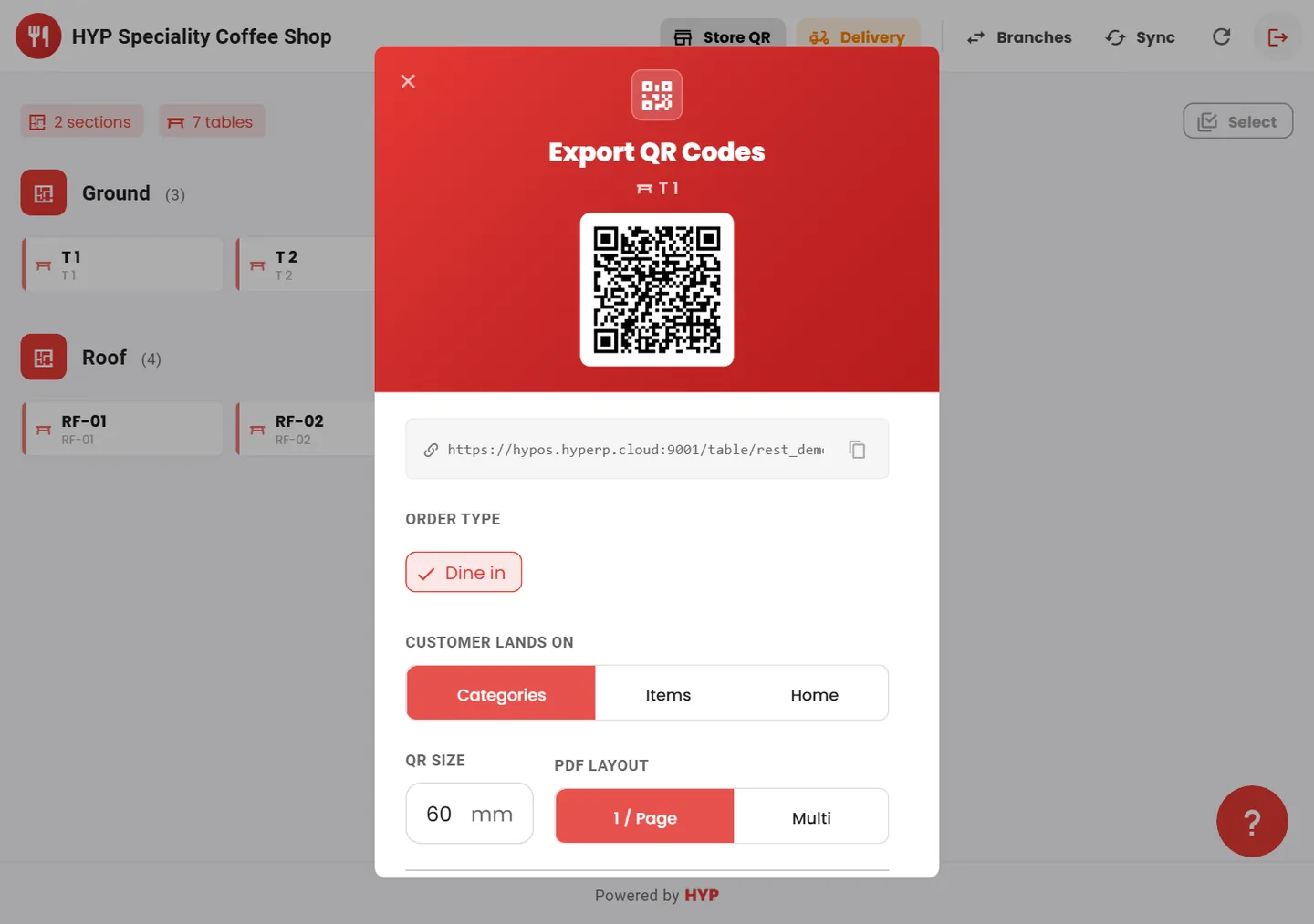
From one dashboard, managers switch locations, view tables by floor or section, monitor live table counts and generate QR codes for tables, store walk-ins or delivery, exported as high-quality images or print-ready PDFs sized for table stickers, counters, flyers, posters and packaging.
HYP ERP